
Browse help sections
Documents
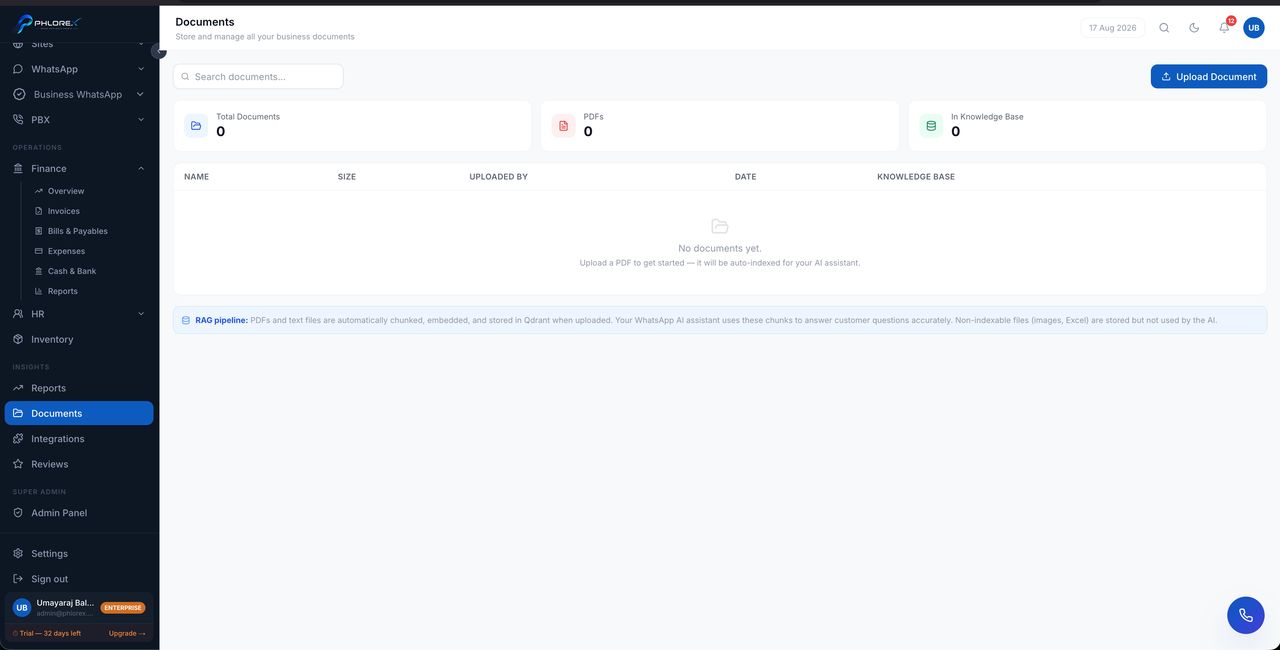
Files stored against the record they belong to — a contract on a prospect, a receipt on an expense, an ID on an employee.
Insights›Documents
- Open the record.
- Go to its Documents section.
- Select Upload and choose the file.
- Name it clearly so it is findable later.
This screen shows everything across the workspace, filterable by type and by the record it belongs to.
Tip
Attach files to the record rather than emailing them around. A contract on the prospect is found instantly by whoever picks up the account.
Cannot find what you need?
Something not behaving as described here? Tell us and we will fix the page.