
Browse help sections
Reports
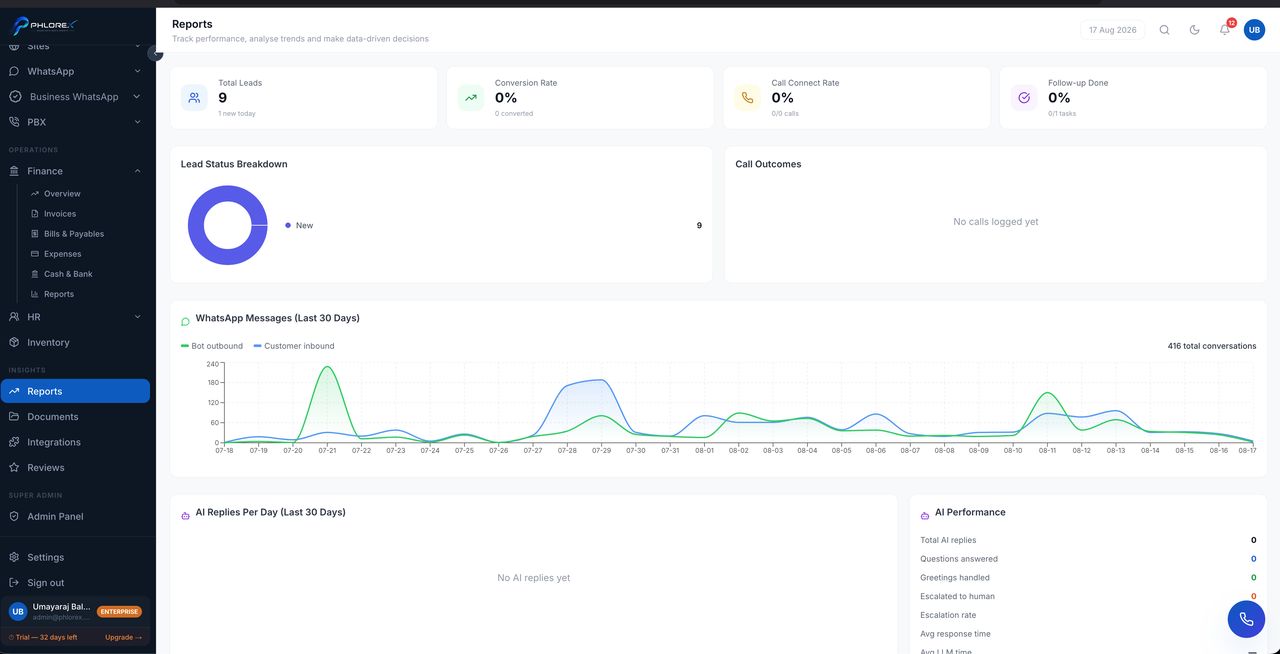
Reporting across enquiries, pipeline, activity and revenue — the period view, as opposed to Mission Control, which is today's actions.
Insights›Reports
- Choose a report.
- Set the date range and filters.
- Read it, or export it.
- Enquiry volume and source performance.
- Pipeline movement and conversion.
- Team activity.
- Revenue and trends.
Take care
Reports reflect what has been recorded. A team that does not log calls will produce a report saying no calls were made — which is a data-entry finding, not a performance one.
Tip
Compare against the same period last year wherever your business is seasonal, or normal seasonality reads as a trend.
Cannot find what you need?
Something not behaving as described here? Tell us and we will fix the page.