
Browse help sections
Your first day
Setting up a new workspace
- Complete Settings → General and Business Profile — these appear on customer documents.
- Invite your team and give each person a role.
- Connect the channel your enquiries actually arrive on — usually WhatsApp or Facebook Lead Ads.
- Add the fields you need in Settings → Custom Fields.
- Set your pipeline stages to match how you really sell.
Joining an existing workspace
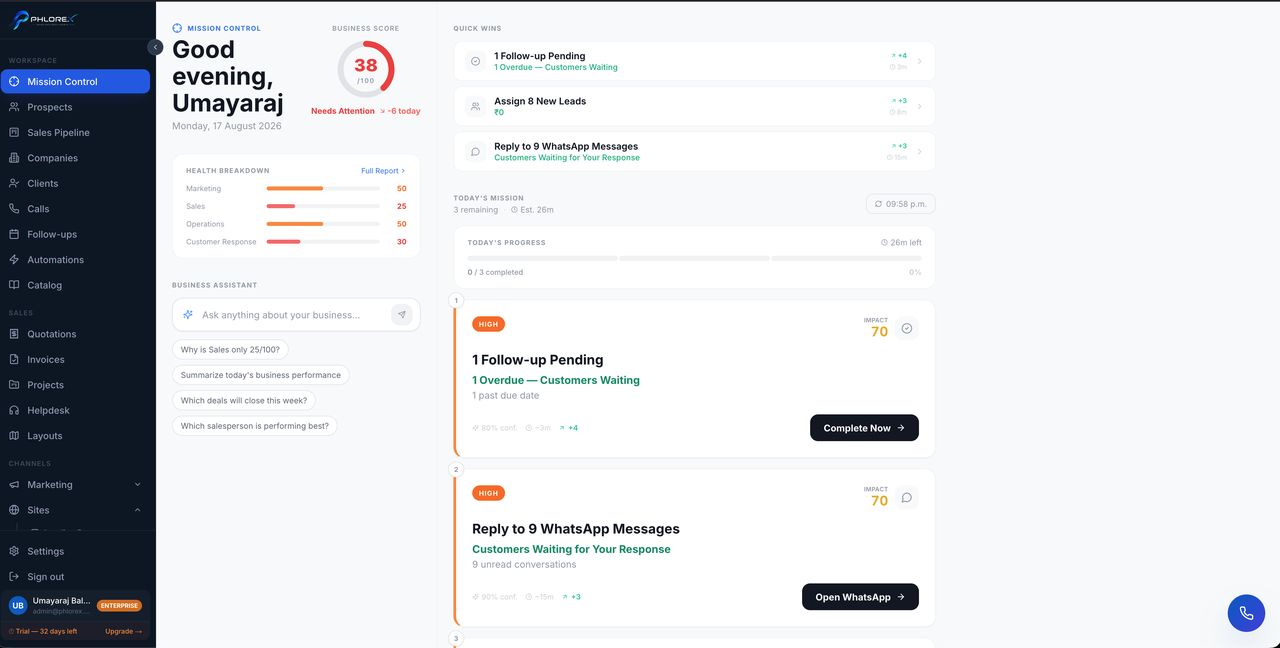
- Open Mission Control to see what needs doing.
- Open Follow-ups so nothing due today is missed.
- Read one prospect's history end to end — it teaches you how your team works.
- Set your notification preferences.
Tip
Do not connect everything on day one. Connect the one channel that brings in the most enquiries, work it for a week, then add the next.
Cannot find what you need?
Something not behaving as described here? Tell us and we will fix the page.