
Browse help sections
Inventory
ENTERPRISERequires the enterprise plan or above.
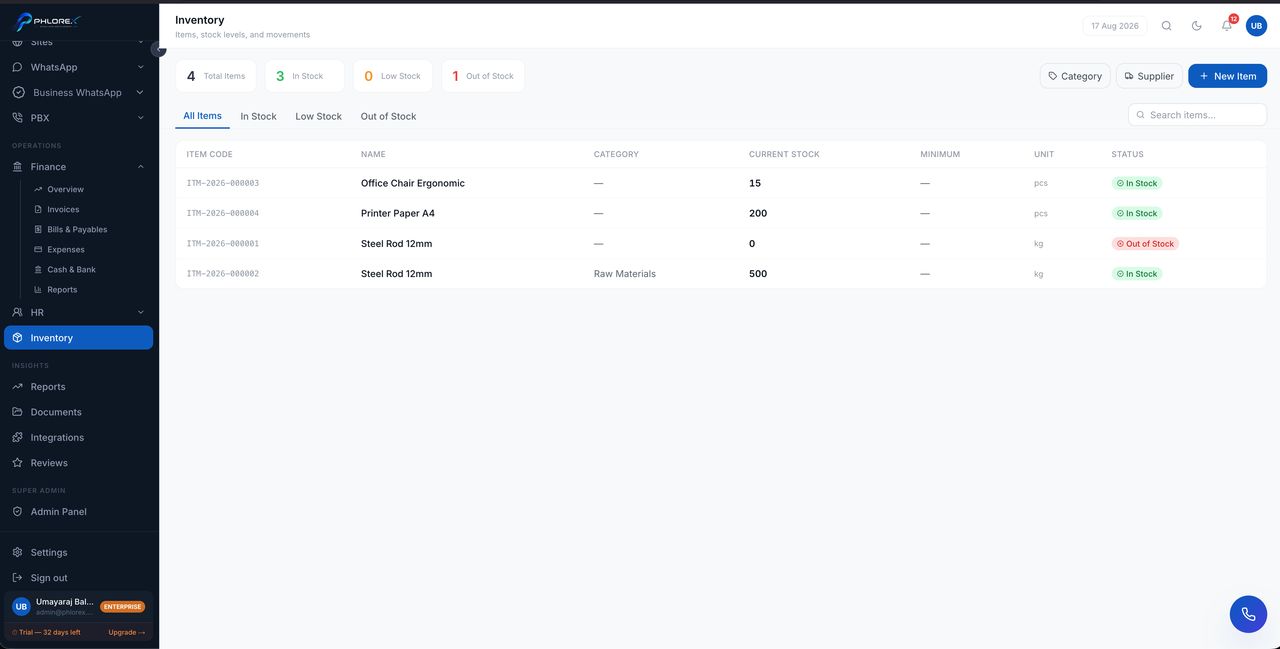
Track what you hold, what has moved, and who supplies it.
Operations›Inventory
- Create categories matching how you group stock.
- Add suppliers.
- Add items with a code, name, category and supplier.
- Record the opening quantity for each item.
| Action | Use it when |
|---|---|
| Stock in | Goods arrive from a supplier |
| Stock out | Goods leave — sold, used or dispatched |
| Adjustment | Correcting a count after a stocktake |
Every movement is recorded with a reference such as STK-2026-000018, so an item's history explains exactly how the current quantity was arrived at.
Take care
Use adjustments only for genuine corrections after counting. Using them for normal movement destroys the very history that makes the module worth having.
Cannot find what you need?
Something not behaving as described here? Tell us and we will fix the page.