
Browse help sections
Providers
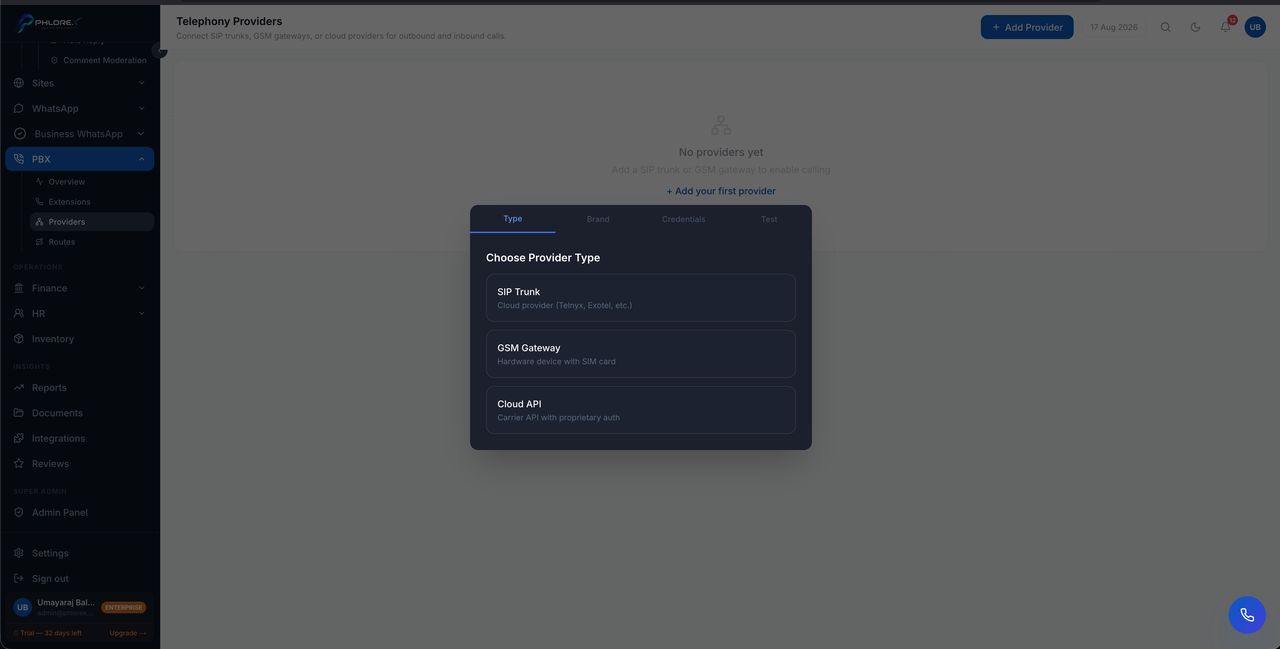
A provider is your SIP trunk — the connection that carries calls to and from the outside world. Nothing else works until one is configured.
PBX›Providers
- Select Add provider.
- Enter the credentials your SIP provider issued you.
- Save.
- Confirm it registers on the overview.
Important
Changing provider settings restarts the connection and drops calls that are live at that moment. Make provider changes outside business hours.
Tip
The credentials come from your telephony provider, not from LeadOS. If you do not have them, that is who to ask.
Cannot find what you need?
Something not behaving as described here? Tell us and we will fix the page.