
Browse help sections
Routes
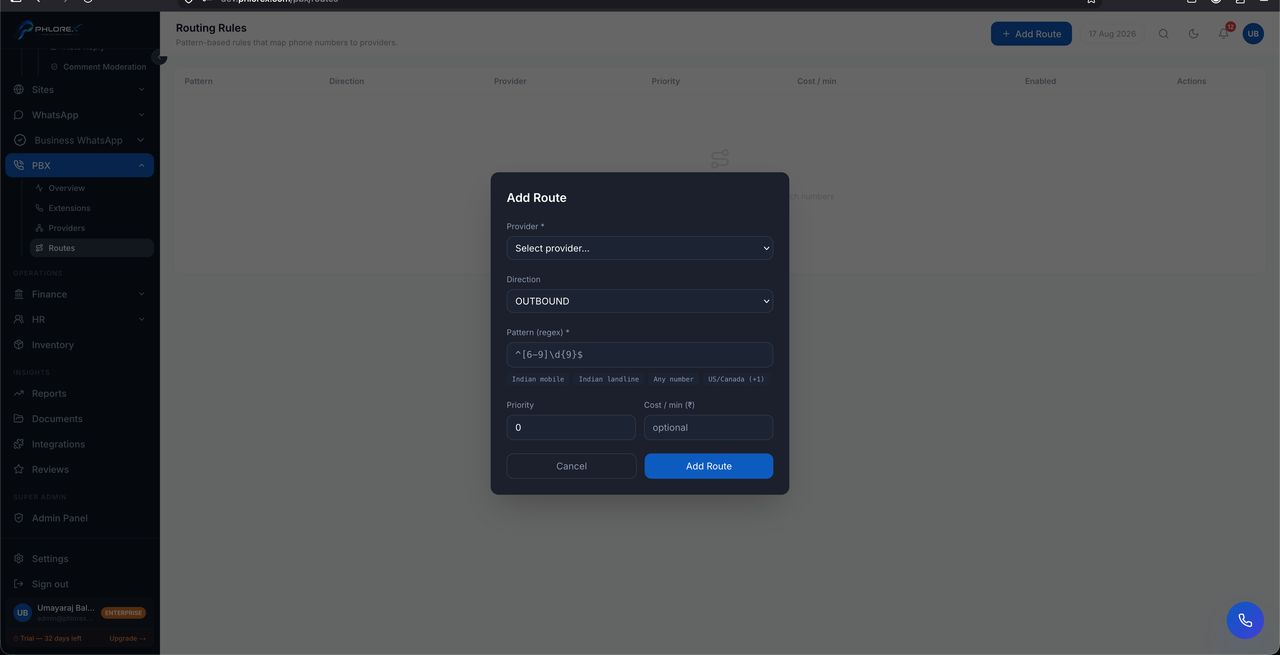
A route decides what happens to an incoming call: which extension rings, in what order, and where the call goes if nobody answers.
PBX›Routes
- Select Add route.
- Choose the number the route applies to.
- Set which extensions ring, and in what order.
- Set what happens when nobody answers.
- Save.
Take care
Always set a destination for unanswered calls. A route without one drops the caller, and a dropped caller rarely rings back.
Tip
Test a route by calling the number yourself before relying on it. Routing looks correct on screen far more often than it behaves correctly on a live call.
Cannot find what you need?
Something not behaving as described here? Tell us and we will fix the page.