
Browse help sections
Finance overview
GROWTHRequires the growth plan or above.
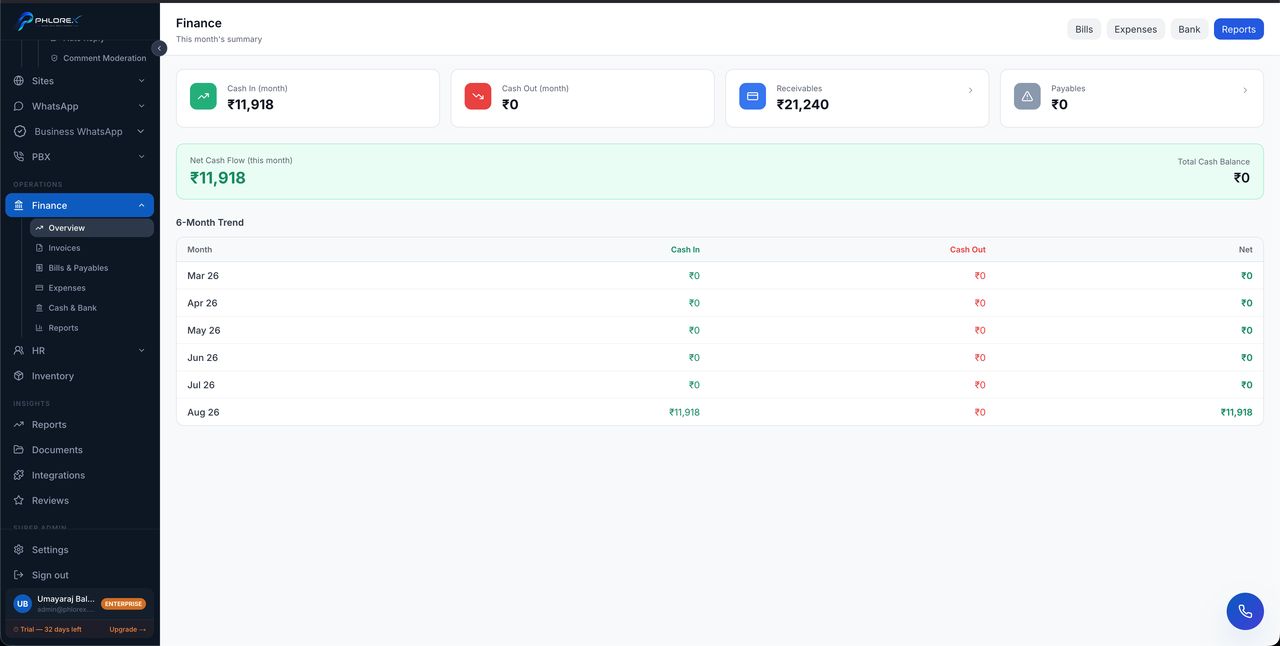
The financial position of the business on one screen — what is owed to you, what you owe, and how cash is moving.
Operations›Finance›Overview
- Outstanding receivables and how overdue they are.
- Payables due and when.
- Income against expenses for the period.
- Recent financial activity.
Tip
Every figure links through to the underlying records. If a number looks wrong, open it — the detail is one click away.
A weekly finance routine
- Open the Finance overview.
- Check receivables — anything newly overdue needs chasing this week.
- Check payables due in the next seven days.
- Compare income against expenses for the period.
- Open any figure that looks wrong; the detail is one click away.
Cannot find what you need?
Something not behaving as described here? Tell us and we will fix the page.