
Browse help sections
Instagram Auto Reply
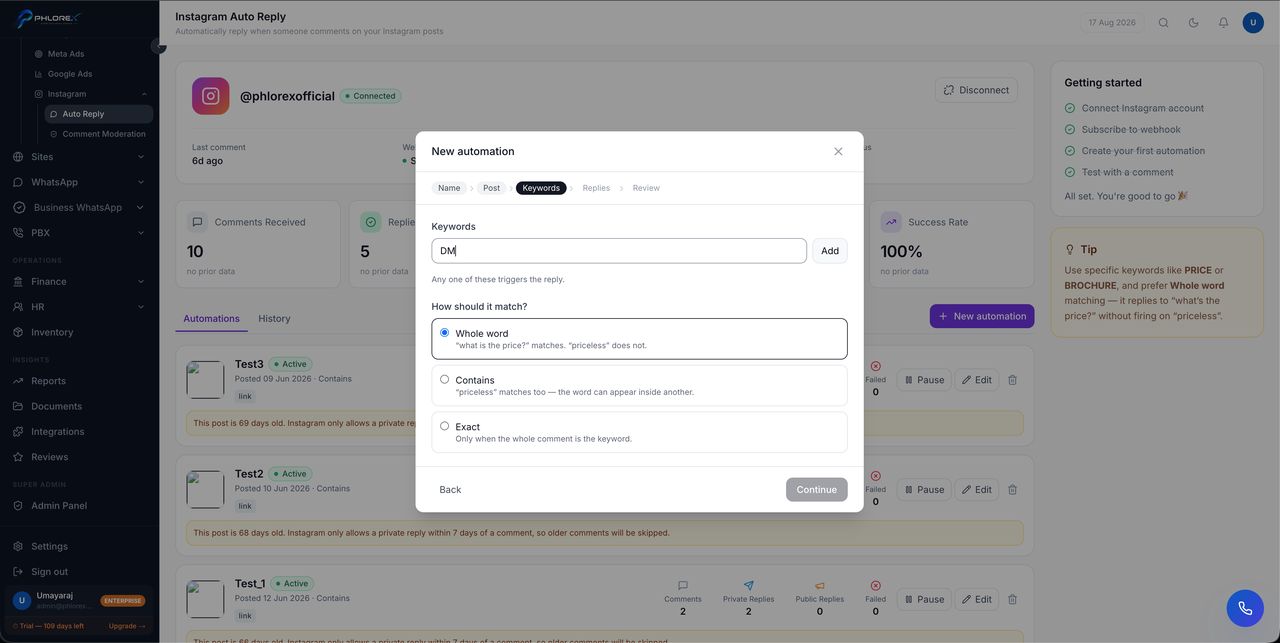
An automation watches one Instagram post for comments containing words you choose, then answers automatically — privately in the commenter's inbox, and optionally as a public reply under their comment. It is how a post that says "DM us for price" stops depending on somebody being awake.
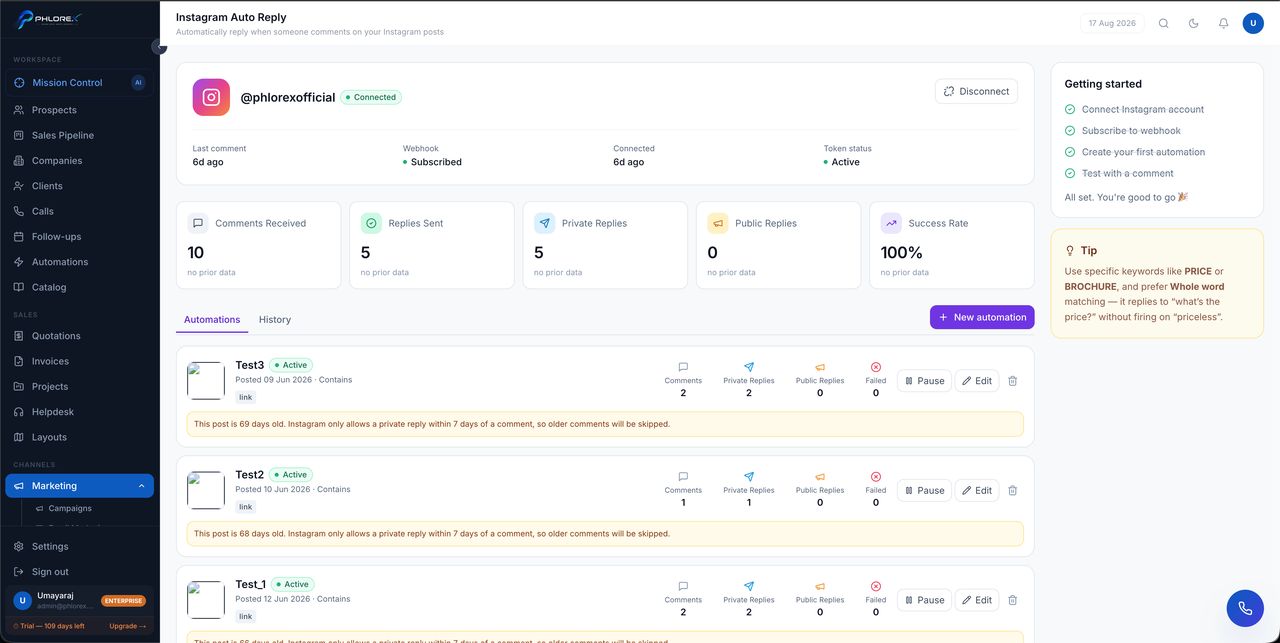
The header tells you if it is working
Across the top: your connected account, when the last comment arrived, whether the webhook is Subscribed, when you connected, and Token status. A getting-started checklist tracks the four things that must be true — account connected, webhook subscribed, first automation created, and tested with a comment.
If Token status is not Active or the webhook is not Subscribed, nothing will fire regardless of how your automations are configured. Fix that first.
Create an automation
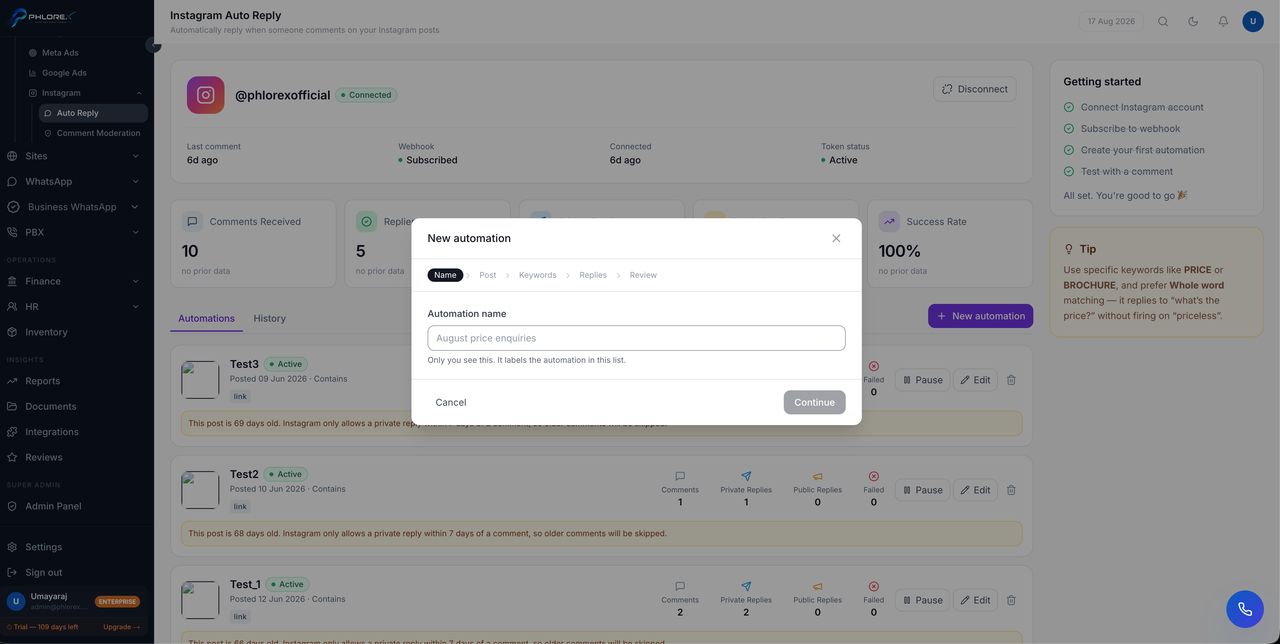
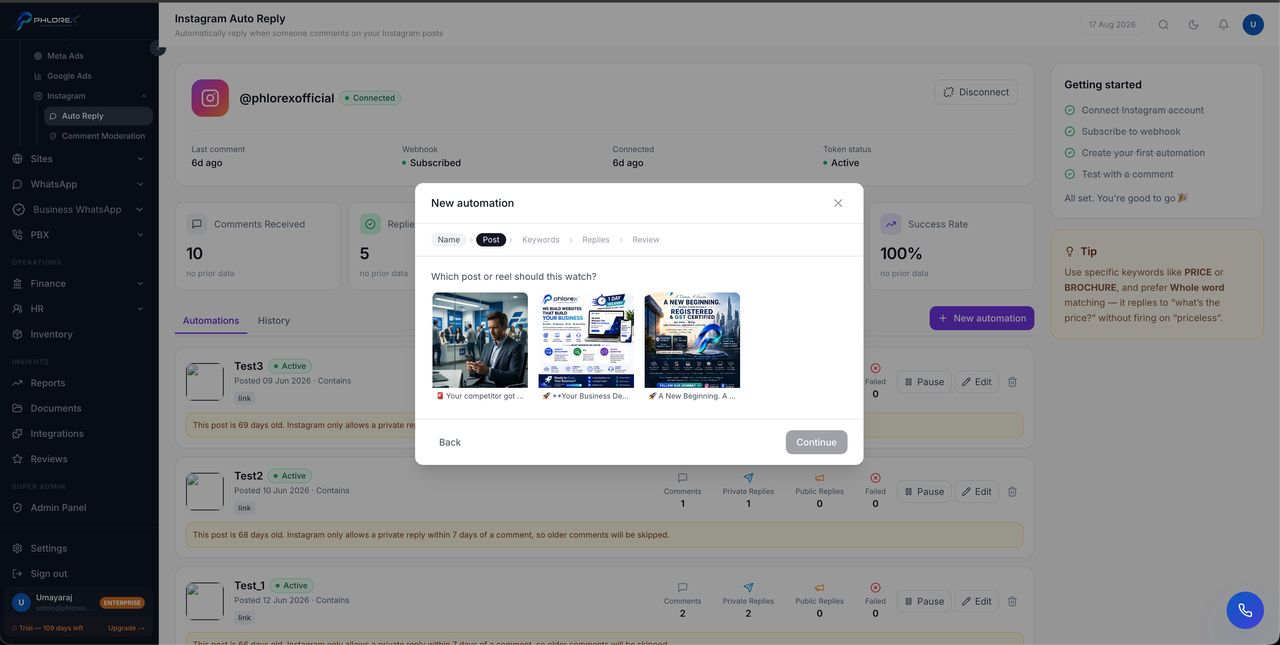
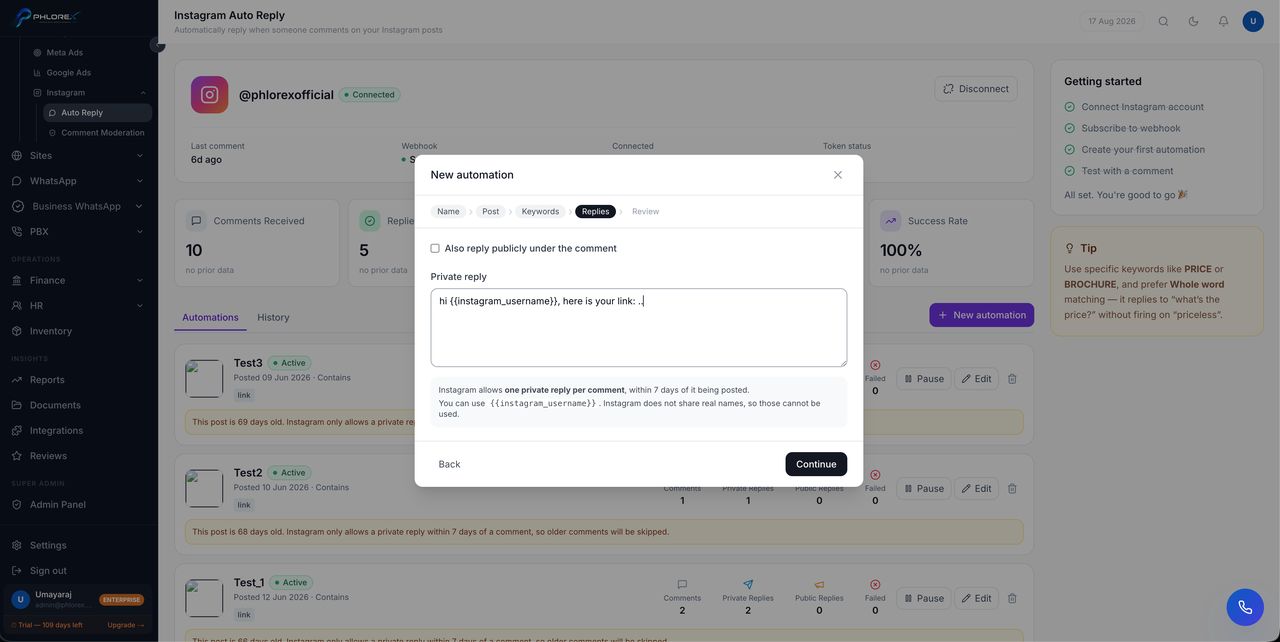
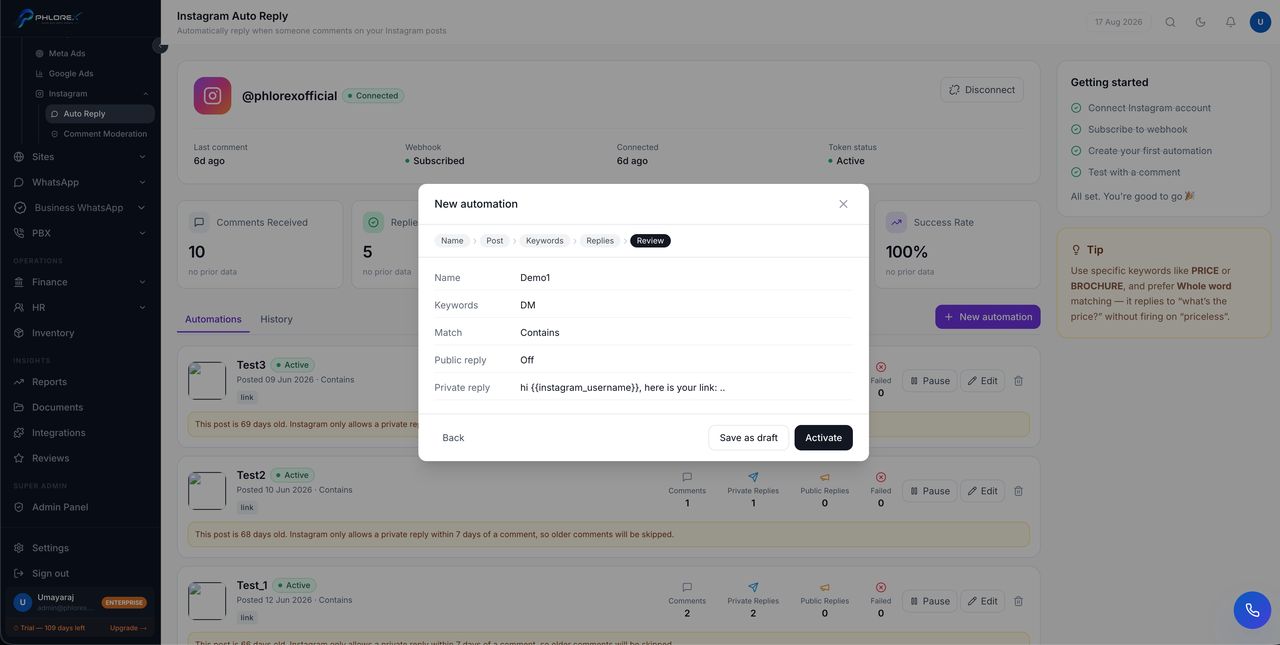
The wizard has five steps: Name → Post → Keywords → Replies → Review.
- Name it so you will recognise it later — the post and the offer.
- Choose the post it watches. One automation watches exactly one post.
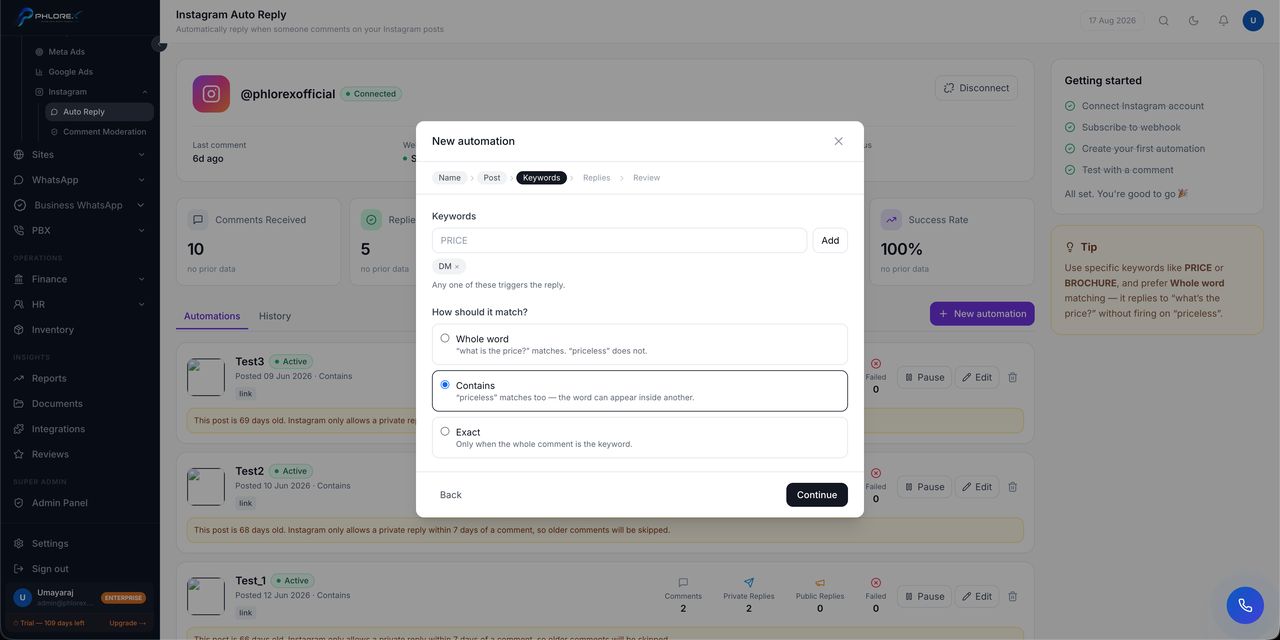
- Add keywords. Any one of them triggers the reply.
- Choose how they should match.
- Write the replies, then review and Activate — or Save as draft if you are not ready.
How matching works
| Mode | Behaviour |
|---|---|
| Whole word | "what is the price?" matches. "priceless" does not |
| Contains | "priceless" matches too — the word can appear inside another |
| Exact | Only when the whole comment is the keyword |
Prefer Whole word with specific keywords like PRICE or BROCHURE. It replies to "what's the price?" without firing on "priceless".
The replies
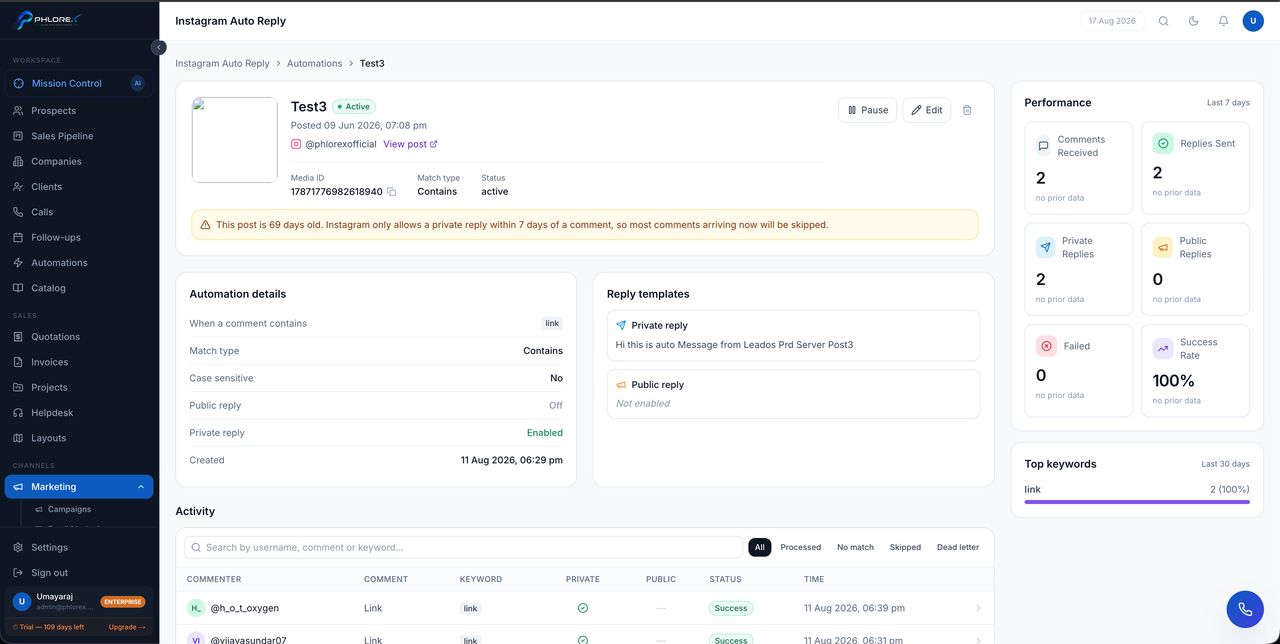
The private reply is the real payload — it goes to the commenter's inbox and is where the price, brochure or booking link belongs. The public reply is optional and appears as a comment under theirs; keep it to a short acknowledgement.
Personalise with merge fields such as {{instagram_username}}, so the message reads as though a person wrote it.
A public acknowledgement matters more than it looks. It shows everyone else reading the comments that you answer, which earns you more comments.
The seven-day limit
Instagram only allows a private reply within 7 days of a comment. On an older post LeadOS warns you directly — *this post is 69 days old… older comments will be skipped* — and skips them. Auto-reply is for posts you are actively running, not your back catalogue.
Running automations
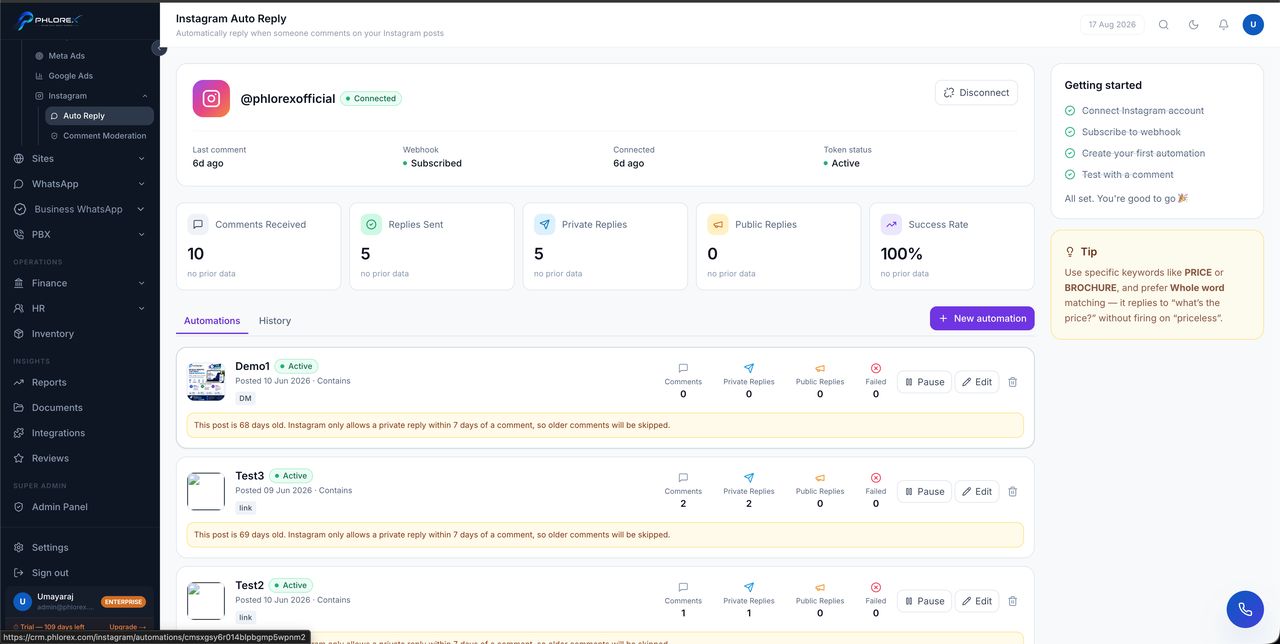
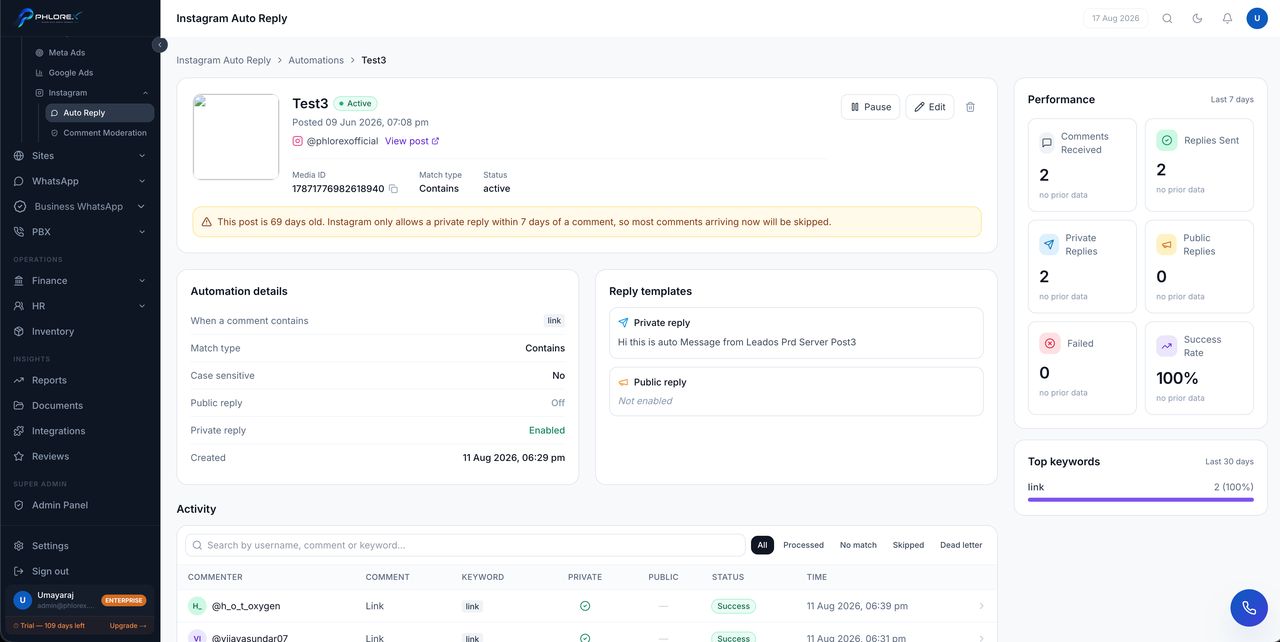
Each automation shows its status, the post and match mode, and counters for Comments, Private Replies, Public Replies and Failed. You can Pause, Edit or delete any of them, and the History tab shows what actually fired.
Keep keywords narrow. Something like info matches almost anything and will auto-reply to people asking something else entirely, which reads worse than not replying at all.
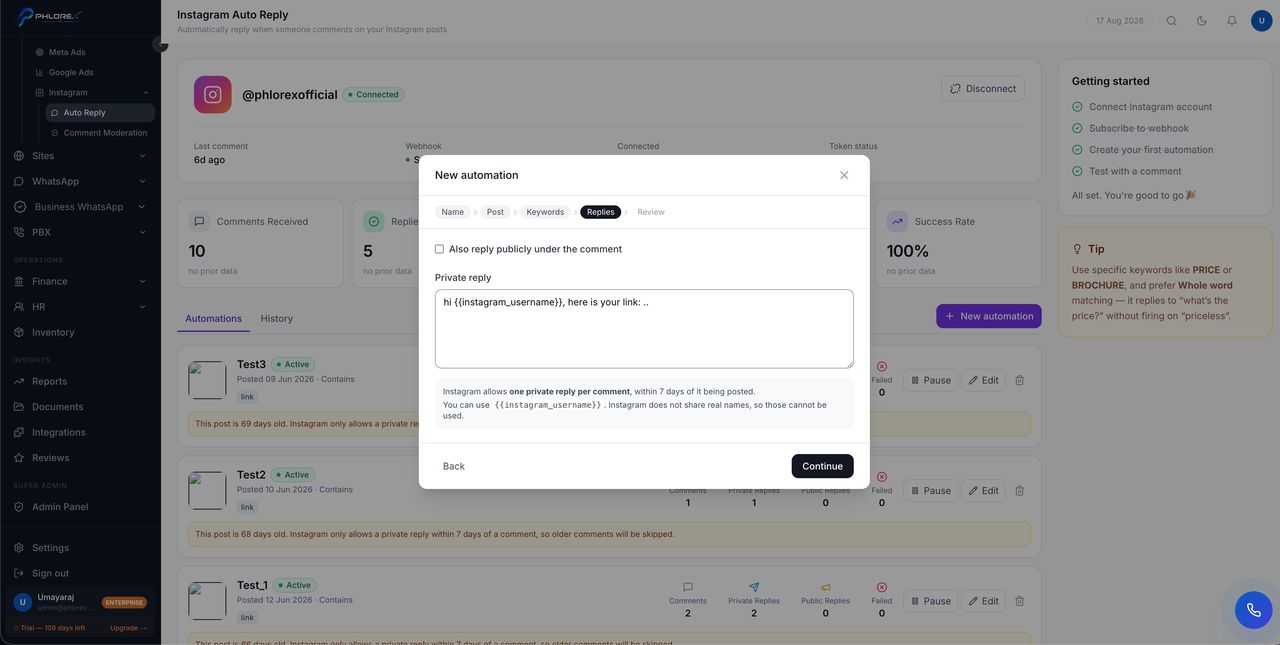
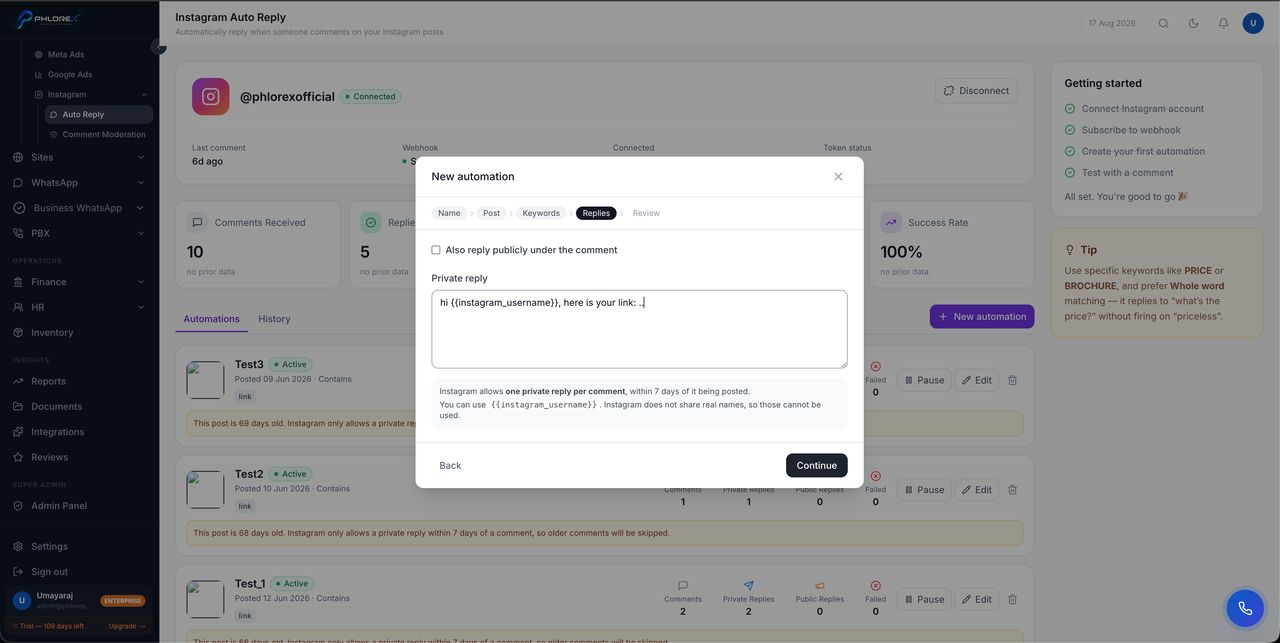
The wizard, step by step
Running automations
Cannot find what you need?
Something not behaving as described here? Tell us and we will fix the page.