
Browse help sections
Projects
GROWTHRequires the growth plan or above.
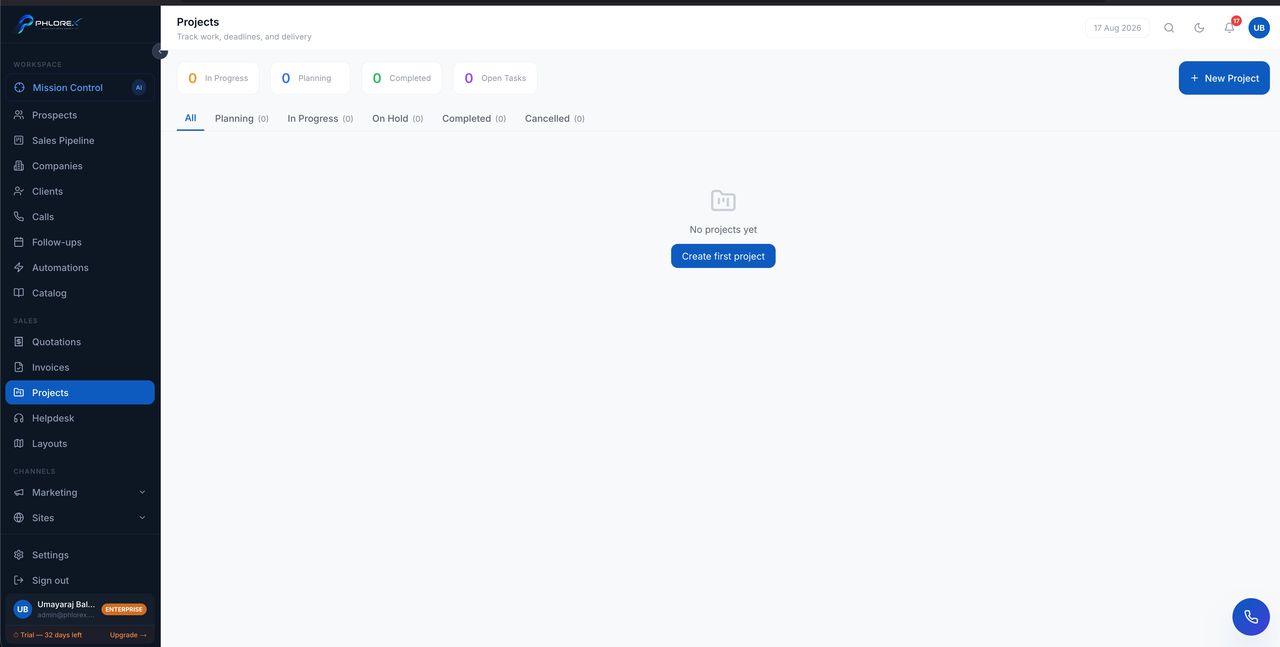
Once work is sold, a project is how it gets delivered — tasks, owners and dates in one place.
Sales›Projects
- Select New project, or create one from an accepted quotation so the scope carries over.
- Link it to the customer or company.
- Add tasks and assign each to a person with a due date.
- Update task status as work progresses.
- Project statistics show completed against outstanding tasks.
- Overdue tasks are flagged.
- The project appears on the linked company's Projects tab.
Tip
An unassigned task with no due date will not get done. Give every task both, even if the date is approximate.
Cannot find what you need?
Something not behaving as described here? Tell us and we will fix the page.