
Browse help sections
Record a payment
GROWTHRequires the growth plan or above.
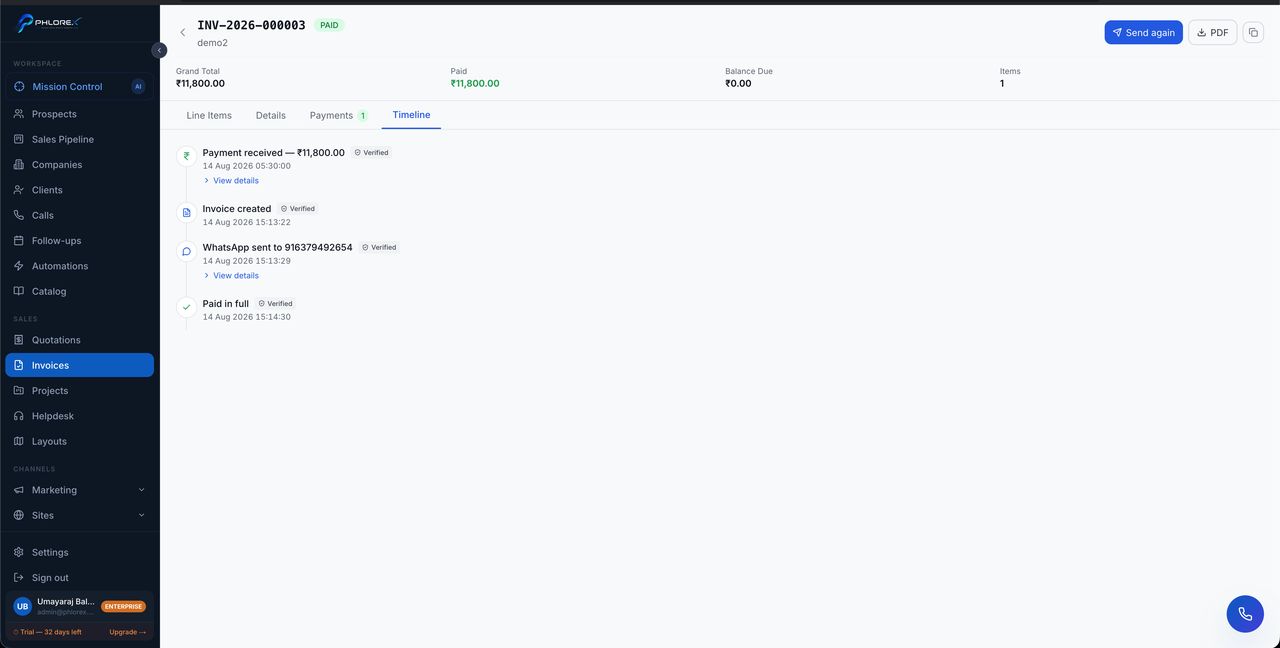
Recording payments is what keeps your receivables meaningful. Money in the bank but not recorded here still shows as owed.
- Open the invoice.
- Select Add payment.
- Enter the amount. For a part payment enter only what was received — LeadOS tracks the balance.
- Set the date the money actually arrived, not today.
- Choose the method and add a reference such as a transaction ID.
- Save. The status updates automatically.
Tip
The date matters more than it looks. Every aging report is built on it, so entering today's date for money that arrived last month quietly makes your receivables wrong.
A payment entered in error can be removed, which restores the outstanding balance. That is a separate permission from recording one.
Cannot find what you need?
Something not behaving as described here? Tell us and we will fix the page.