
Browse help sections
Broadcasts
PRORequires the pro plan or above.
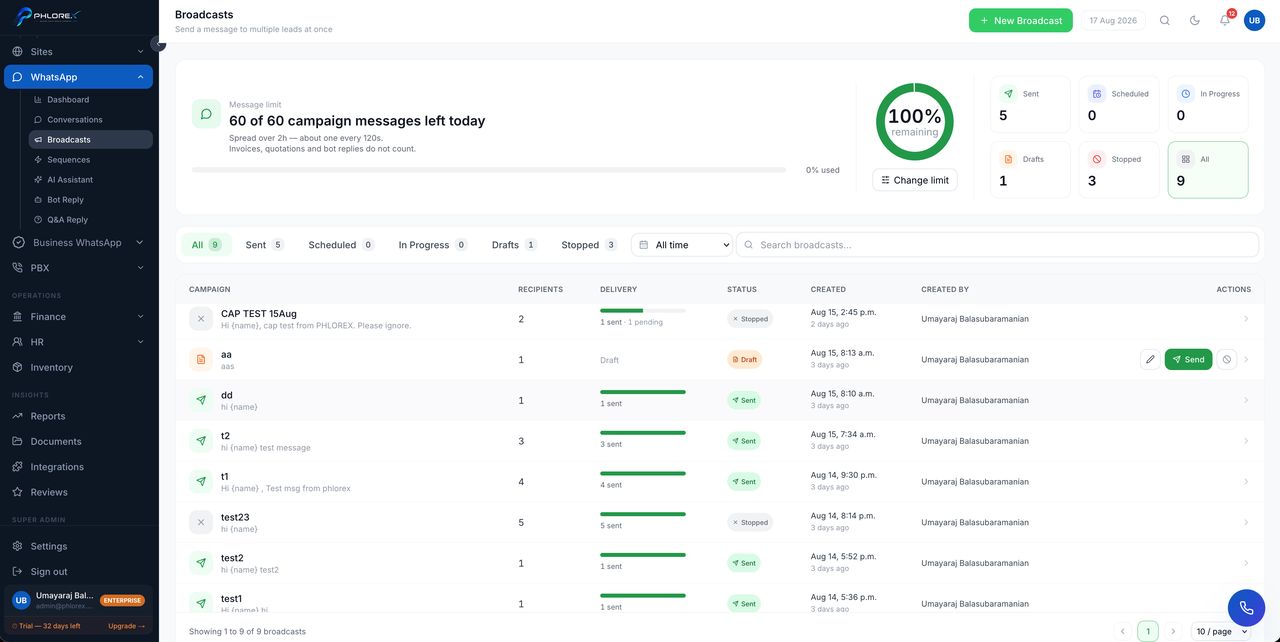
Send one message to many contacts at once.
WhatsApp›Broadcasts
- Select New broadcast.
- Choose recipients by filtering your prospects.
- Write the message and personalise it with the contact's name.
- Check the recipient count.
- Send.
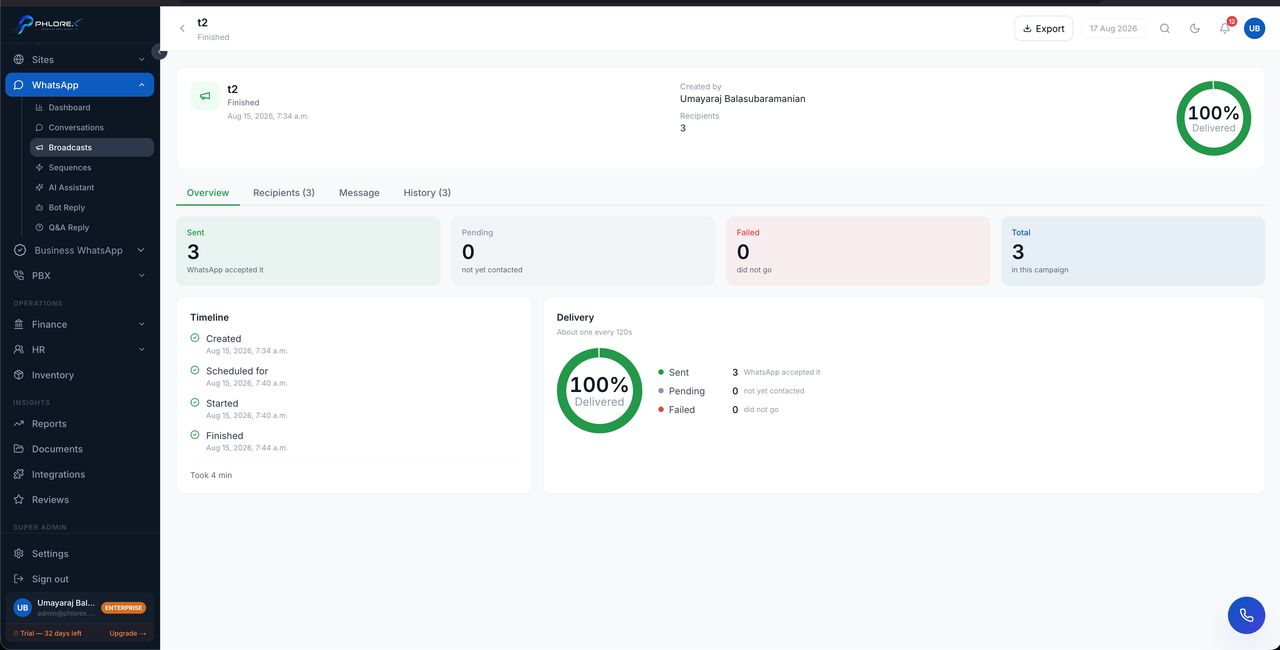
Opening a broadcast shows what happened to it per recipient, so you can tell delivery problems from disinterest.
Take care
Broadcasting to people who did not ask to hear from you is the fastest way to get a number blocked. Send to contacts who have messaged you before, keep it relevant, and keep the volume sane.
Tip
For genuinely high-volume sending use Business WhatsApp campaigns — that is what the official API is built for.
Cannot find what you need?
Something not behaving as described here? Tell us and we will fix the page.