
Browse help sections
Q&A Reply
PRORequires the pro plan or above.
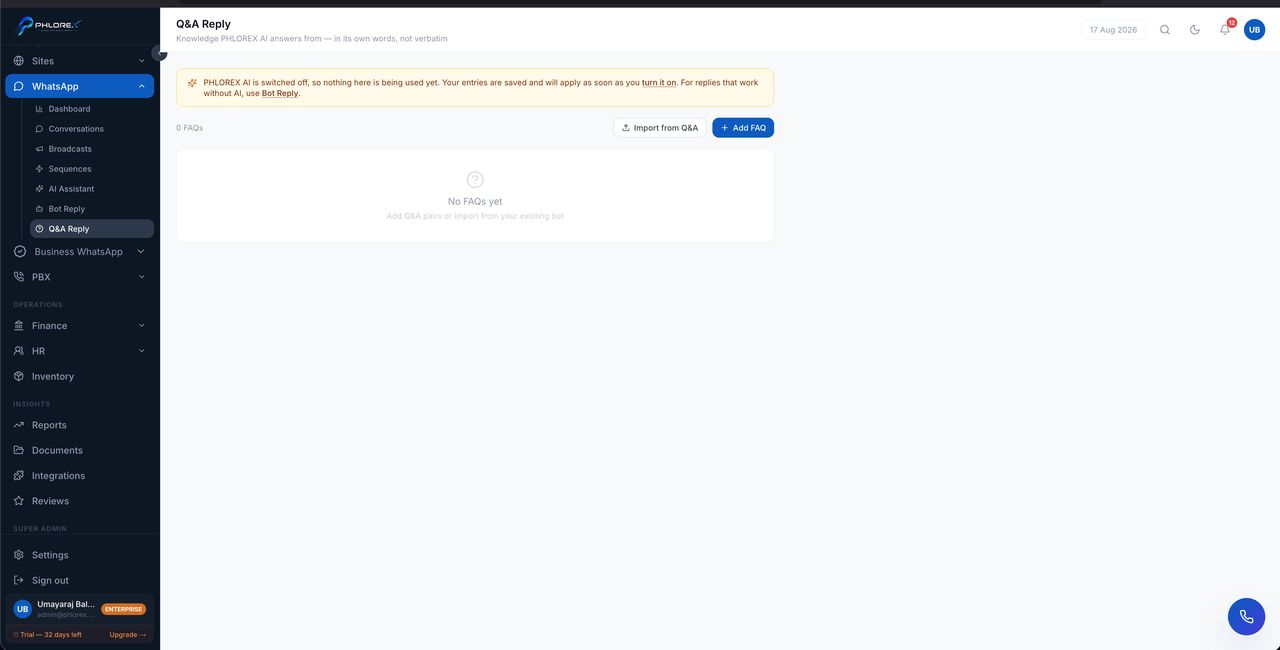
Fixed question-and-answer pairs. When a message matches a question, the exact answer you wrote is sent — no interpretation, no paraphrasing.
WhatsApp›Q&A Reply
- Select Add Q&A.
- Write the question, or the words that identify it.
- Write the answer exactly as it should be sent.
- Save and enable it.
When to use this instead of the AI assistant
| Use | For |
|---|---|
| Q&A Reply | Answers that must be exact — prices, addresses, opening hours, policy |
| AI Assistant | Open-ended questions where a helpful paraphrase is fine |
Tip
An empty Q&A list means nothing is configured, so nothing will auto-answer. Start with your five most-asked questions — that usually covers most of the traffic.
Cannot find what you need?
Something not behaving as described here? Tell us and we will fix the page.