
Browse help sections
Connect Facebook Lead Ads
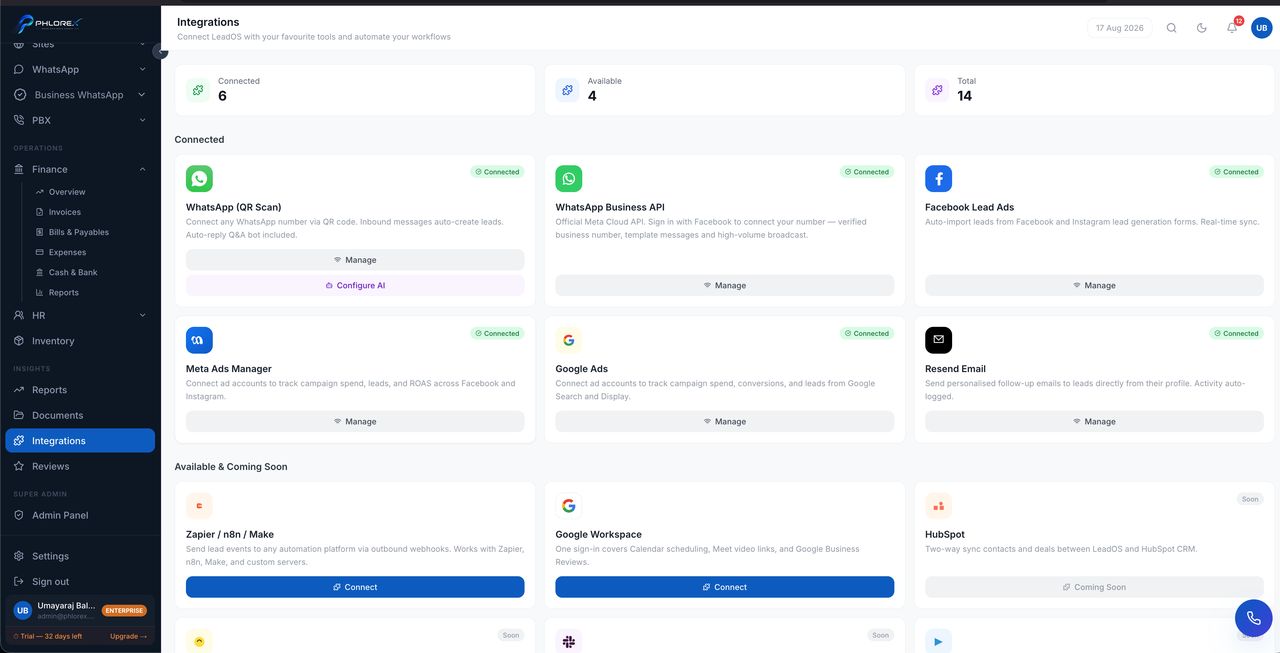
Pulls enquiries from Facebook and Instagram lead forms into LeadOS the moment someone submits one — no CSV downloads, no delay.
Insights›Integrations›Facebook Lead Ads
Before you start
- You must be an admin of the Facebook Page the forms belong to.
- The form must already exist on the Page — LeadOS reads forms, it does not create them.
- Select Connect on the Facebook Lead Ads card.
- Sign in and choose the account that manages your Page.
- When Facebook asks which Pages to allow, select every Page you want enquiries from. A Page left unticked sends nothing.
- Accept the requested permissions.
- Your Pages appear, each subscribed to new-lead notifications automatically.
Confirm it works
Submit a test lead through Meta's Lead Ads Testing Tool and watch the event appear in the card's recent-events list.
| Event status | Meaning | Action |
|---|---|---|
PROCESSED | Imported successfully | None — find it in Prospects |
DUPLICATE | Facebook sent it twice | None — one copy was kept |
FAILED | Failed but will be retried | Wait, then use Retry failed |
DEAD LETTER | Retried repeatedly and given up | Contact support |
Tip
Enquiries from an organic post rather than a paid ad arrive with no campaign attached. That is correct, not a fault.
Important
If enquiries stop suddenly, the usual cause is a lapsed Facebook permission — someone changed Page roles or revoked access. Reconnect from the same card.
Cannot find what you need?
Something not behaving as described here? Tell us and we will fix the page.