
Browse help sections
Connect Zapier, n8n, or Make
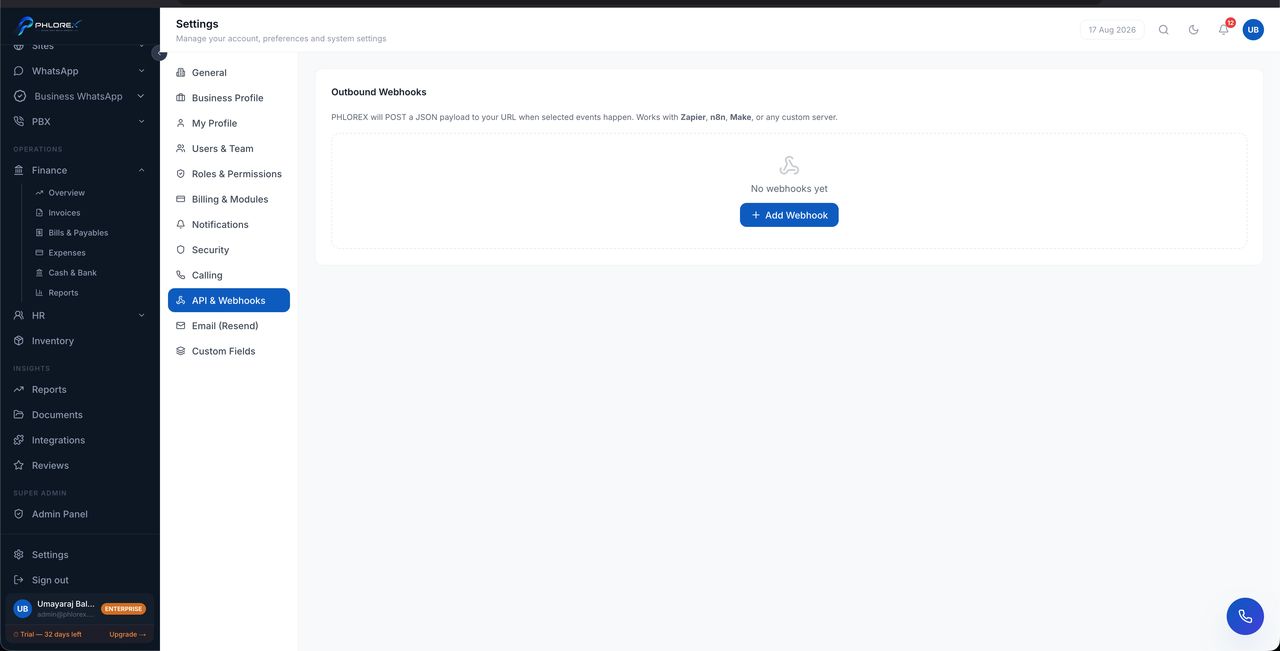
Outbound webhooks push events from LeadOS to any automation platform the moment they happen — a new enquiry, a stage change, a won deal.
Settings›API & Webhooks
- In your automation tool, create a workflow starting with a webhook trigger and copy its URL.
- In LeadOS select Add webhook.
- Paste the URL.
- Choose the events to send.
- Save. Copy the signing secret now and store it safely.
Verifying a message really came from LeadOS
Every request carries an X-Phlorex-Signature header — a SHA-256 signature of the body made with your signing secret. Recompute it at your end and reject anything that does not match.
Take care
Without that check, anyone who learns your webhook URL can post fake events to it.
Tip
If the secret leaks, delete the webhook and create a new one — that issues a fresh secret.
Test by triggering the real action, watching it arrive, then deleting the test record.
Cannot find what you need?
Something not behaving as described here? Tell us and we will fix the page.