
Browse help sections
Connect Google Workspace
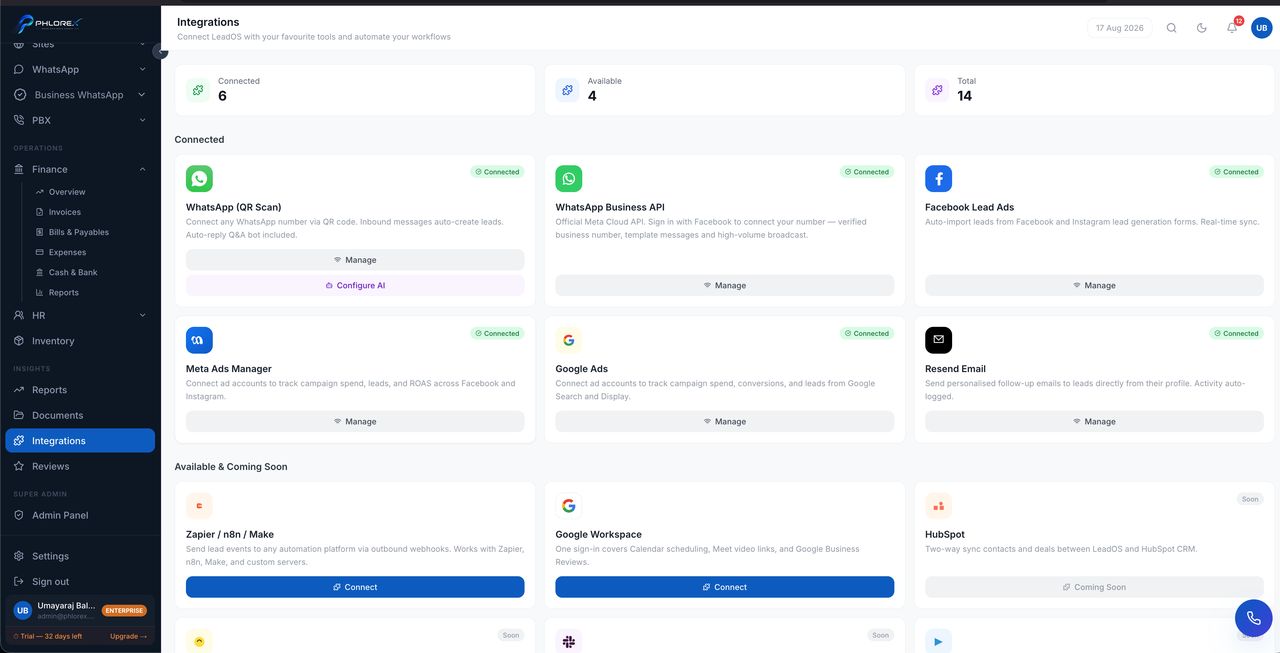
One sign-in covers three things: Calendar scheduling, Google Meet links on meetings, and Google Business reviews inside LeadOS.
Insights›Integrations›Google Workspace
- Select Connect on the card.
- Sign in with the Google account you use for work.
- Approve access to Calendar and your Business Profile.
- Calendar — meetings booked in LeadOS appear in Google Calendar.
- Meet — video links generated automatically.
- Reviews — Google Business reviews appear in LeadOS so you can respond without leaving.
Important
If the card shows *Token expired — reconnect*, Google has revoked the session. Calendar sync and reviews stop until you reconnect. This happens periodically and is normal.
Cannot find what you need?
Something not behaving as described here? Tell us and we will fix the page.