
Browse help sections
Connect Google Ads
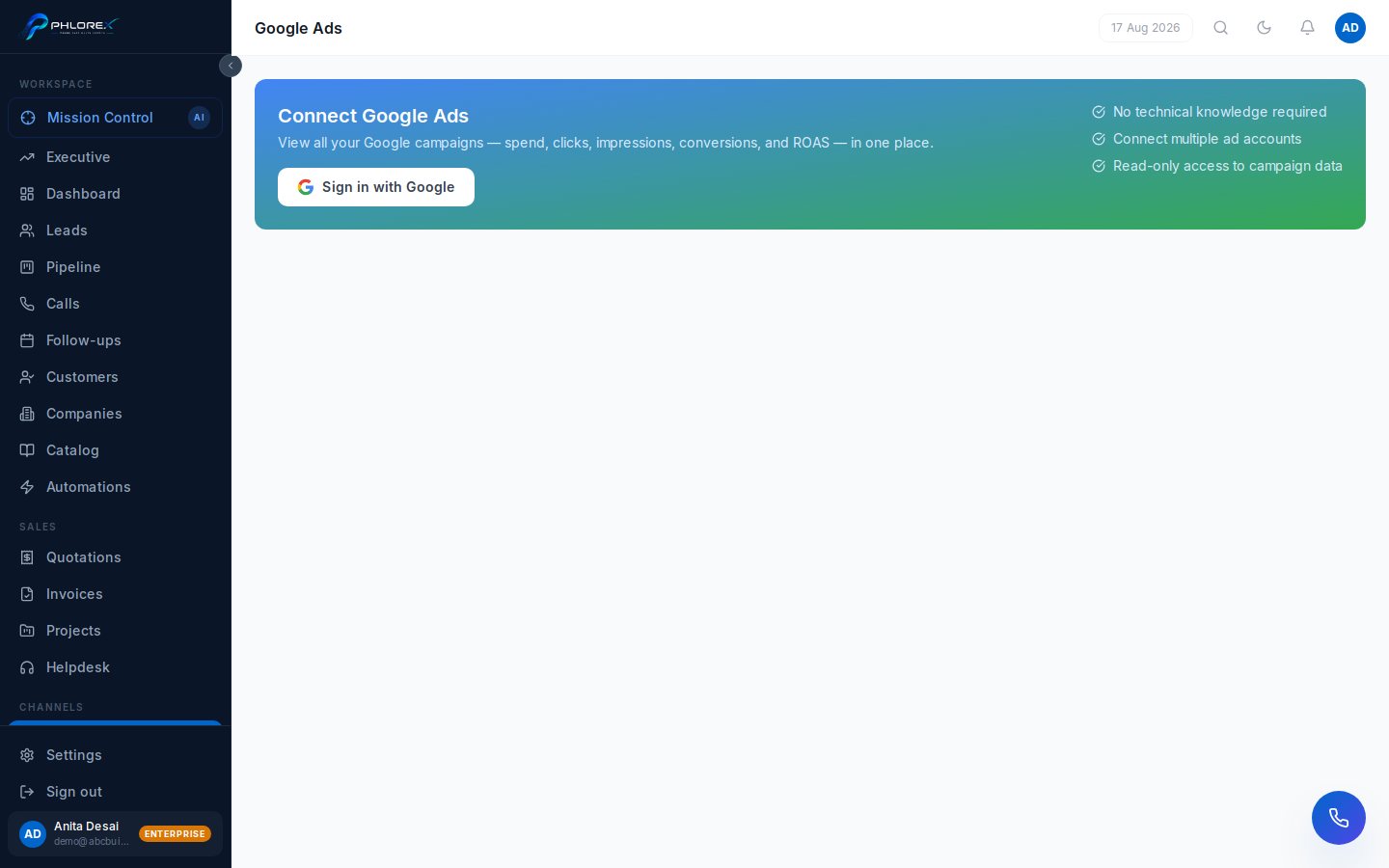
Track spend, conversions and enquiries from Google Search and Display alongside your Meta results.
Marketing›Google Ads
- Select Connect and sign in with the Google account that has access.
- Approve the requested read access.
- Choose the ad accounts to report on.
Tip
If your account sits under a manager (MCC) account, sign in with the manager account and select the child accounts you want.
Cannot find what you need?
Something not behaving as described here? Tell us and we will fix the page.