
Browse help sections
Join by invitation
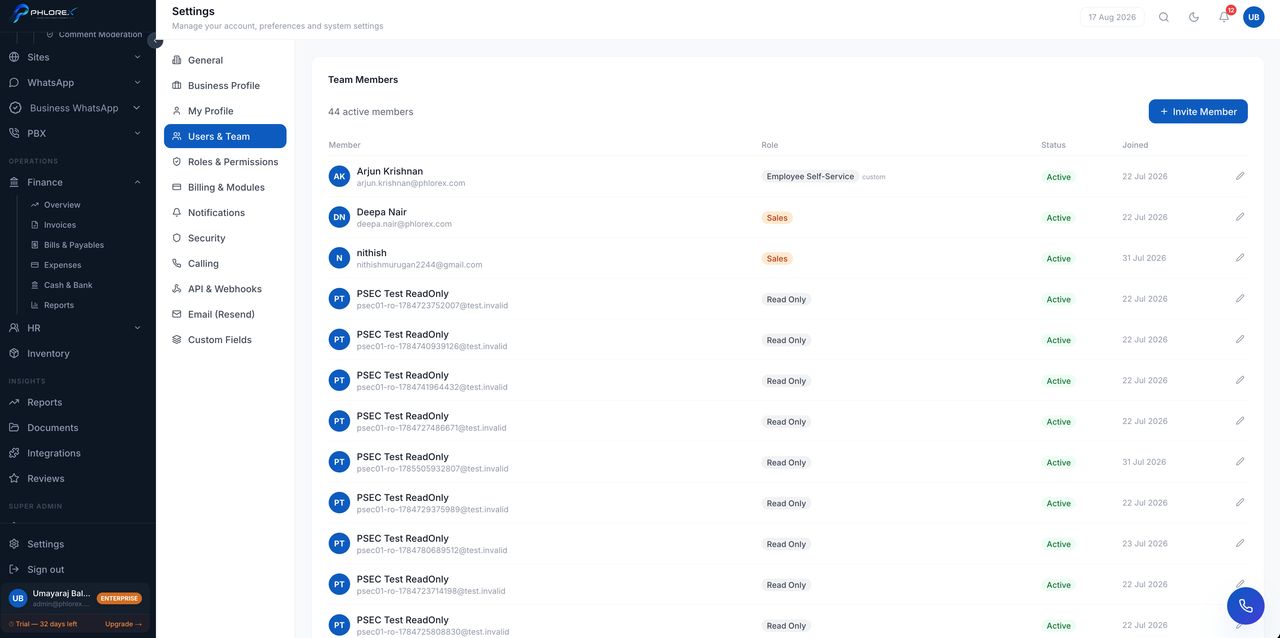
Most people are invited into a workspace that already exists. The invitation carries your role, so your access is set from the first sign-in.
- Open the invitation email and select the join link.
- Check the workspace name and the role you are given.
- Set your name and a password of at least 8 characters.
- Select Join.
- Your sidebar shows only what your role and plan allow.
- Records may already be assigned to you.
- Your name becomes selectable as an owner on prospects, tasks and tickets.
Tip
Invitation links are single-use and time-limited. If yours has expired, ask an administrator to resend it from Users and team.
Cannot find what you need?
Something not behaving as described here? Tell us and we will fix the page.