
Browse help sections
Sign in
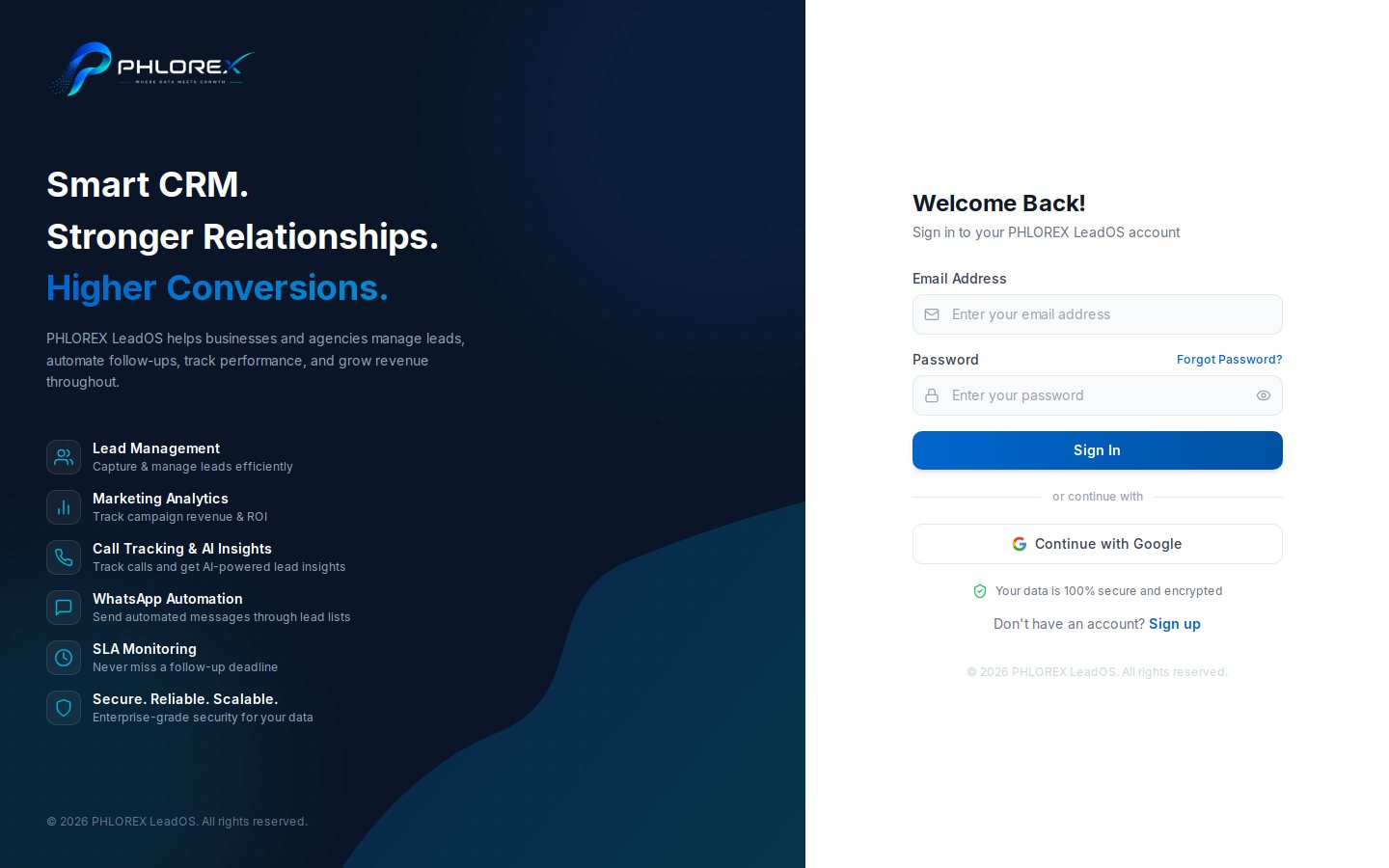
LeadOS signs you in with your email address and password.
- Go to your LeadOS web address.
- Enter your Email Address.
- Enter your Password — use the eye icon to check what you typed.
- Select Sign in.
If sign-in fails
| What you see | What to do |
|---|---|
| Invalid email or password | Retype carefully, then reset your password |
| Please verify your email first | Finish email verification |
| Your session expired | Sign in again — nothing is lost |
| A section is missing | Your plan or role does not include it |
Tip
On a shared computer, sign out deliberately from your profile menu rather than closing the tab.
Cannot find what you need?
Something not behaving as described here? Tell us and we will fix the page.