
Browse help sections
Create your account
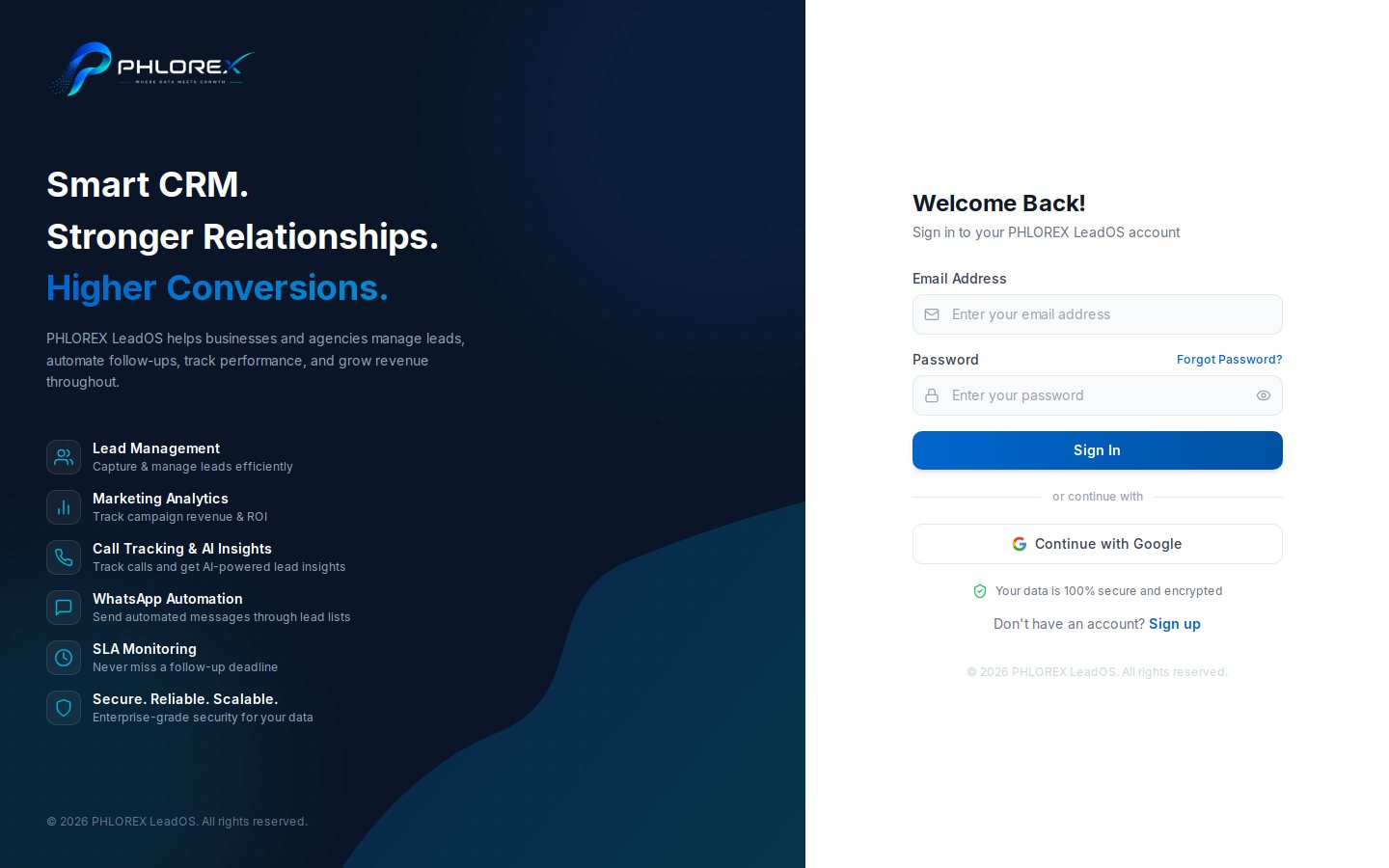
Creating an account also creates your workspace. Whoever signs up becomes its first administrator; everyone else joins by invitation.
- Go to your LeadOS sign-up page and choose Create account.
- Enter your Agency Name — this becomes the workspace name and appears on quotations and invoices, so use your real trading name.
- Enter Your Name as colleagues and customers should see it.
- Enter your Work Email. This is your username and receives the verification code, so use an address you can open now.
- Choose a Password of at least 8 characters.
- Select Create account.
Continue with Verify your email — you cannot sign in until the address is confirmed.
Important
Use a work address you will keep. The first administrator holds billing and access control, and moving that later takes a deliberate transfer.
Cannot find what you need?
Something not behaving as described here? Tell us and we will fix the page.