
Browse help sections
Reset your password
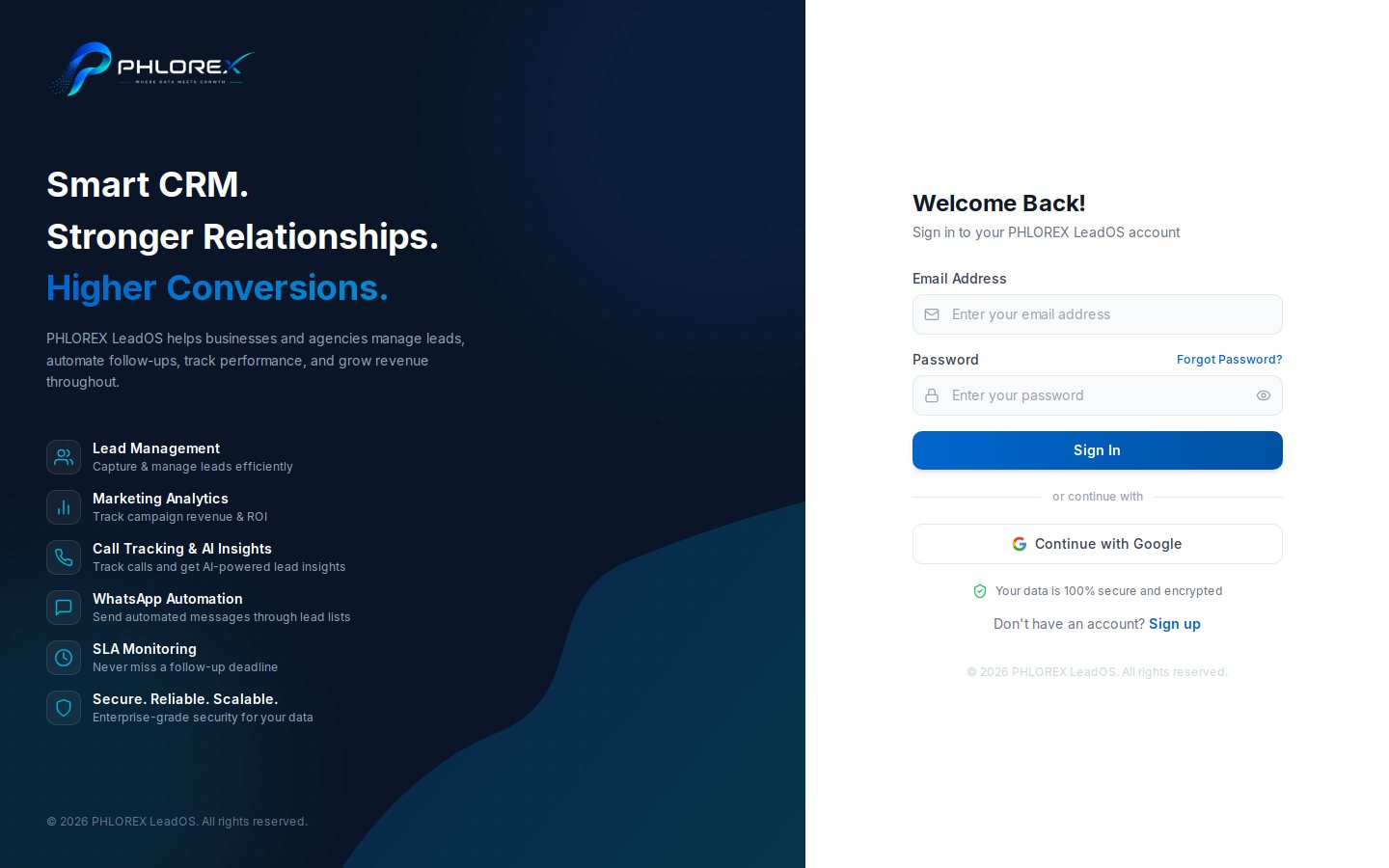
You can reset your own password without an administrator.
- On the sign-in screen select Forgot password?
- Enter your email address and submit.
- Copy the reset code from the email.
- Enter the code to confirm it is you.
- Choose a new password of at least 8 characters.
- Sign in with the new password.
Tip
The screen shows the same confirmation whether or not an account exists for that address. If no email arrives, you are probably using a different address than the one on the account.
Changing a password you still know
Settings›My Profile
Faster than the reset flow, and no emailed code.
Cannot find what you need?
Something not behaving as described here? Tell us and we will fix the page.