
Browse help sections
Verify your email
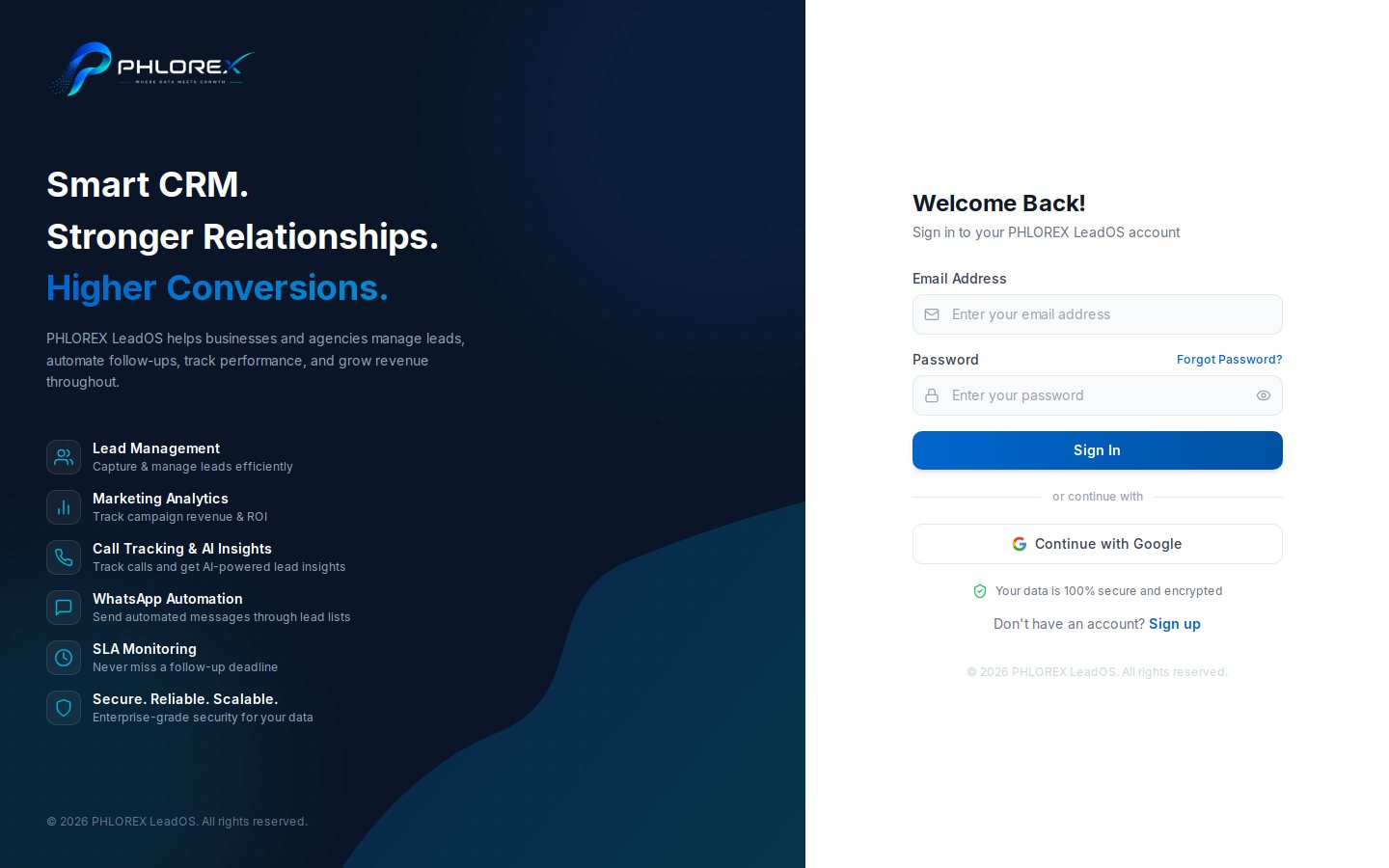
LeadOS emails a one-time code straight after sign-up. Verification proves the address is yours.
- Open the email from LeadOS.
- Copy the verification code.
- Enter it on the verification screen.
- Select Verify.
If the code has not arrived
- Wait two or three minutes.
- Check spam, junk, and any Promotions tab.
- Confirm the address you typed on sign-up.
- Choose Resend code.
Tip
Codes expire, and only the newest one works. An older code from an earlier email will be rejected.
Signing in before verifying returns you here automatically with *Please verify your email first*. Nothing is lost.
Cannot find what you need?
Something not behaving as described here? Tell us and we will fix the page.