
Browse help sections
Bills and payables
GROWTHRequires the growth plan or above.
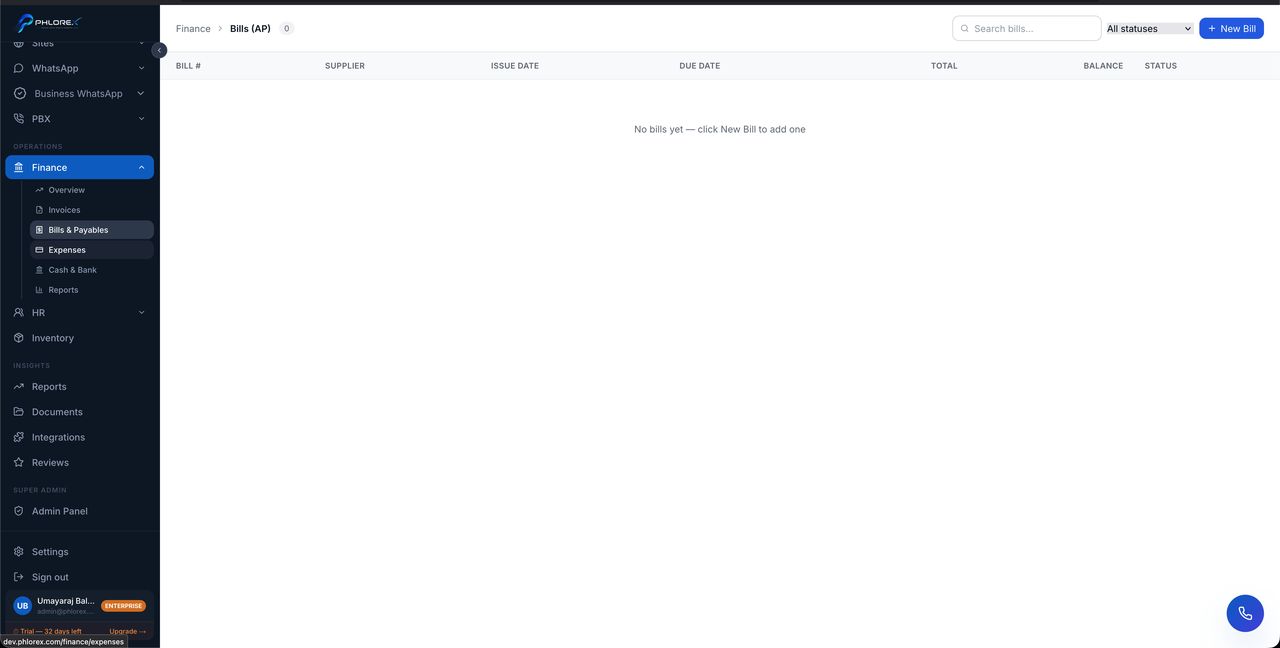
Bills are what you owe suppliers — the mirror image of invoices.
Operations›Finance›Bills & Payables
- Select New bill and choose the supplier.
- Enter the amount, date and due date.
- Attach the supplier's document.
- Submit it for approval if your workspace requires one.
- Record payments against it as you pay.
The payables aging report shows what is due and when, so payment runs can be planned rather than reactive.
Tip
A bill entered in error can be voided. Like invoices, this preserves the record rather than erasing it.
Cannot find what you need?
Something not behaving as described here? Tell us and we will fix the page.