
Browse help sections
Payroll
ENTERPRISERequires the enterprise plan or above.
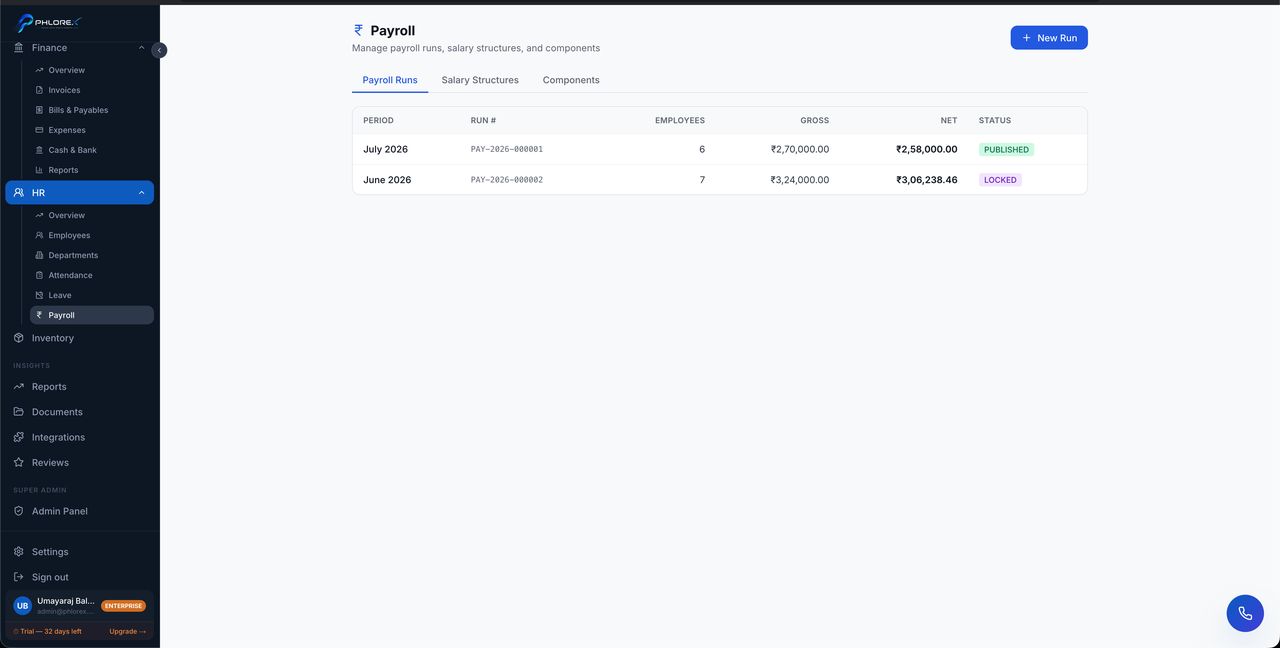
Run payroll for a period and produce payslips.
Operations›HR›Payroll
- Confirm attendance and approved leave for the period are correct.
- Start a new run for the period.
- Review each employee's calculated pay against their salary components.
- Apply any loss-of-pay adjustments.
- Finalise. Payslips are generated and available as PDFs.
Salary components
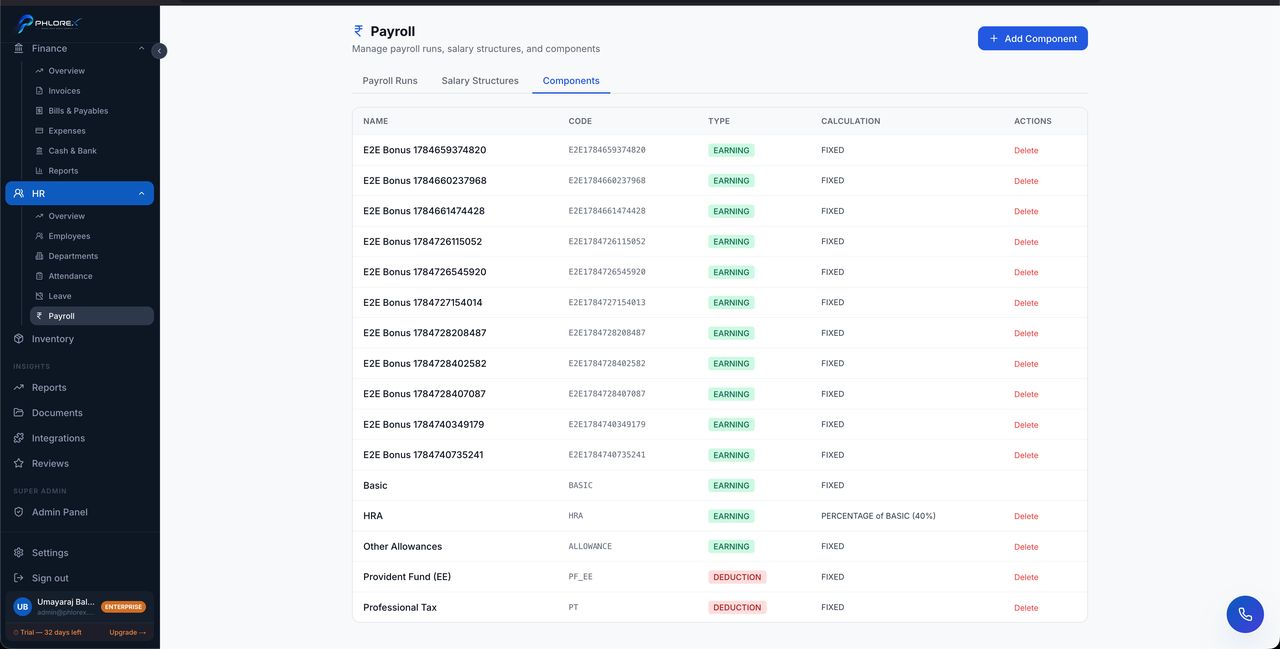
Components are the earnings and deductions that make up pay. They are configured once and applied to every run, so getting them right at the start saves correcting every payslip later.
Take care
Check the run before finalising. A payroll run is a financial record, and correcting one afterwards is considerably more work than reviewing it now.
What employees can do themselves
Anyone with a linked user account can view and download their own payslips, see their attendance, and request leave. Self-service is scoped strictly to the signed-in person.
Cannot find what you need?
Something not behaving as described here? Tell us and we will fix the page.