
Browse help sections
Cash and bank
GROWTHRequires the growth plan or above.
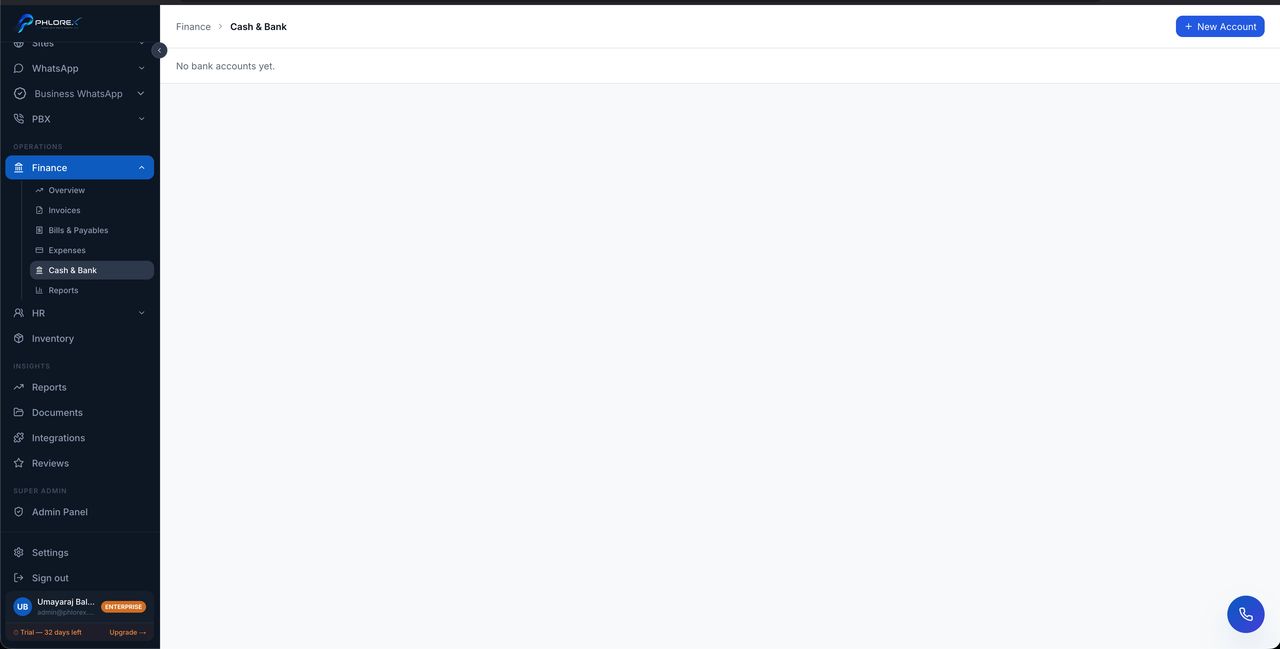
Register your business accounts so money movements are recorded against the right one and balances stay meaningful.
Operations›Finance›Cash & Bank
- Select Add account.
- Enter the account name, bank and opening balance.
- Save.
Record transactions against an account as money moves; each account keeps its own running list.
Tip
Set the opening balance to the real balance on the date you start using LeadOS. Every figure after it depends on that one being right.
Cannot find what you need?
Something not behaving as described here? Tell us and we will fix the page.