
Browse help sections
Employees
ENTERPRISERequires the enterprise plan or above.
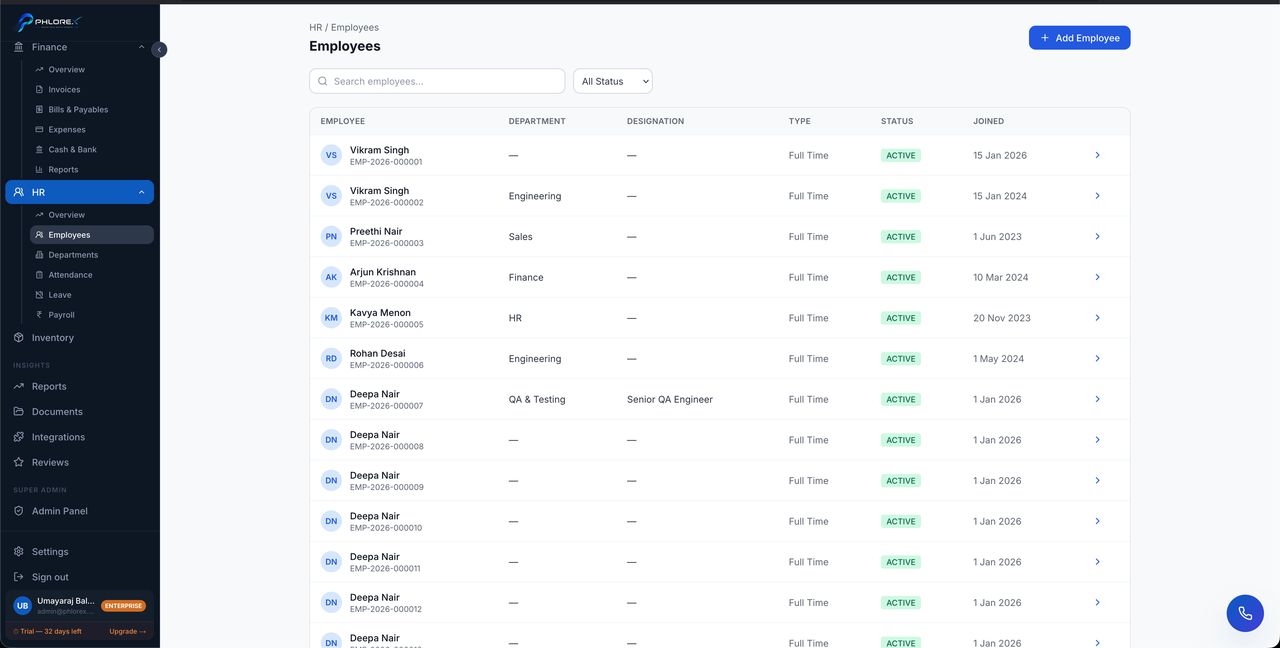
The employee record is the master record for each person you employ.
Operations›HR›Employees
- Select New employee.
- Enter personal and contact details.
- Set department, designation and joining date.
- Link their LeadOS user account so self-service works.
- Save. The employee gets a number such as
EMP-2026-000014.
Each record holds documents, attendance history, leave history and salary details.
Tip
Linking the user account is what lets someone see their own payslips and request leave without asking HR.
Cannot find what you need?
Something not behaving as described here? Tell us and we will fix the page.