
Browse help sections
Leave
ENTERPRISERequires the enterprise plan or above.
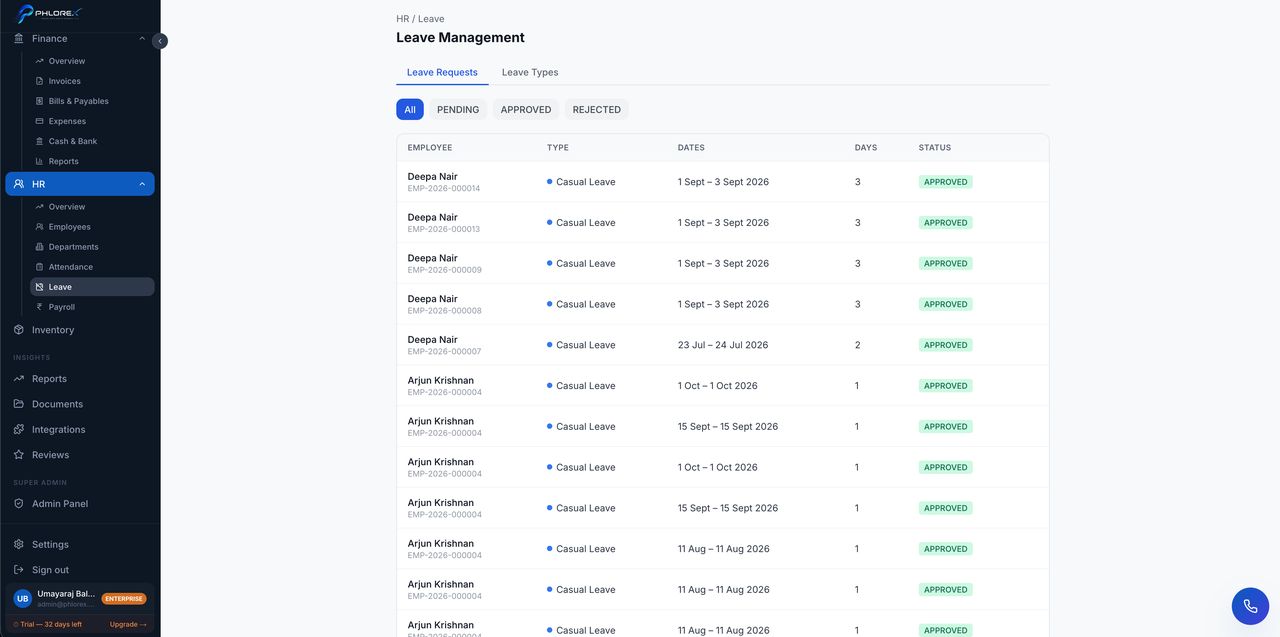
Leave requests, approvals and balances.
Operations›HR›Leave
- Select Request leave.
- Choose the leave type.
- Set the dates and add a reason.
- Submit — it goes to your approver.
Approvers see pending requests with the person's balance and any clashes with teammates already off, then approve or decline with a comment.
Tip
Set up leave types and annual entitlements before the year starts. Changing them mid-year makes balances hard to explain.
Cannot find what you need?
Something not behaving as described here? Tell us and we will fix the page.