
Browse help sections
Invoices in Finance
GROWTHRequires the growth plan or above.
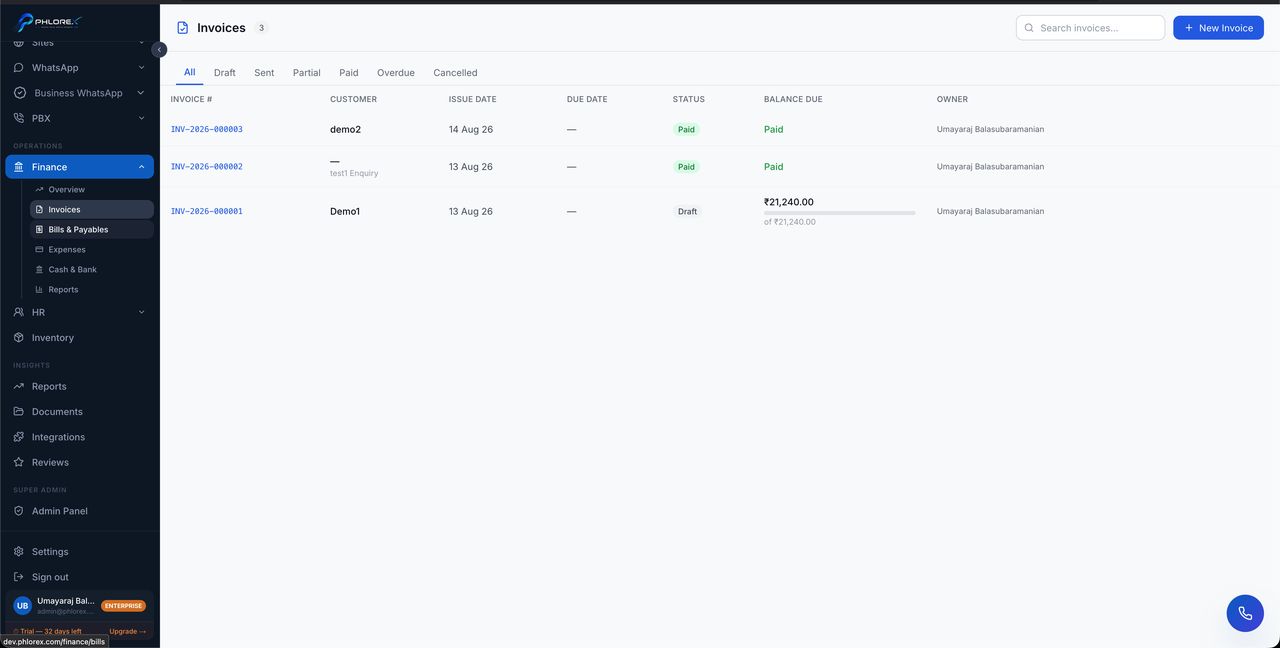
The same invoices you raise in Sales, viewed from the finance side — filtered and totalled for collection rather than for selling.
Operations›Finance›Invoices
Use the Sales view when raising and sending an invoice. Use this view when working through what is outstanding.
Tip
One invoice, two views. Nothing is duplicated — a payment recorded in either place shows in both.
Work what is outstanding
- Open Finance → Invoices.
- Filter to overdue.
- Open each one and confirm it was actually delivered.
- Contact the customer and log a note.
- Record any payment received against the invoice, not the client record.
Cannot find what you need?
Something not behaving as described here? Tell us and we will fix the page.