
Browse help sections
Add-ons
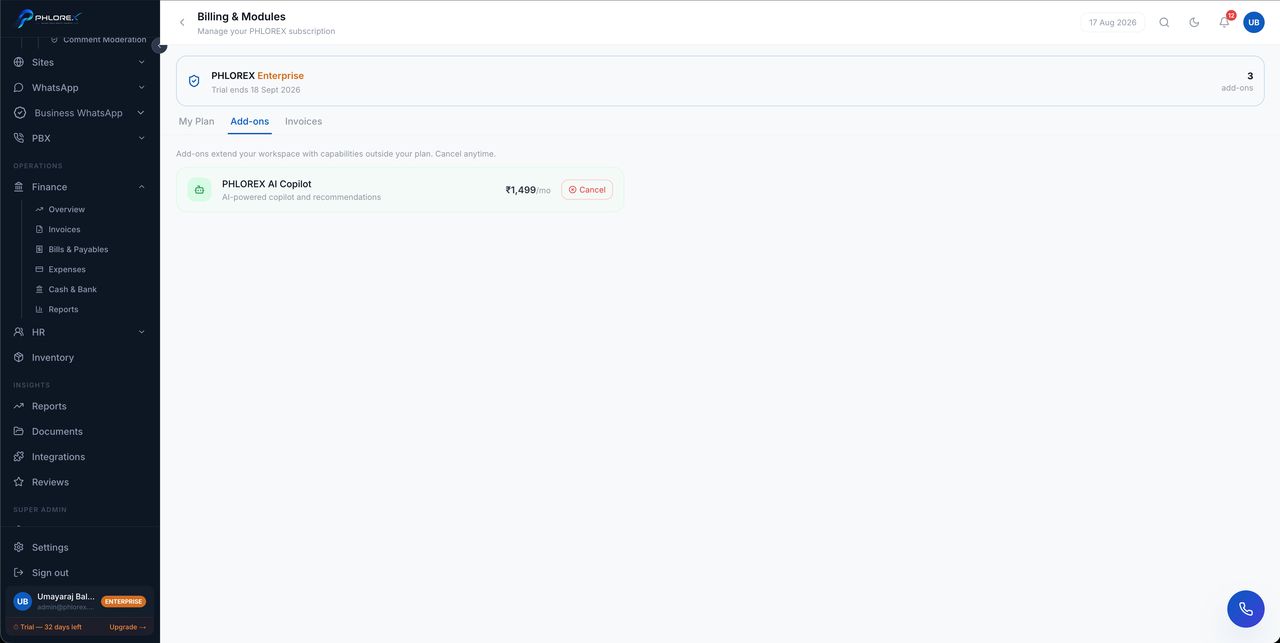
Add-ons are modules bought separately from your plan — WhatsApp and PBX are the usual ones.
Settings›Billing›Add-ons
- Open the add-ons list.
- Review what each one enables.
- Enable the one you want.
- Refresh — it appears in the sidebar for everyone whose role allows it.
Tip
An add-on is independent of your plan tier. You can hold a WhatsApp add-on on a lower plan without upgrading everything else, which is usually cheaper than moving up a tier for one feature.
Cannot find what you need?
Something not behaving as described here? Tell us and we will fix the page.