
Browse help sections
API and webhooks
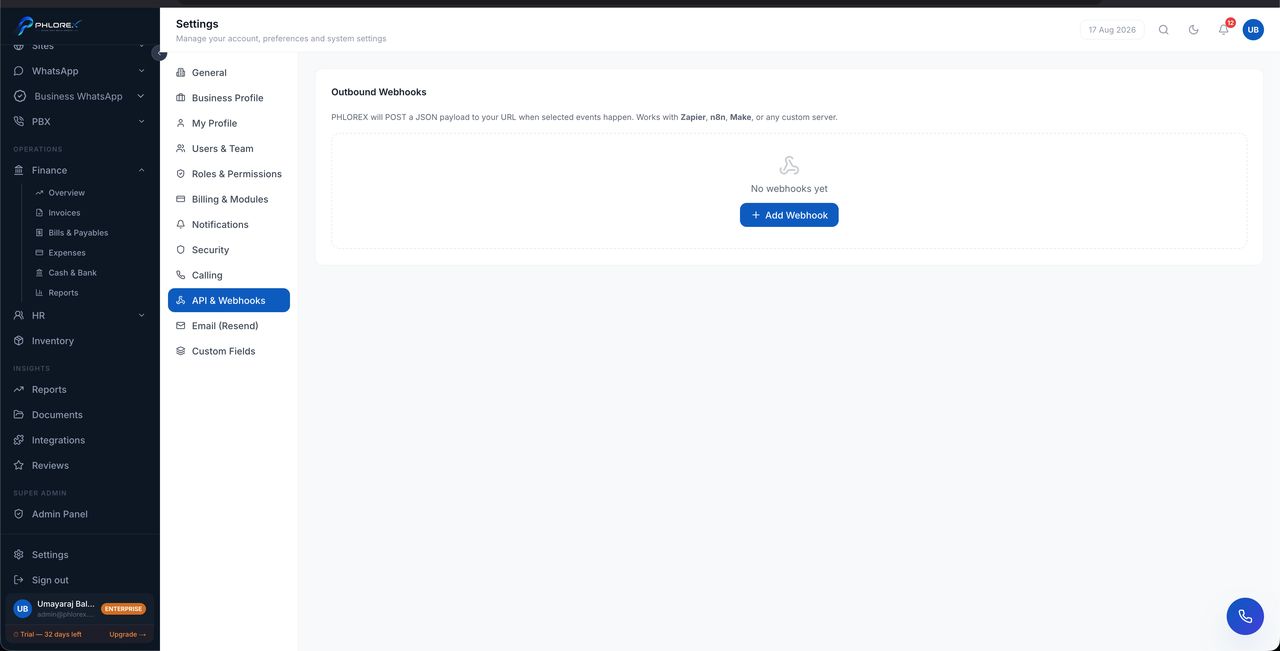
Send LeadOS events to your own systems, and connect automation tools.
Settings›API & Webhooks
Full setup is in Connect Zapier, n8n, or Make.
- Add a webhook with a URL and the events it should receive.
- Each webhook has its own signing secret.
- Delete a webhook to stop it and invalidate its secret.
Take care
Always verify the X-Phlorex-Signature header at your end. Without that check, anyone who discovers your webhook URL can send you fabricated events.
Tip
An empty list simply means no webhooks are configured. Nothing is being sent anywhere.
Add a webhook
- Open Settings → API & Webhooks.
- Select Add webhook and paste the URL from your automation tool.
- Choose the events to send.
- Save, and copy the signing secret immediately.
- Verify the
X-Phlorex-Signatureheader at your end before trusting anything it sends.
Cannot find what you need?
Something not behaving as described here? Tell us and we will fix the page.