
Browse help sections
Custom fields
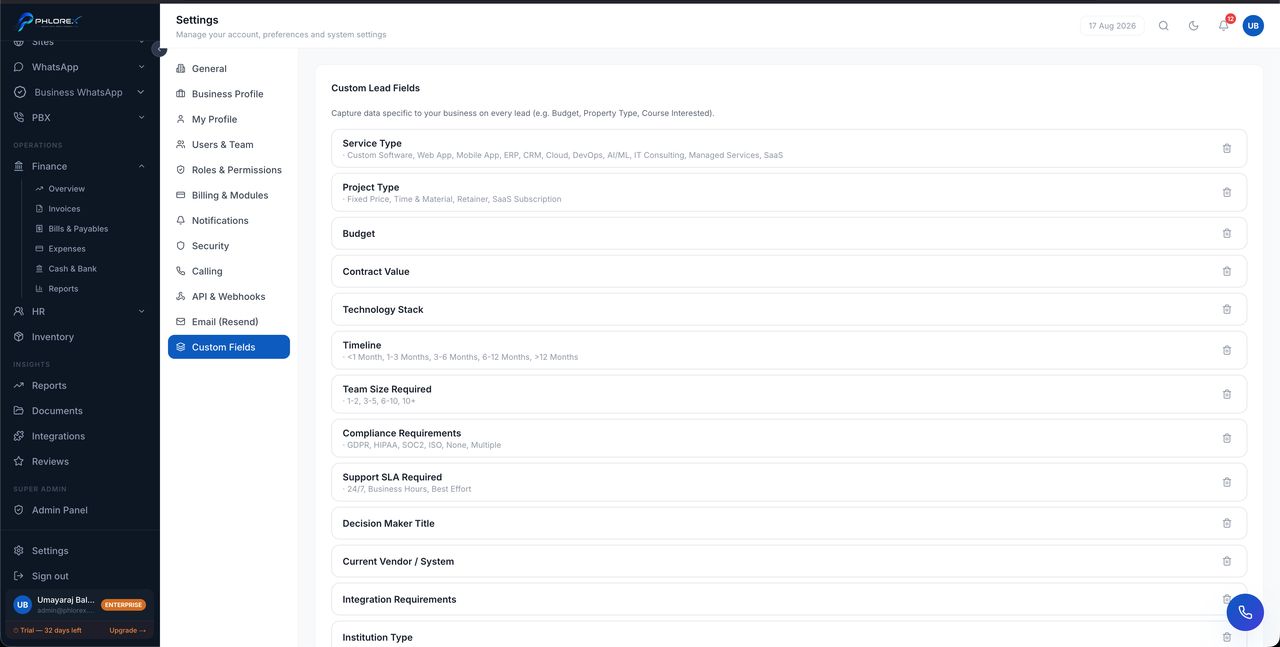
Add the fields your business needs to records that do not have them by default.
Settings›Custom Fields
- Select Add field.
- Name it as your team would say it.
- Choose the type — text, number, date, or a list of options.
- For a list, enter the options.
- Mark it required only if a record is genuinely incomplete without it.
- Save.
Tip
Fields captured from connected sources such as Facebook lead forms are created automatically the first time a form sends them, so nothing a customer submitted is thrown away.
Important
Think before marking a field required — it blocks every save, including quick entries taken during a phone call.
Cannot find what you need?
Something not behaving as described here? Tell us and we will fix the page.