
Browse help sections
Users and team
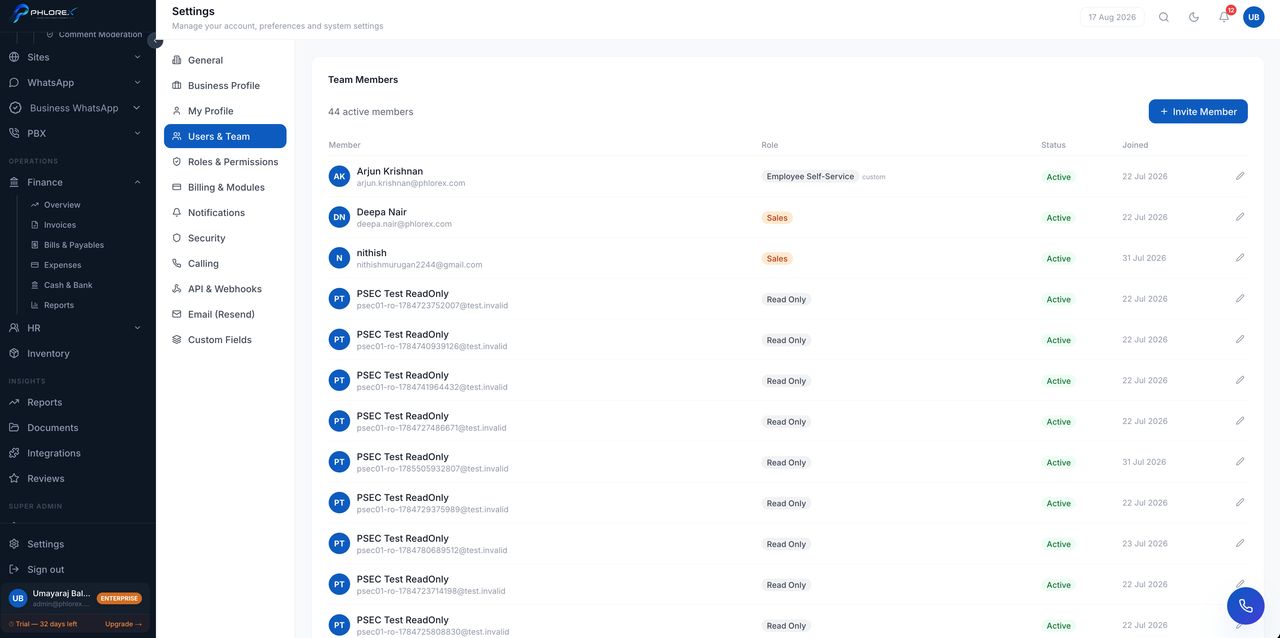
Invite colleagues, set their role, and remove access when someone leaves.
Settings›Users & Team
- Select Invite user.
- Enter their work email.
- Choose their role — this decides what they can see and do.
- Send. They receive a join link.
Change a person's role at any time; it takes effect on their next page load. When someone leaves, remove their access here — their historical activity stays intact, which is what you want for the record.
Take care
Remove access the day someone leaves, not at the end of the month. An active account belonging to a former employee is the commonest way workspace data walks out the door.
Cannot find what you need?
Something not behaving as described here? Tell us and we will fix the page.