
Browse help sections
Security
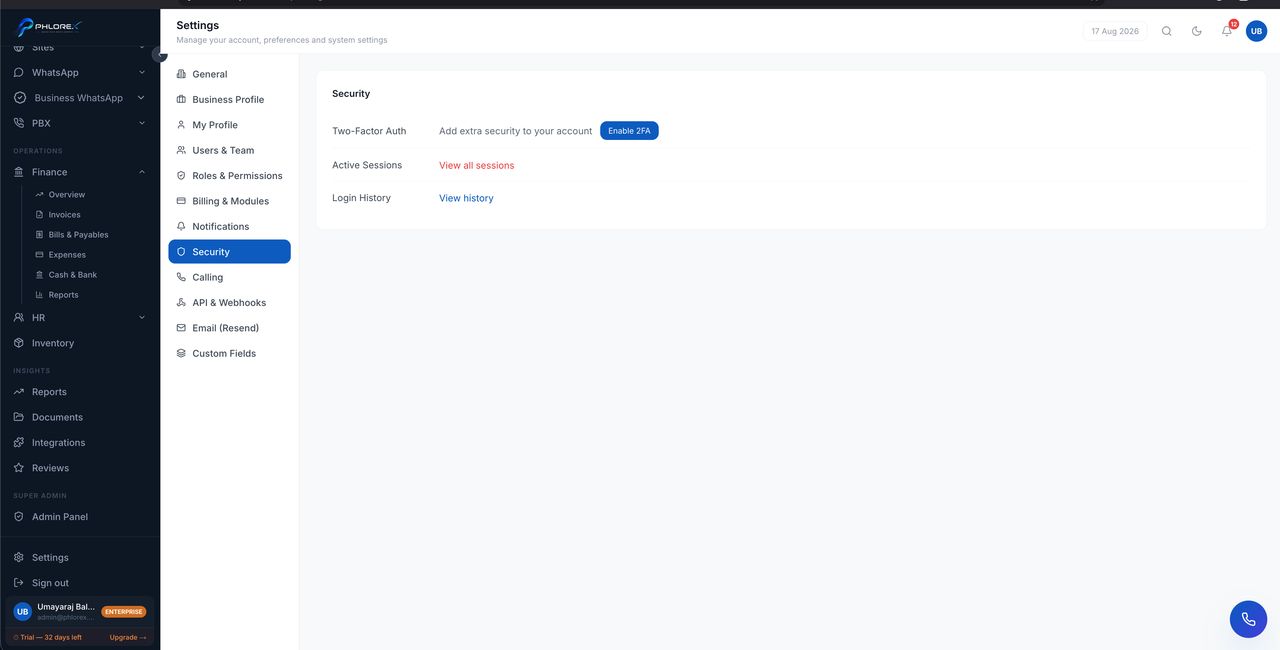
Controls that protect the workspace and its data.
Settings›Security
- Active sessions, and the ability to end them.
- Password requirements.
- Access review for administrators.
Good practice
- Use a unique password for LeadOS.
- Sign out deliberately on shared computers.
- Remove leavers the day they leave.
- Review administrative roles every few months.
Important
Credentials for connected services — WhatsApp, Facebook, Google, email — are stored encrypted. Never share them by chat or email, and rotate them if you suspect exposure.
A quarterly security check
- Open Settings → Security and review active sessions.
- End any session you do not recognise.
- Review who holds administrative roles in Roles and permissions.
- Remove anyone who has left.
- Rotate credentials for connected services if you suspect exposure.
Cannot find what you need?
Something not behaving as described here? Tell us and we will fix the page.