
Browse help sections
Funnel analytics
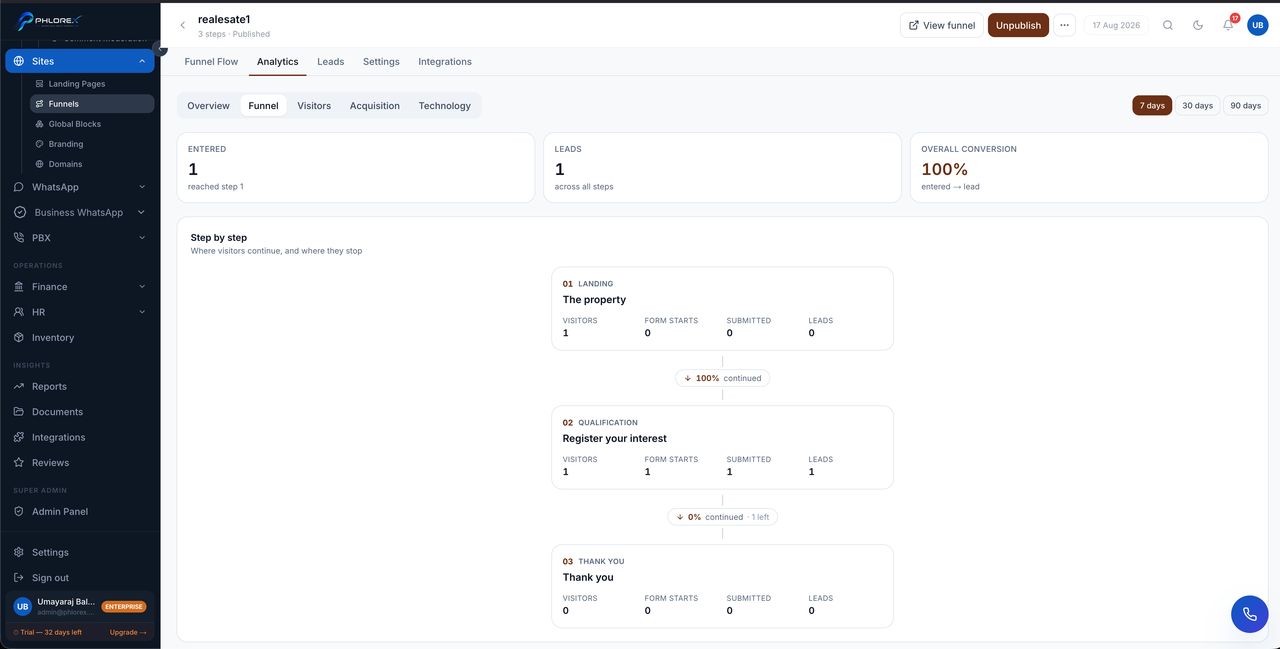
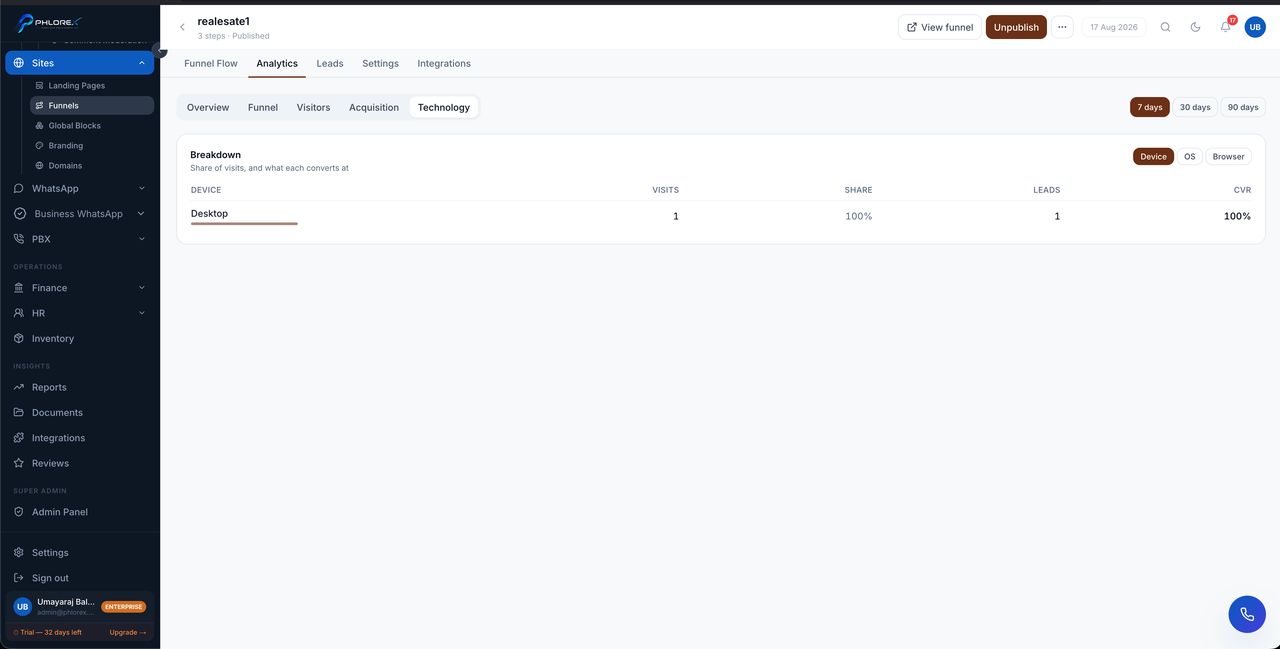
Funnel analytics show the same tabs as a page, plus the one that matters most for a multi-step journey: the step breakdown.
| Tab | What it answers |
|---|---|
| Overview | Total visitors and total conversions |
| Step breakdown | How many reached each step, and where they left |
| Visitors | How many people, and how they behaved |
| Acquisition | Which sources sent them |
| Technology | Device, browser and operating system |
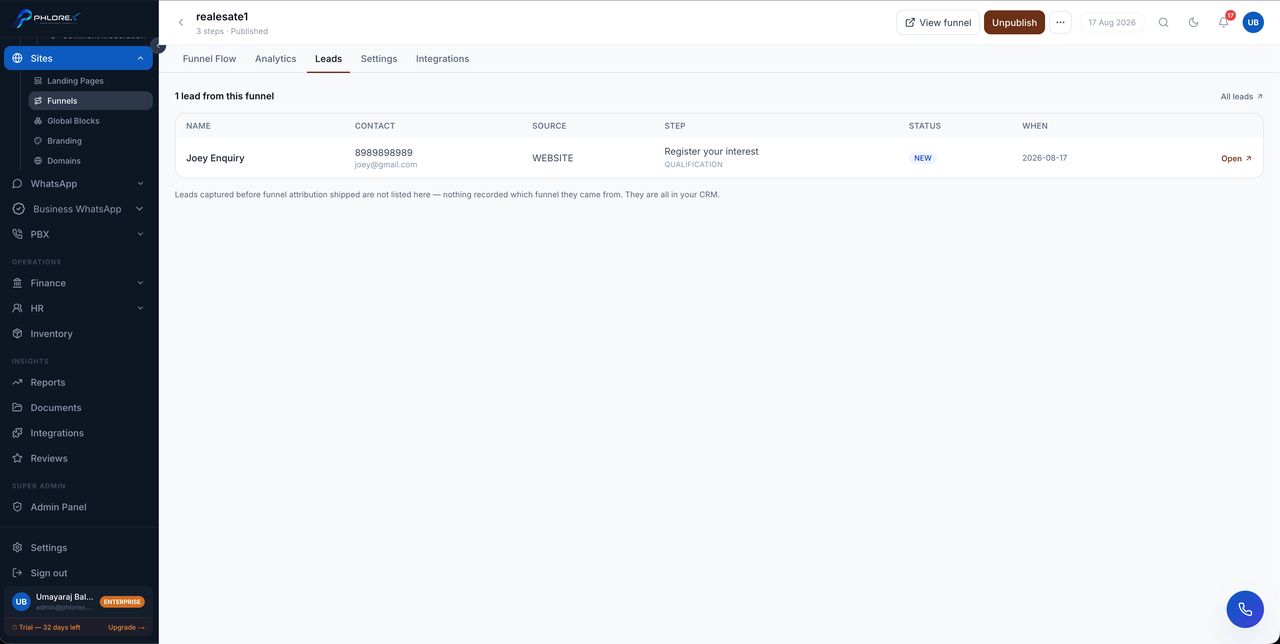
| Leads | The prospects the funnel actually produced |
Reading the step breakdown
Every funnel loses people at every step; that is normal. What matters is where it loses disproportionately many.
Tip
Fix the biggest single drop-off before anything else. Improving a step that loses 5% of visitors is wasted effort next to one losing half of them.
Important
A step that loses almost everyone usually has a mechanical problem — a broken button, a form that fails on mobile, a slow page — rather than a copywriting one. Load it on a phone before rewriting it.
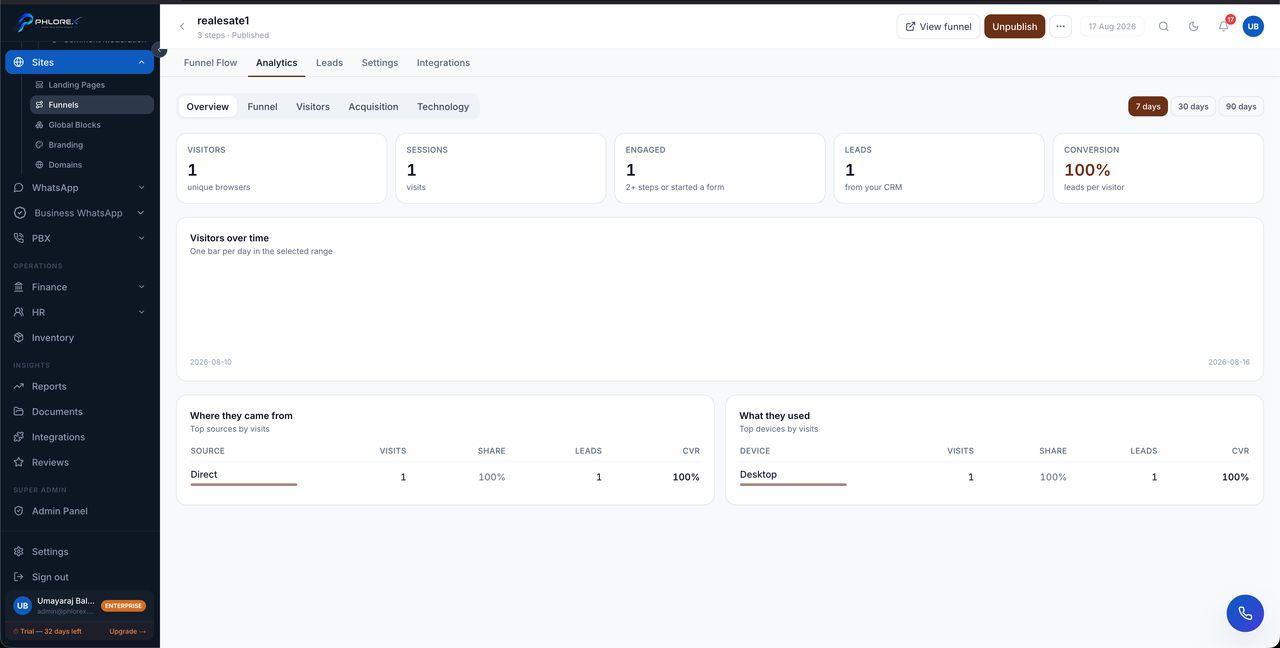
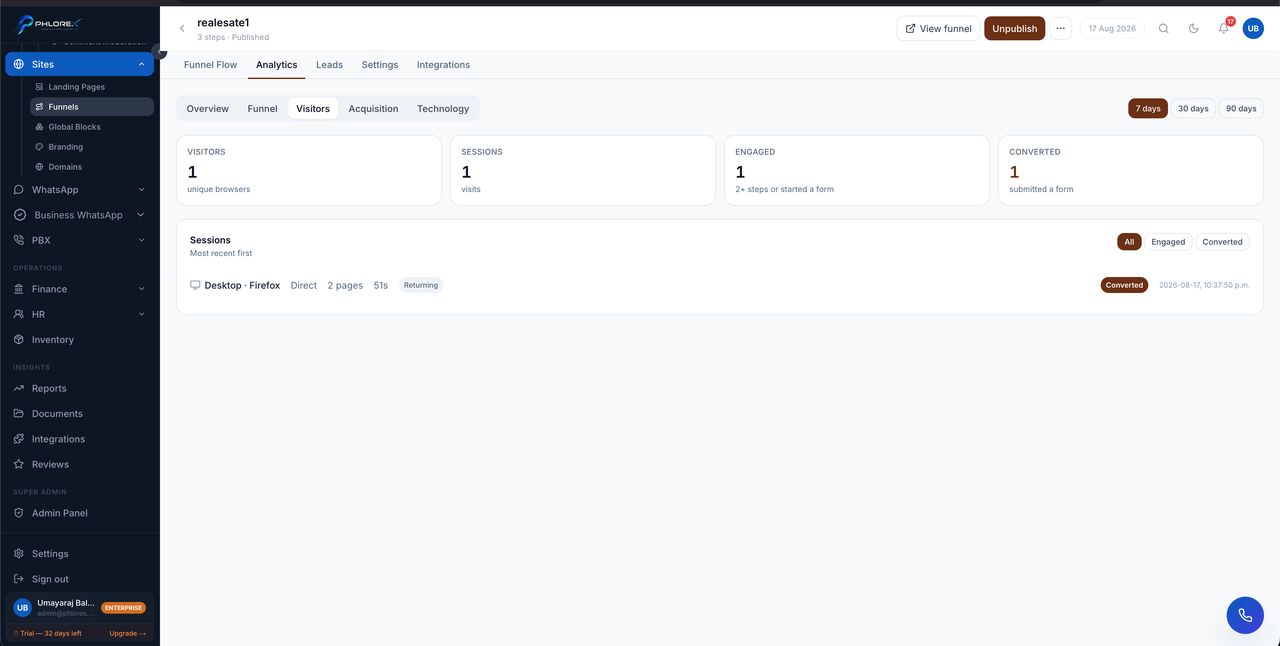
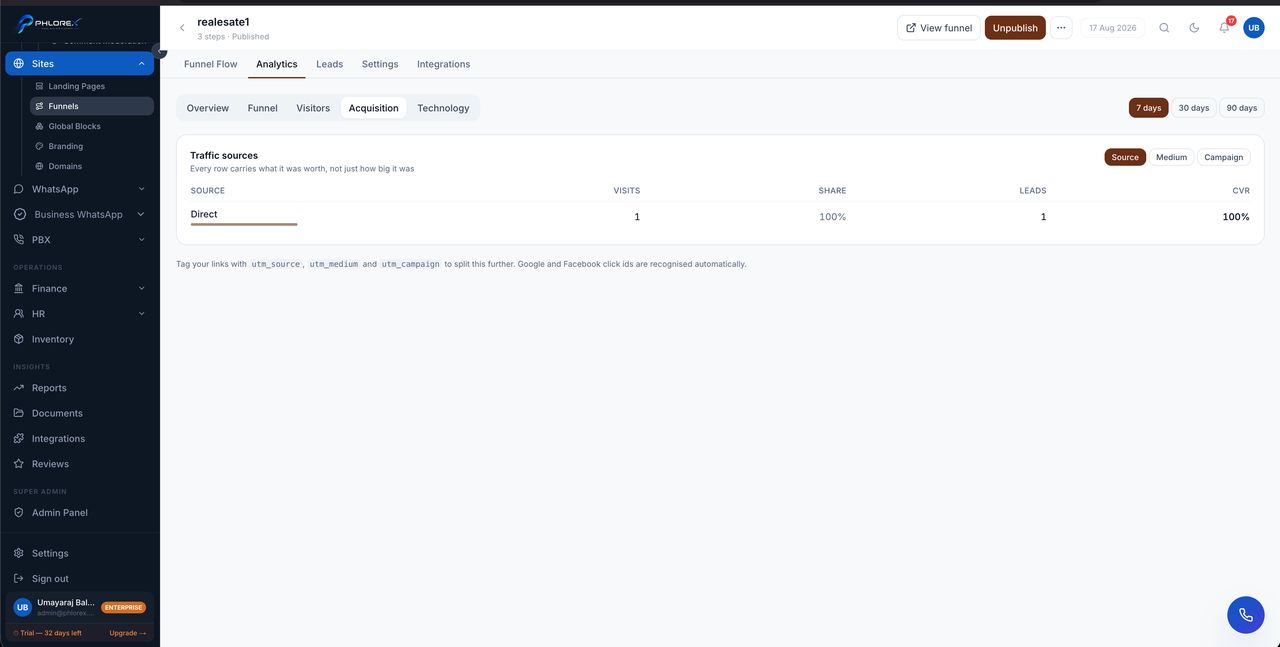
Find where a funnel leaks
- Open the funnel and go to Analytics.
- Open the step breakdown.
- Find the step with the largest drop, not the first step that loses people.
- Load that step on a phone and look for a mechanical fault before rewriting copy.
- Change one thing, then compare the same period next week.
Cannot find what you need?
Something not behaving as described here? Tell us and we will fix the page.