
Browse help sections
Page analytics and leads
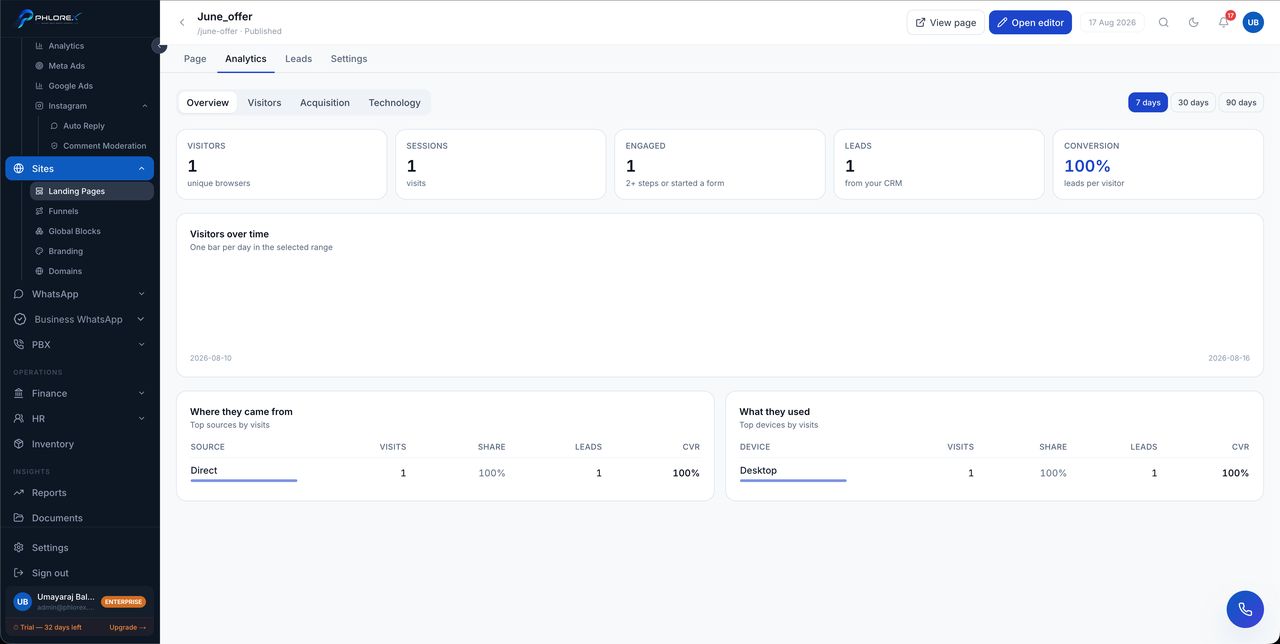
Every published page keeps its own analytics, so you can judge a page on its own numbers rather than site-wide totals.
| Tab | What it answers |
|---|---|
| Overview | How many visitors, how many converted, and the trend |
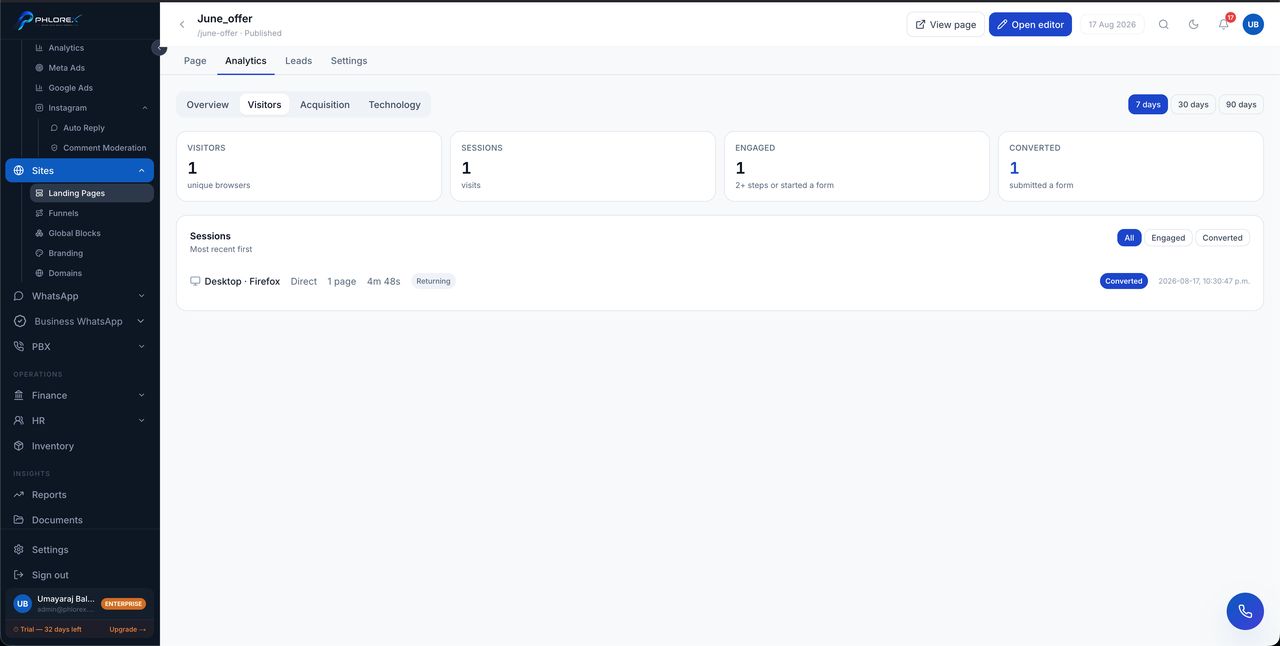
| Visitors | How many people, how often they return, how long they stay |
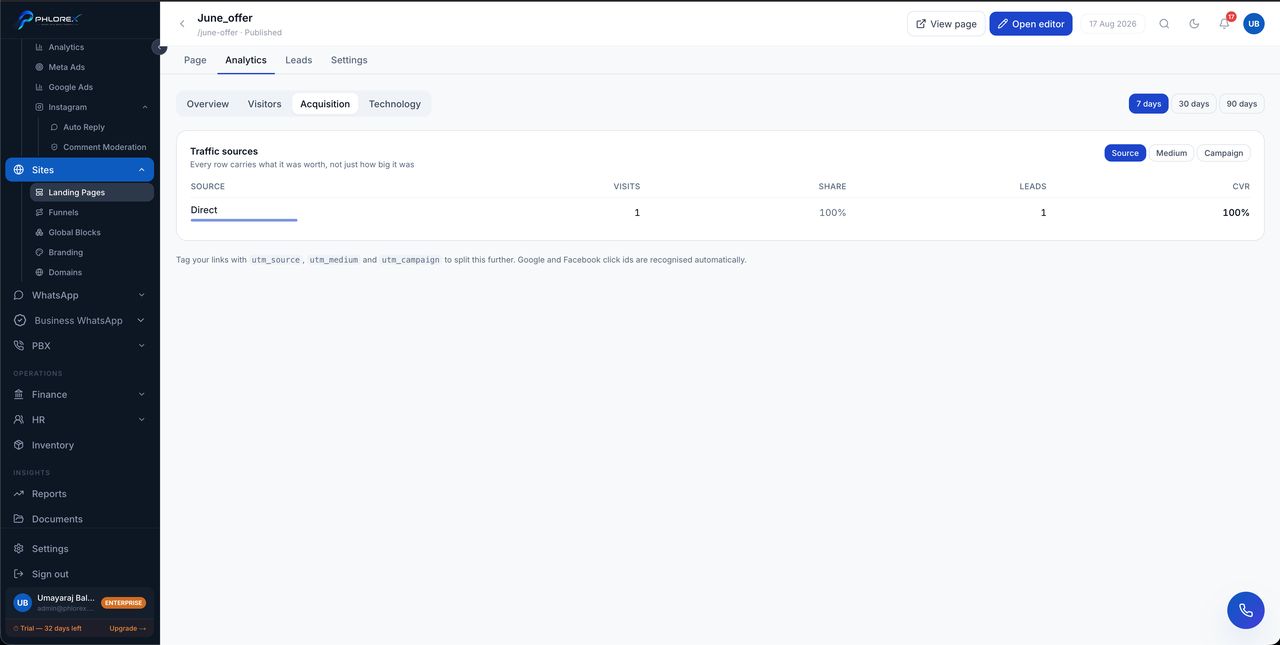
| Acquisition | Where they came from — which campaign, referrer or channel |
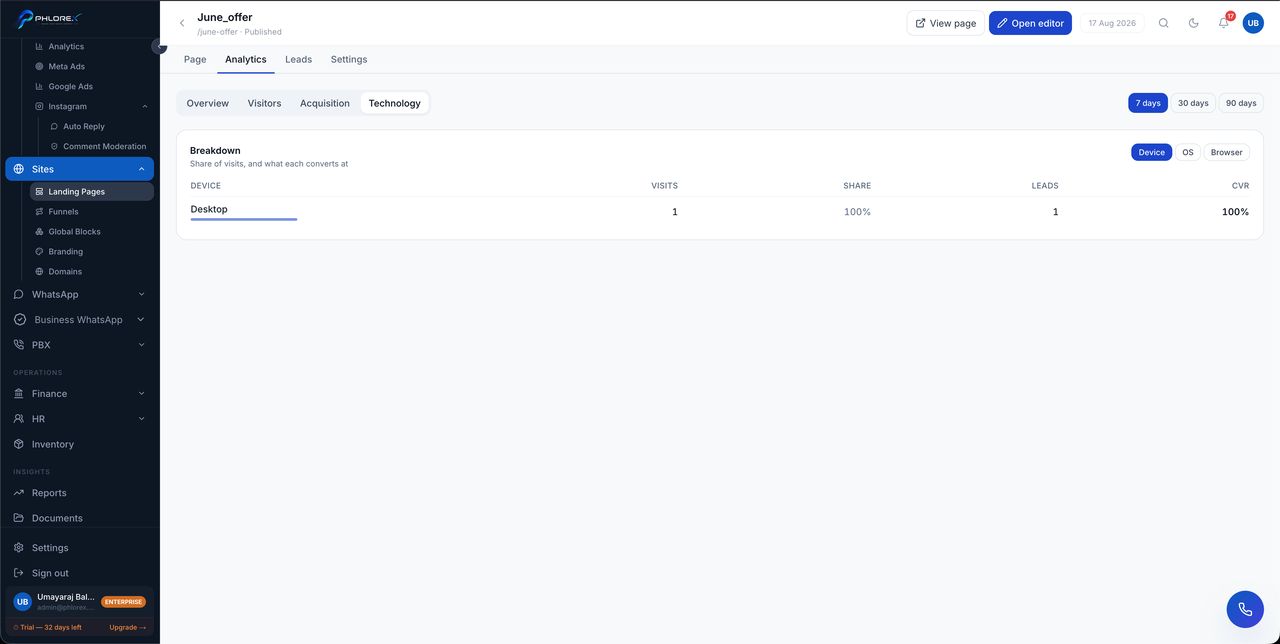
| Technology | Device, browser and operating system breakdown |
The leads tab
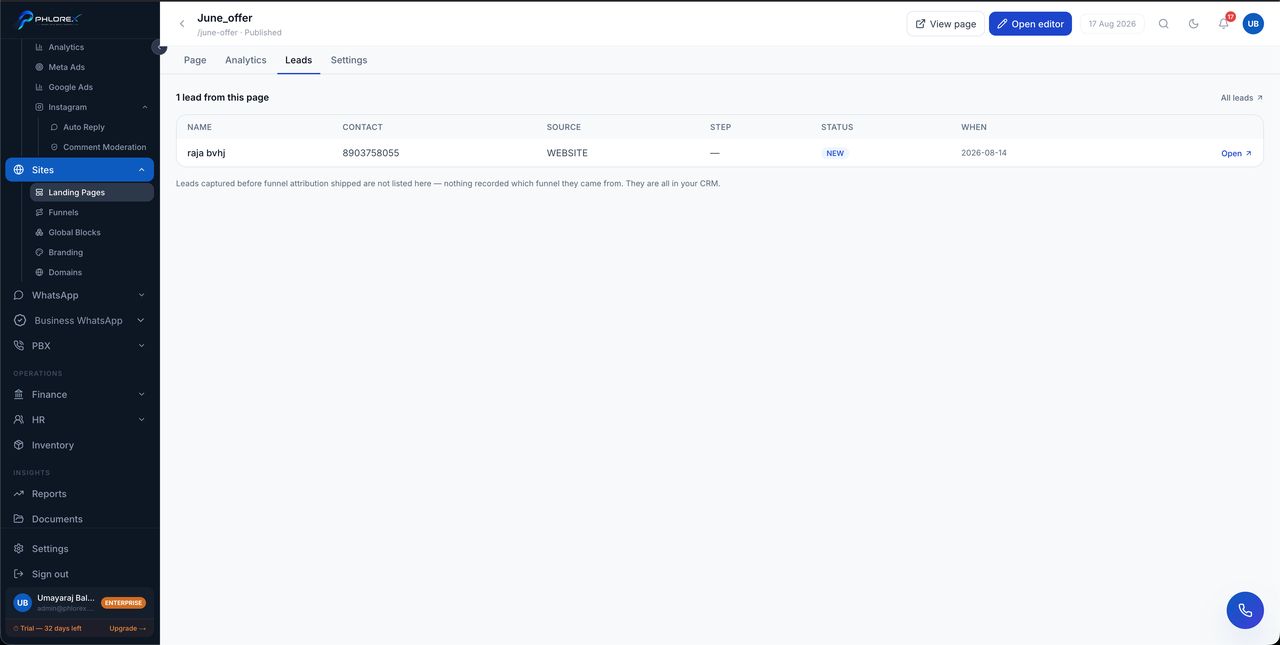
Alongside analytics, each page lists the prospects it actually produced. That is the honest measure of a page — visits are interesting, submissions are the point.
Tip
Check the technology breakdown before redesigning. If most visitors are on phones, a layout that only works on a laptop is your conversion problem.
Acquisition data depends on your links carrying campaign parameters. A link shared without them shows as direct traffic, which is accurate but not useful.
Read a page’s numbers
- Open the page and go to Analytics.
- Start on Overview — visitors against conversions tells you if the page works.
- Check Technology. If most visitors are on phones, judge the page on a phone.
- Check Acquisition to see which campaign or source is actually sending traffic.
- Open the Leads tab — submissions, not visits, are the point.
Cannot find what you need?
Something not behaving as described here? Tell us and we will fix the page.