
Browse help sections
Landing pages
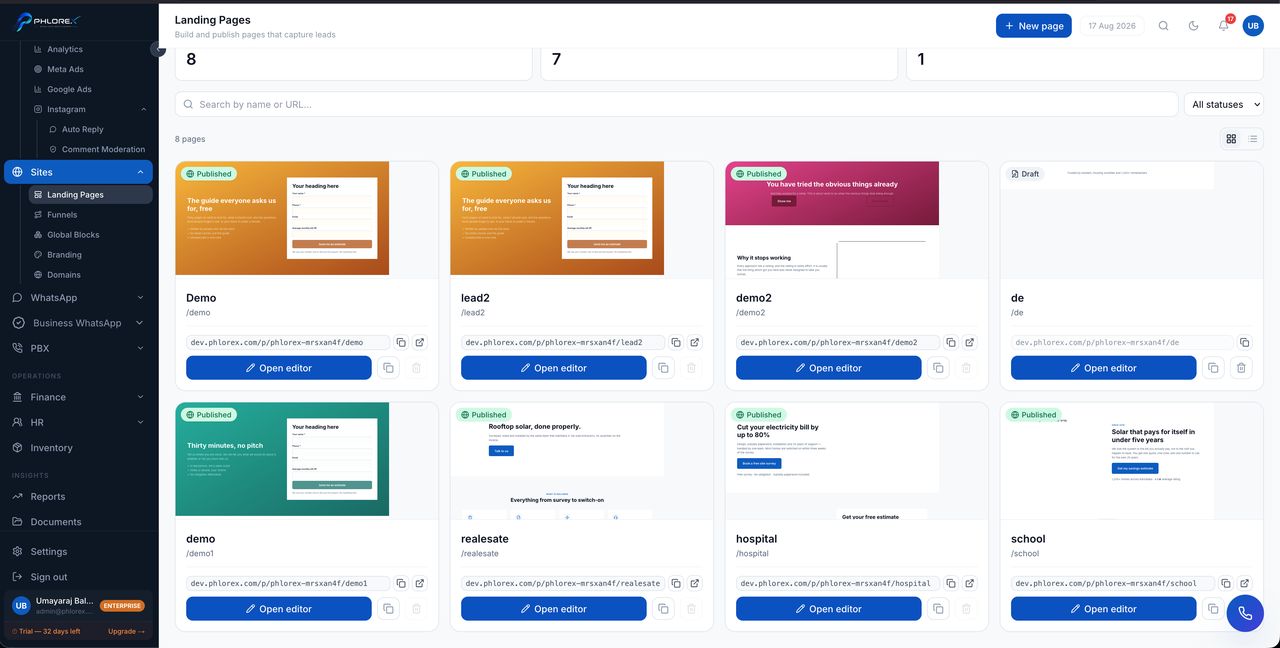
A landing page is a single page built to do one job — usually capture an enquiry. You build it here, publish it, and every form submission arrives as a prospect with the page recorded as its source.
Reading the list
Three counters across the top — Pages, Published and Drafts — show how much is actually live versus half-built. Search by name or URL, filter by status, and switch between grid and list view.
- Each card shows a preview, its status, its name and its address.
- The public link sits under each card with a copy button.
- Open editor goes to the builder; the icons beside it duplicate or delete.
- A published page also has an open-in-new-tab icon.
| State | What it means |
|---|---|
| Draft | Not reachable by anyone. Never indexed |
| Published | Live at its address. Anyone with the link can open it |
Duplicate is the quickest way to build a second page. Get one page converting, then copy it for the next campaign rather than starting from a template again.
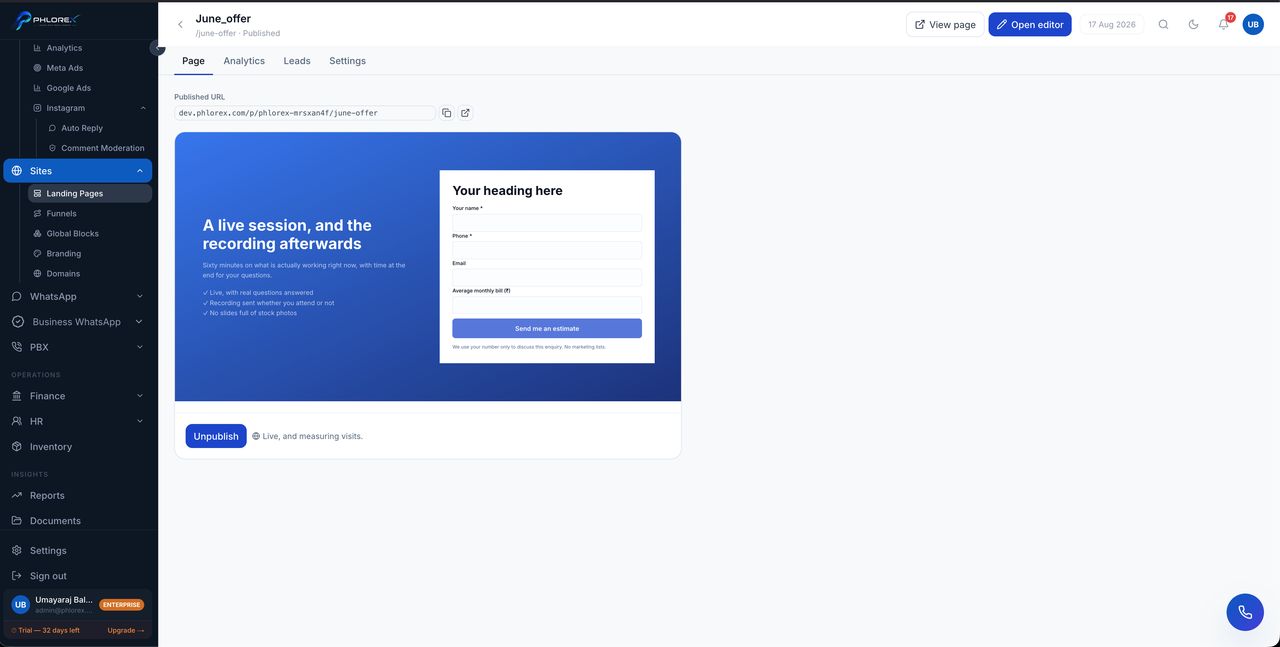
Deleting a published page breaks its link everywhere it has been shared — ads, emails, printed material. Unpublish first if you only want it out of circulation.
Everyday tasks
- Search by name or URL, or filter by status, to find a page.
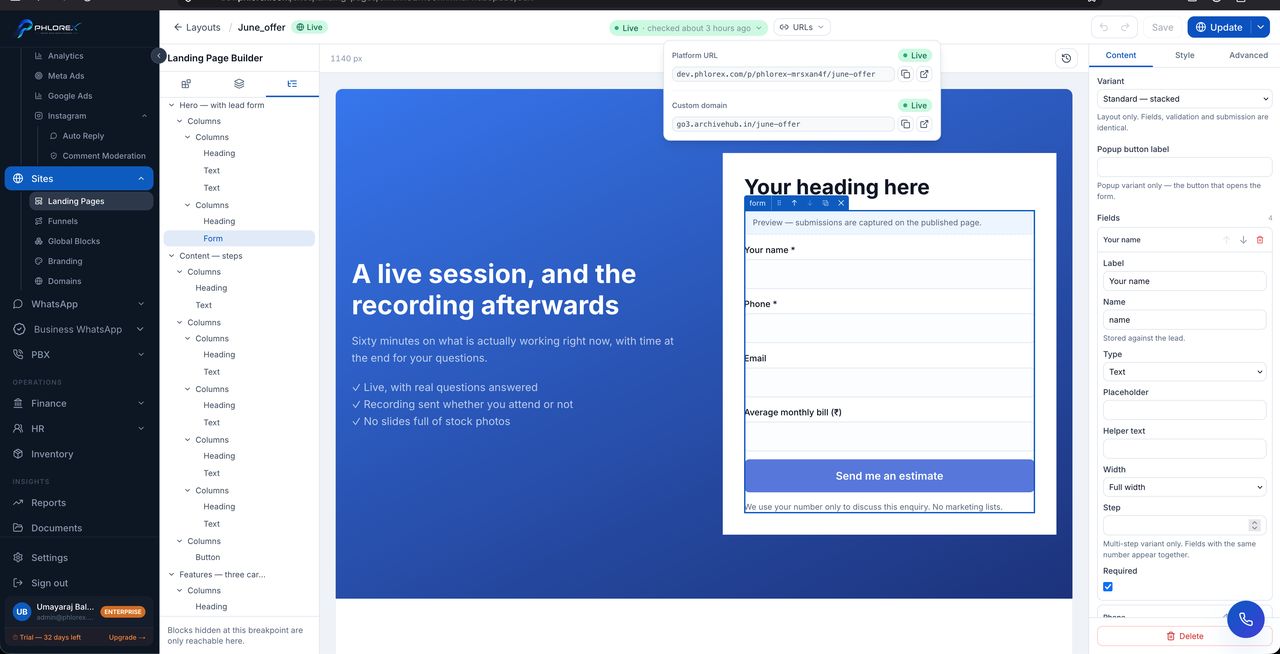
- Select Open editor to change it.
- Use the duplicate icon to copy a page that works as the basis for a new one.
- Copy the public link from under the card to share it.
- Unpublish rather than delete if you only want it out of circulation.
Cannot find what you need?
Something not behaving as described here? Tell us and we will fix the page.