
Browse help sections
Automations
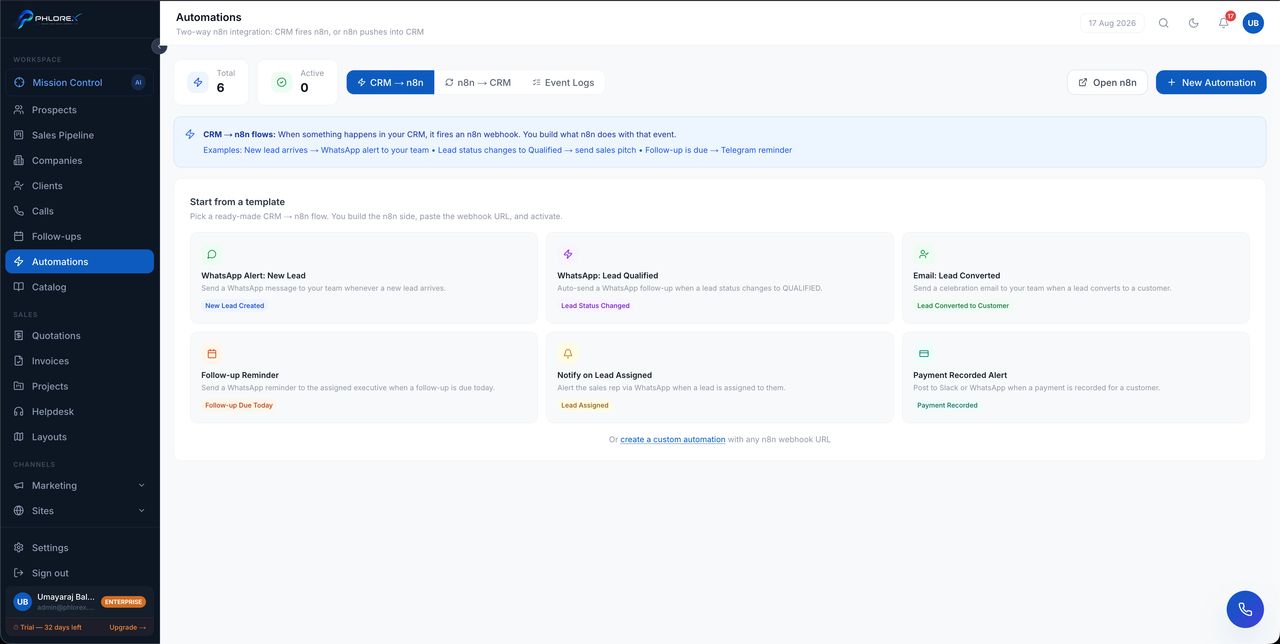
Rules that act on their own — assign a new prospect, send a message, create a follow-up when something happens.
Starting from a template
LeadOS ships ready-made flows so you do not have to design one from nothing. Browse the templates, pick the one closest to what you want, and adjust it.
- Choose a template, or select New automation.
- Choose the trigger — the event that starts it.
- Add conditions to narrow when it applies.
- Choose what happens.
- Enable it.
The event log
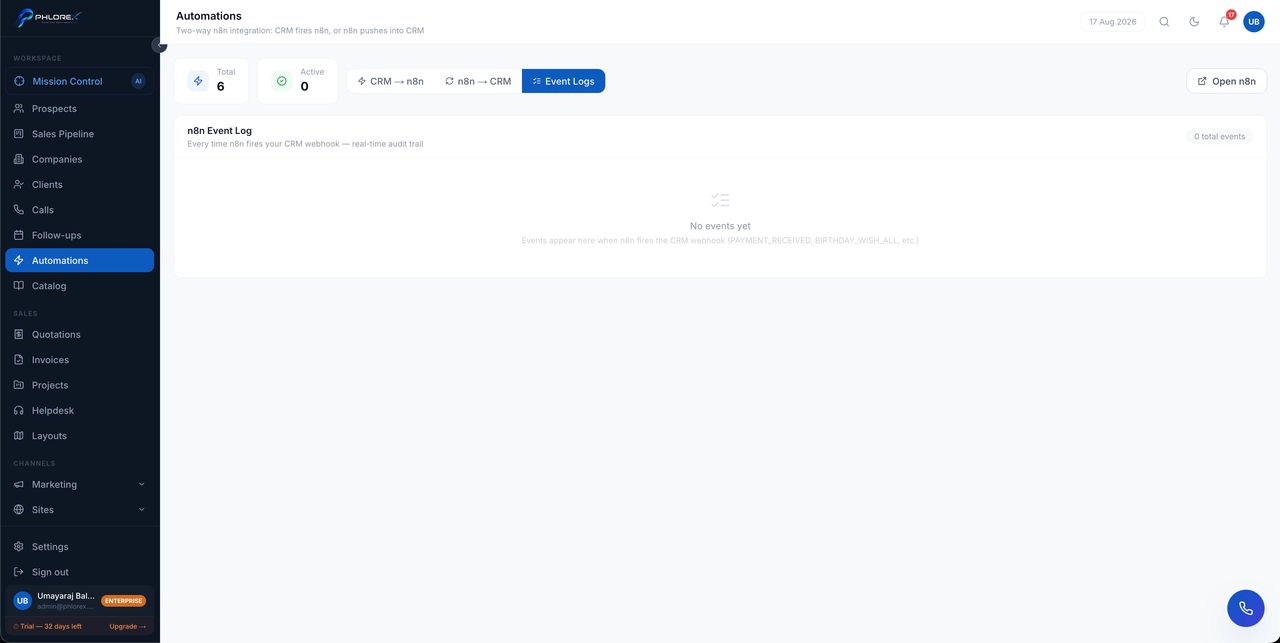
Every run is recorded, so you can see what fired, when, and whether it succeeded. An empty log means nothing has triggered yet — usually because the automation is disabled or its conditions are too narrow.
Test with one record before enabling anything that messages customers. An automation with a wrong condition can message your whole database, and there is no way to unsend.
Start with the dull, high-value ones: assign new prospects to an owner, and create a same-day follow-up. Those two prevent most lost enquiries.
Cannot find what you need?
Something not behaving as described here? Tell us and we will fix the page.