
Browse help sections
Clients
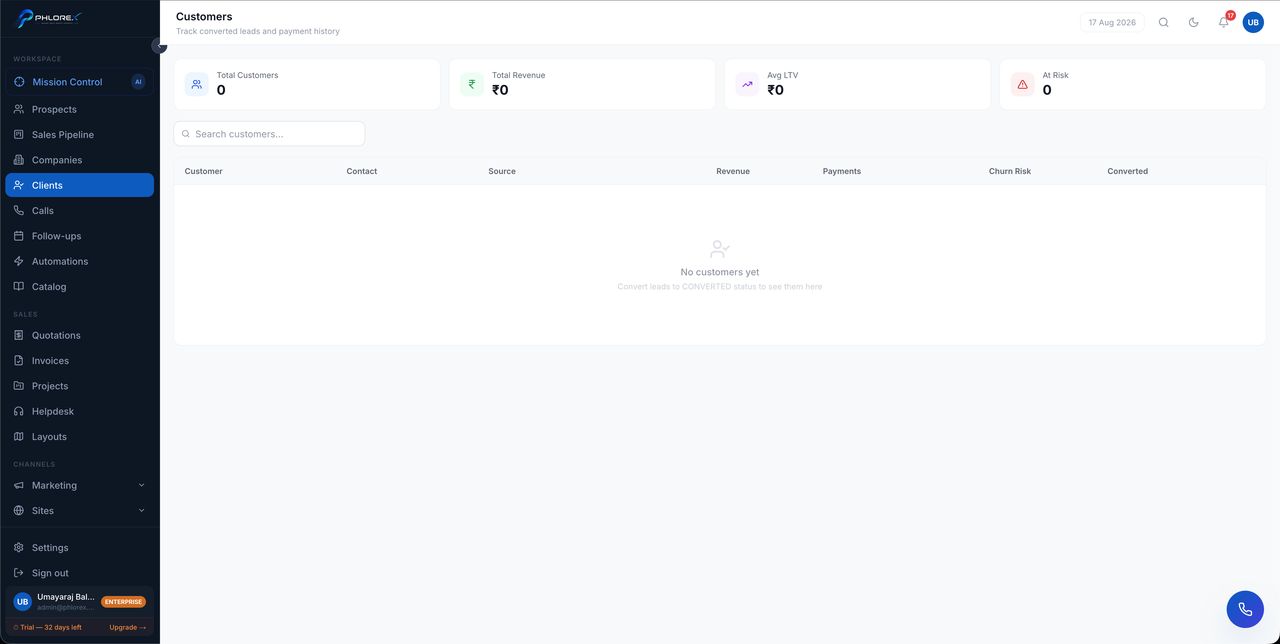
A client is a prospect who bought. This is where the relationship continues after the sale — repeat business, payments, and retention.
Workspace›Clients
- The complete history from first contact, carried over from the prospect record.
- Payments recorded against them.
- A churn-risk indicator you can adjust as you learn more.
- Linked quotations, invoices, projects and tickets.
Tip
For anything invoiced, record the payment against the invoice instead. A payment recorded only here leaves the invoice looking unpaid and distorts your receivables.
An empty Clients list simply means nothing has converted yet — prospects move here as they buy.
Look after a client
- Open the client from the Clients list.
- Read the history carried over from when they were a prospect.
- Record any payment taken outside an invoice with Add payment.
- Adjust the churn-risk indicator as you learn more.
- Set a follow-up so the relationship does not go quiet.
Cannot find what you need?
Something not behaving as described here? Tell us and we will fix the page.