
Browse help sections
Companies
PRORequires the pro plan or above.
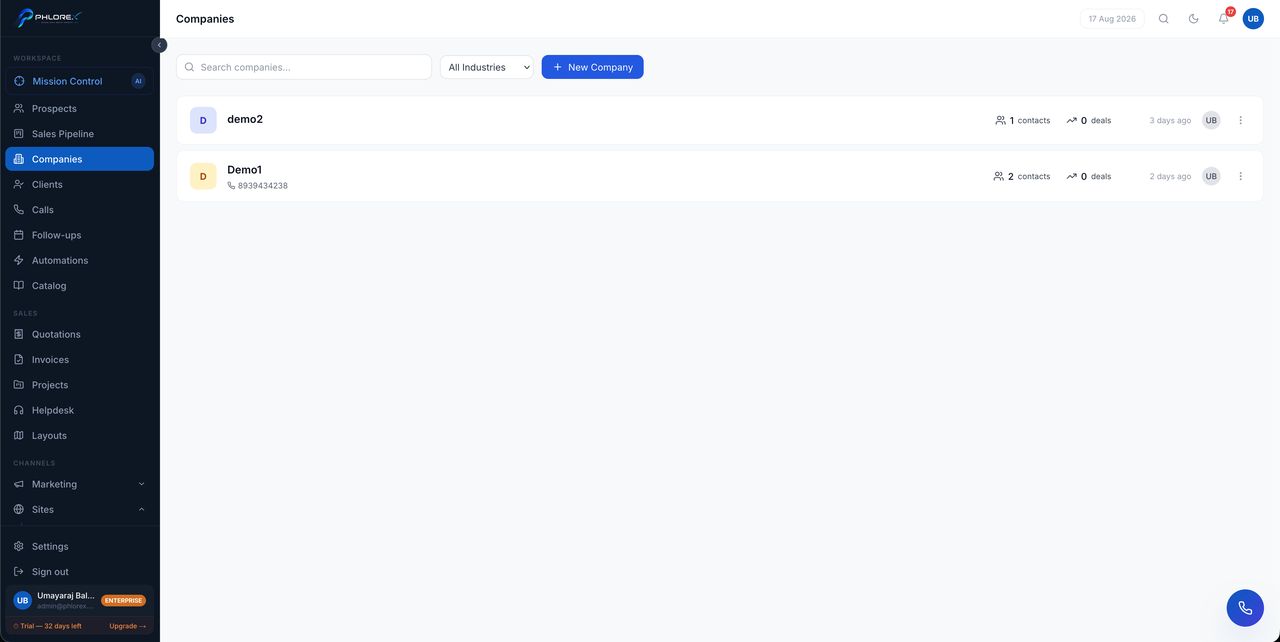
When you sell to organisations rather than individuals, the company is the account and the people are its contacts. Everything anyone there does rolls up to one place.
Workspace›Companies
The company record
A company gathers everything related to it on tabs — each appears only if your workspace has that module.
| Tab | What it holds |
|---|---|
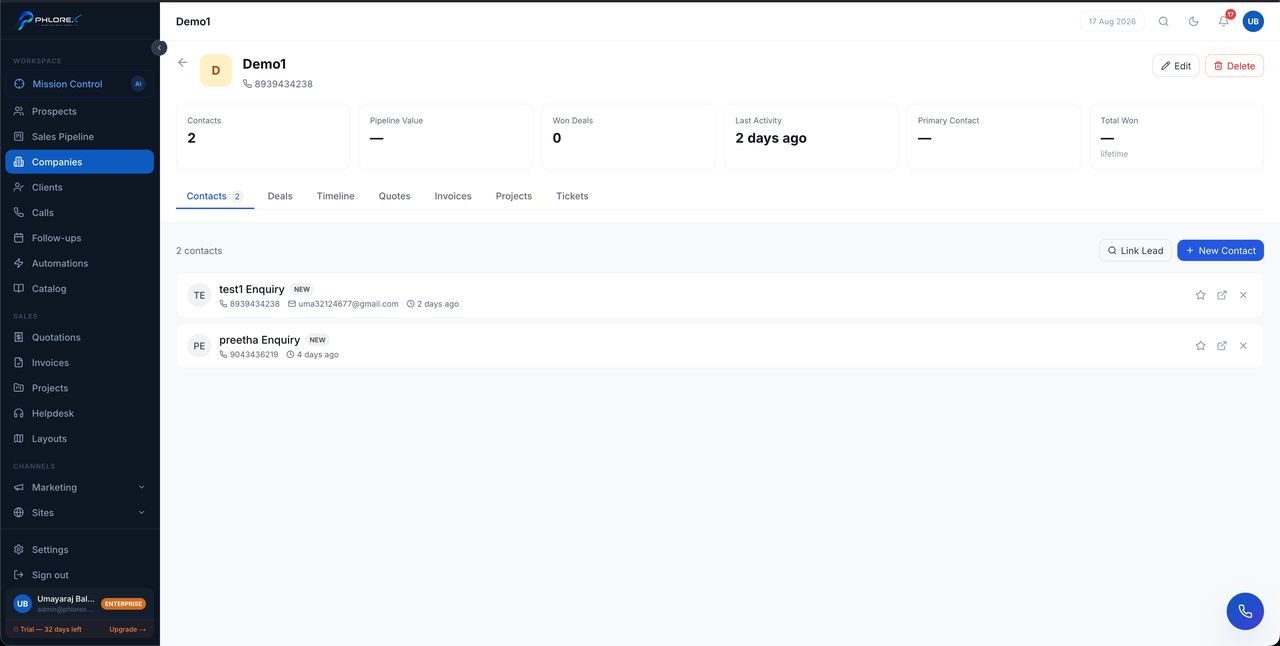
| Contacts | The people you deal with there |
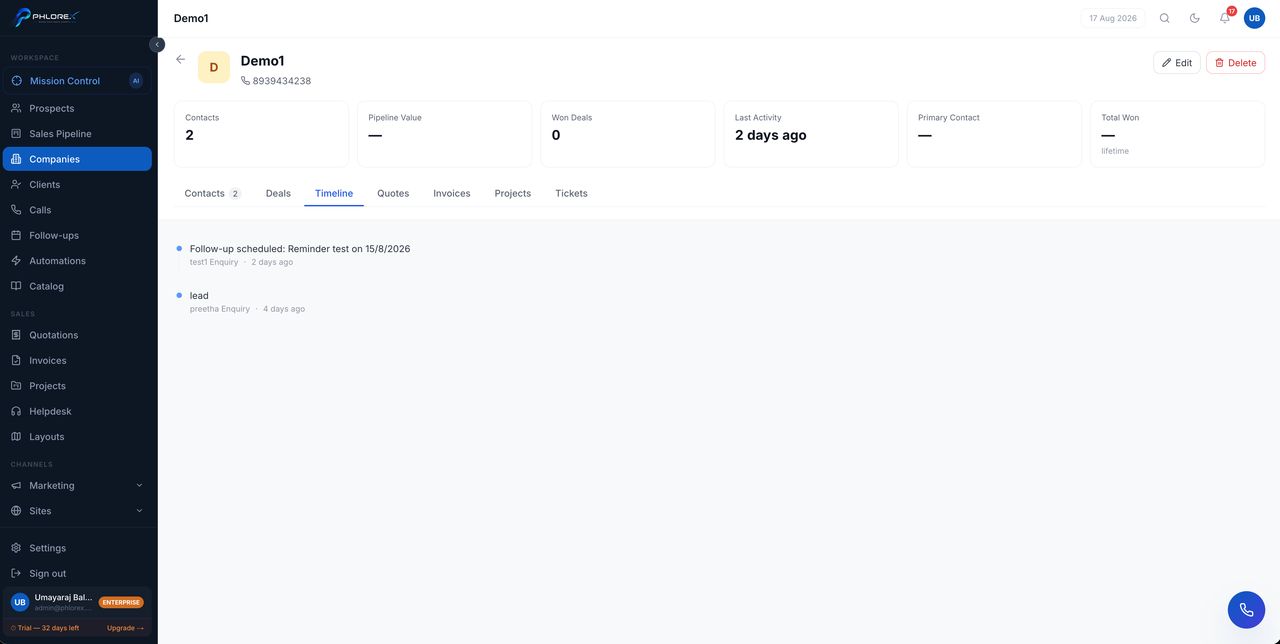
| Timeline | Every interaction with anyone at the company |
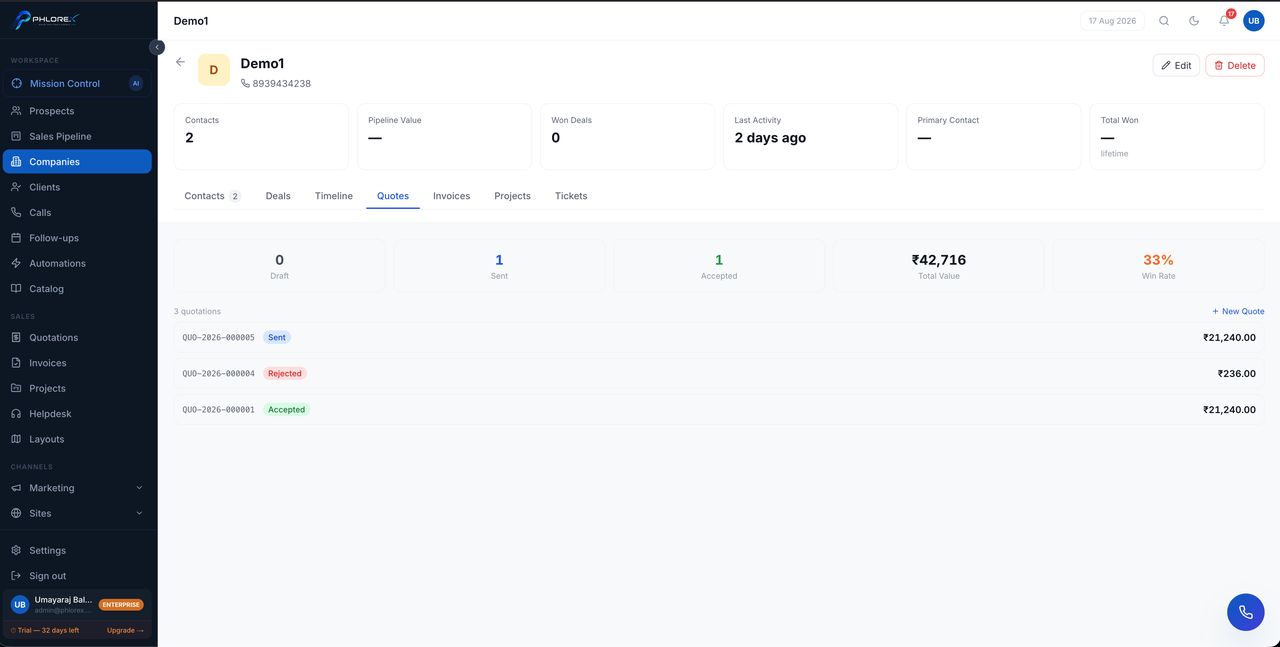
| Quotes | Quotations raised for them |
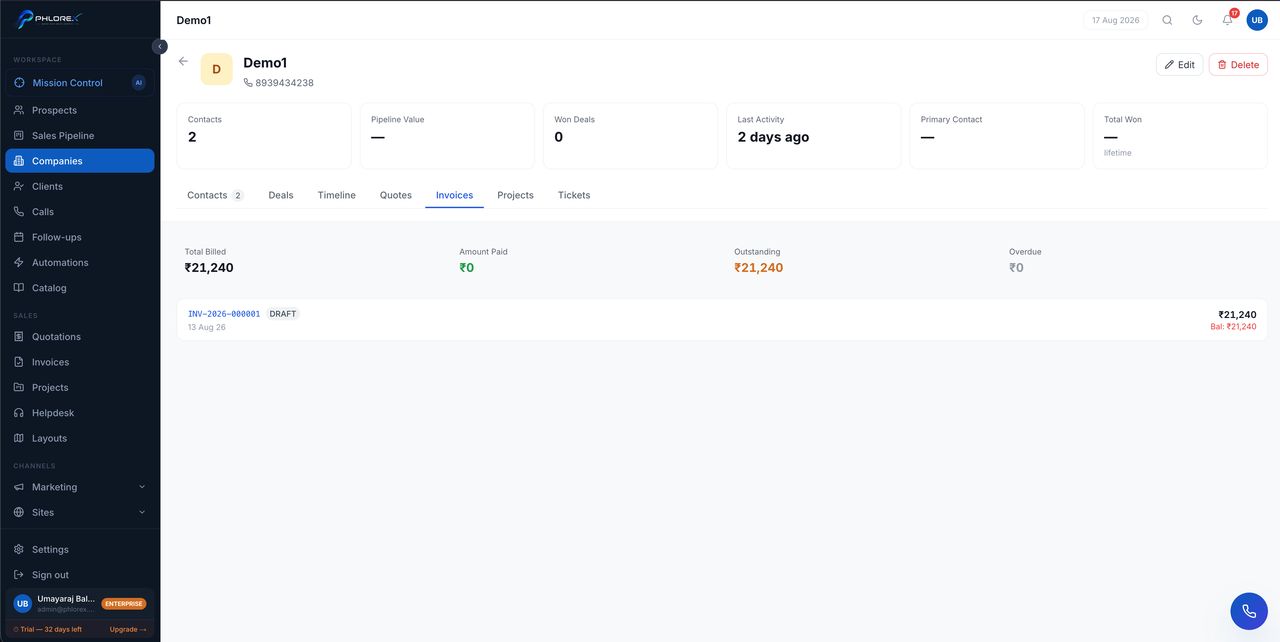
| Invoices | What has been billed and paid |
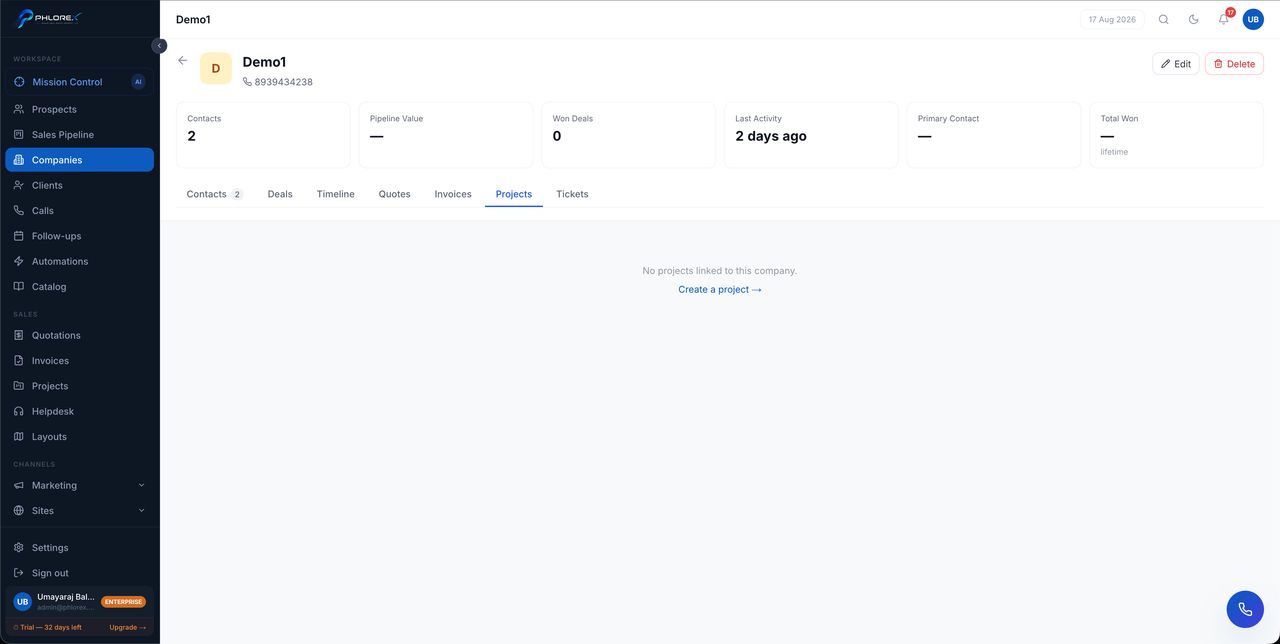
| Projects | Delivery work in progress |
| Tickets | Support raised against the account |
- Select New company and enter the business details.
- Upload a logo so it is recognisable in lists.
- Use Add contact to attach existing prospects.
Tip
The timeline is the reason to link contacts properly. A colleague picking up the account sees every conversation, not just their own.
Each tab, in order
Cannot find what you need?
Something not behaving as described here? Tell us and we will fix the page.