
Browse help sections
Calls
PRORequires the pro plan or above.
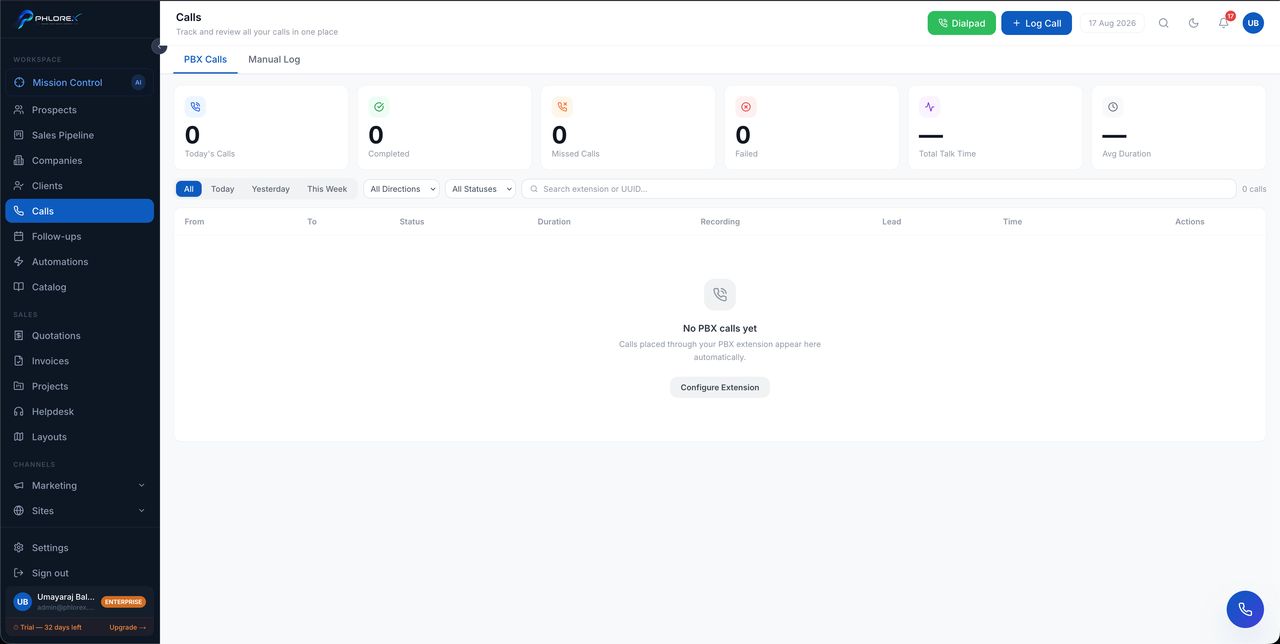
Every call made or received through LeadOS, with outcome and duration.
Workspace›Calls
With PBX connected, select Call on any prospect to dial from your browser. The call is logged automatically — no note-taking needed to get the record.
- Set the outcome — connected, no answer, wrong number, not interested.
- Add a note while it is fresh.
- Set the next follow-up, or move the deal on.
- Call volume by person and by day.
- Connection rate — how often calls are actually answered.
- The best time of day to reach your market, from your own data rather than a rule of thumb.
Tip
An empty Calls list means no calls have been placed through LeadOS yet. Calls made from a personal mobile never appear here, which is the main argument for using the softphone.
Cannot find what you need?
Something not behaving as described here? Tell us and we will fix the page.