
Browse help sections
Sales Pipeline
PRORequires the pro plan or above.
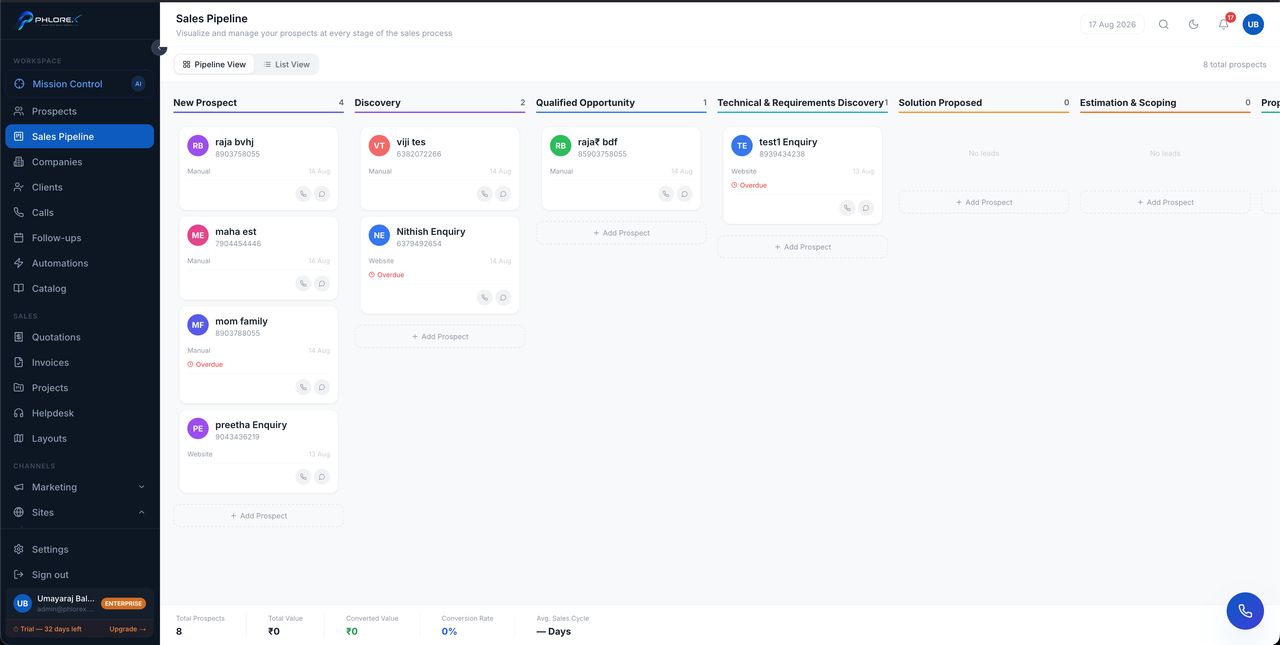
Your deals on a board, one column per stage. It answers the question every sales meeting asks: what is actually moving?
Workspace›Sales Pipeline
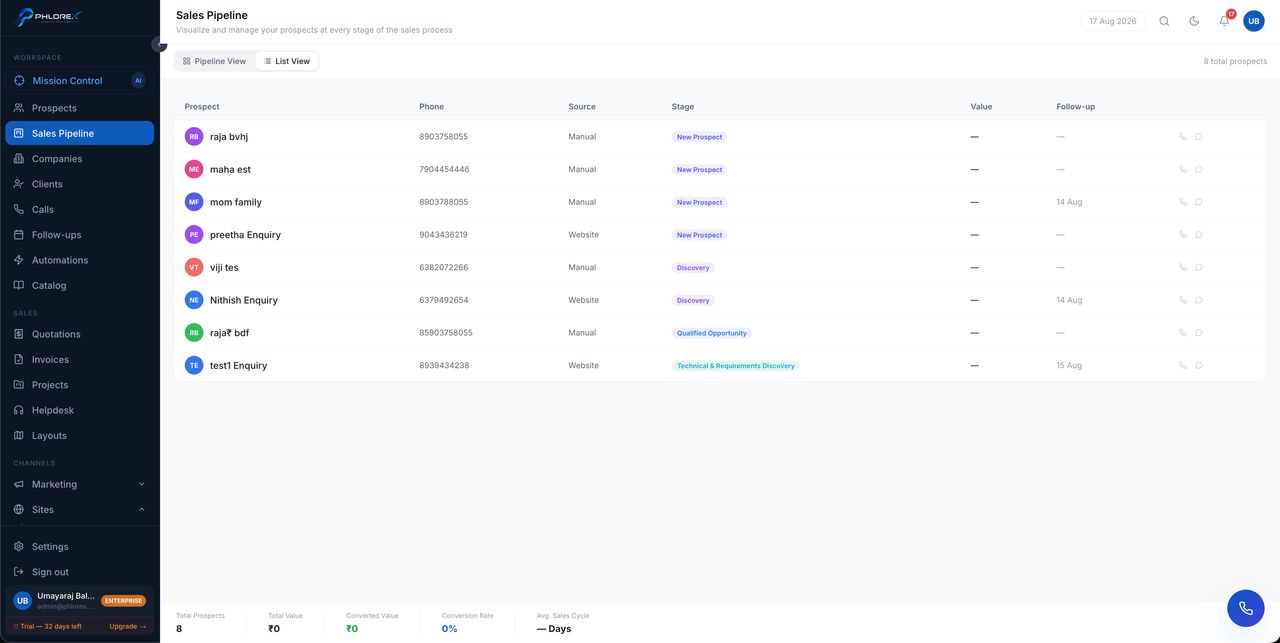
Two views
The board is for working — drag a card to the next stage and the change is recorded with who moved it and when. The list is for scanning and sorting when you have more deals than fit on a board.
Setting your stages
- Select Manage stages.
- Rename them to the words your team already uses.
- Add, remove and reorder.
- Save.
Tip
Fewer stages work better. A stage that is always empty should be deleted; a stage where deals pile up forever should be split — that is where your process is actually stuck.
Reading the board
- Column totals show where your revenue actually sits.
- A card that has not moved in a long time is the board telling you something.
- Filter by owner for a one-to-one, or by source to see which channel produces real deals rather than volume.
Cannot find what you need?
Something not behaving as described here? Tell us and we will fix the page.