
Browse help sections
Catalog
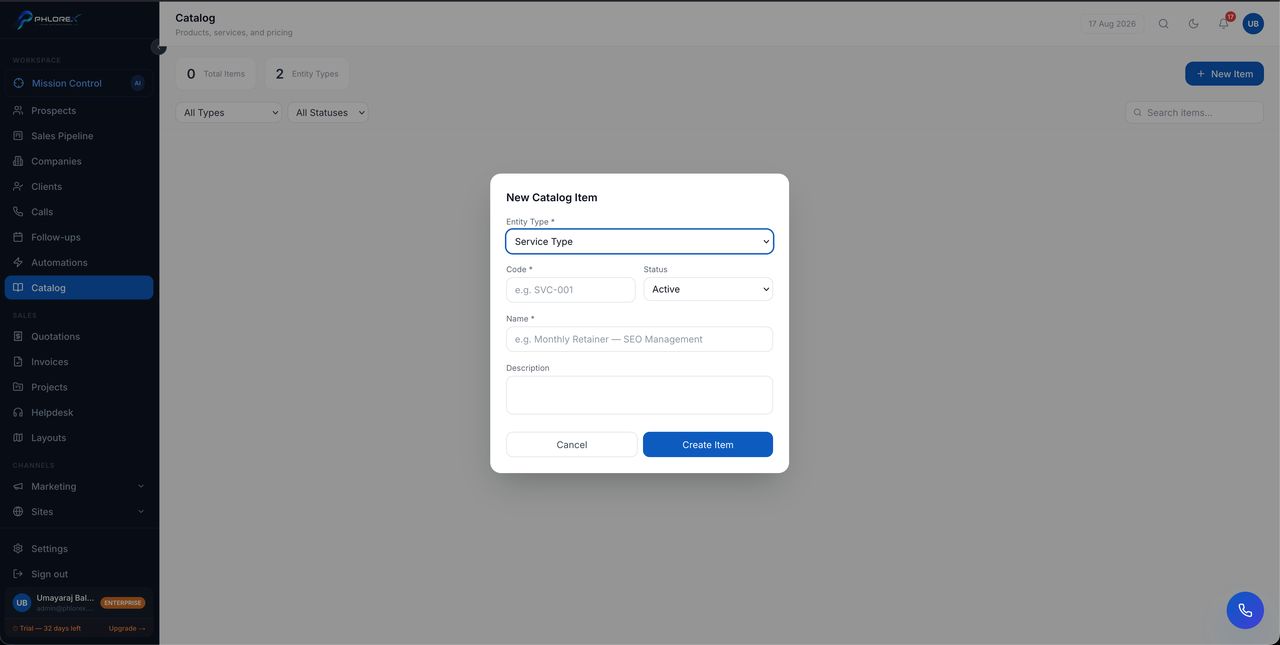
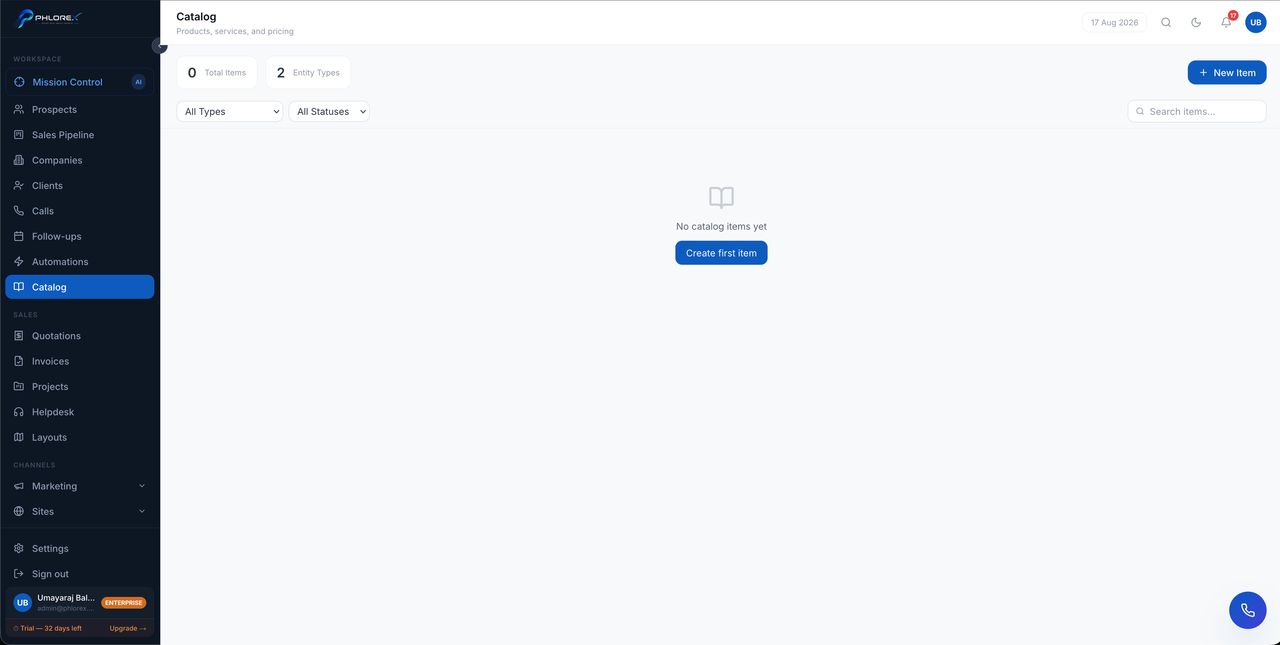
Your reusable list of what you sell. Building it once stops your team retyping descriptions and prices, and stops the same product being quoted three different ways.
- Select New item.
- Enter the name, description and price.
- Assign a type so it groups sensibly.
- Save.
Offerings and plans
An item can have several offerings — variants such as sizes, tiers or durations — and plans where you sell it on a recurring basis. Where an offering has limited availability, LeadOS tracks its capacity so you do not oversell.
When adding a line to a quotation, search the catalog and select the item; description and price fill in automatically and can still be adjusted for that one quote.
Archive items you no longer sell rather than deleting them. Archiving hides them from new quotations while keeping historic ones intact and readable.
Cannot find what you need?
Something not behaving as described here? Tell us and we will fix the page.